How to create a video in Canva
Here is how to create a video in canva
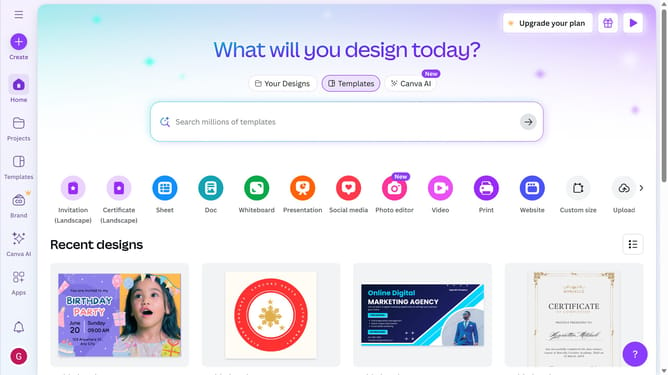
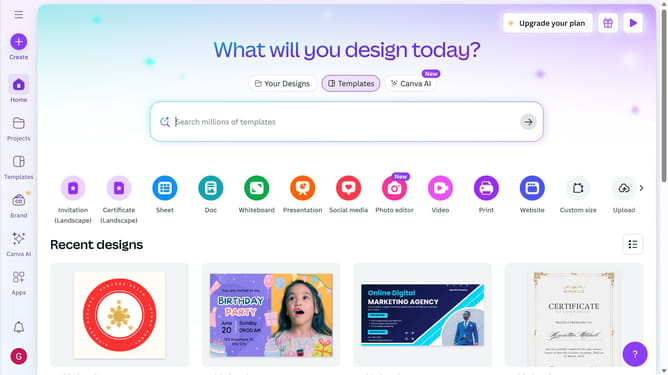
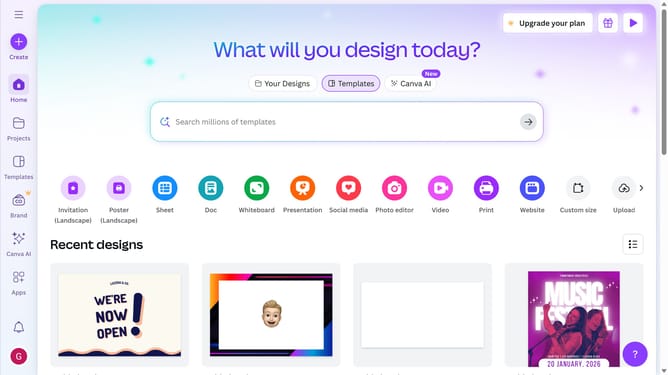
- First click on the "Create" button in the top-left corner of the main interface
- Then click on "Upload" option from the left sidebar menu
- Next click on "Upload files" button in the upload area
- Finally click on "Add to uploads" button in the file preview dialog
Why should you create a video in Canva
Canva is a versatile design platform designed to empower anyone to create stunning visual content effortlessly.
Creating a video in Canva is intuitive and fun, allowing users to unleash their creativity. With a vast library of templates, animations, and audio tracks, crafting engaging videos for social media or presentations becomes a breeze.
This feature is particularly beneficial for small businesses and individuals who need professional-looking videos without the complexity of traditional video editing software.
Enhance your storytelling and reach your audience effectively with the power of video, thanks to Canva's accessible tools.
Last update