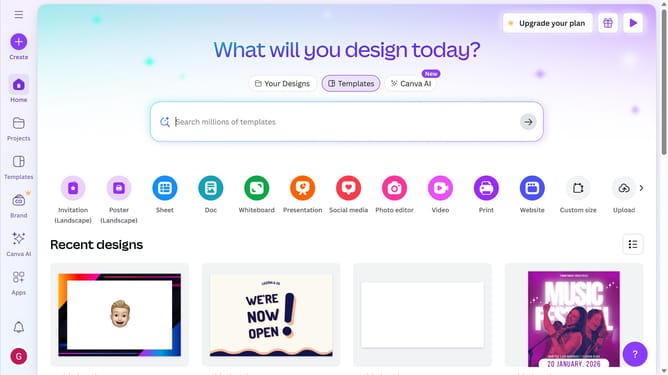
How to download project designs as GIF in Canva
Here is how to download project designs as gif in canva
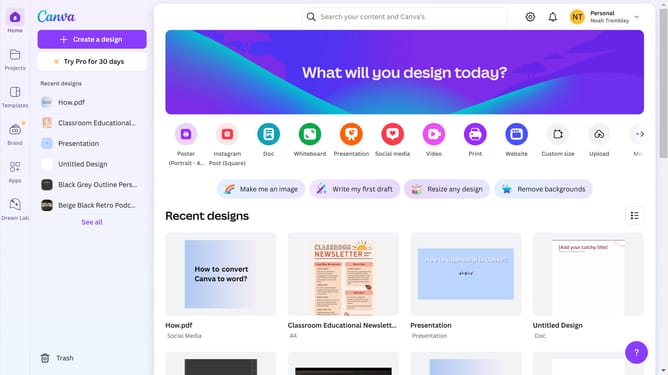
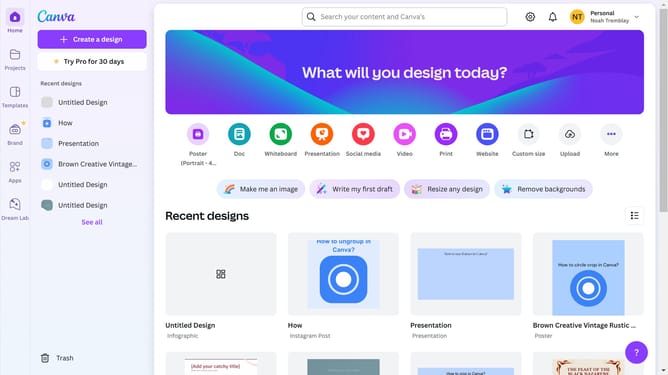
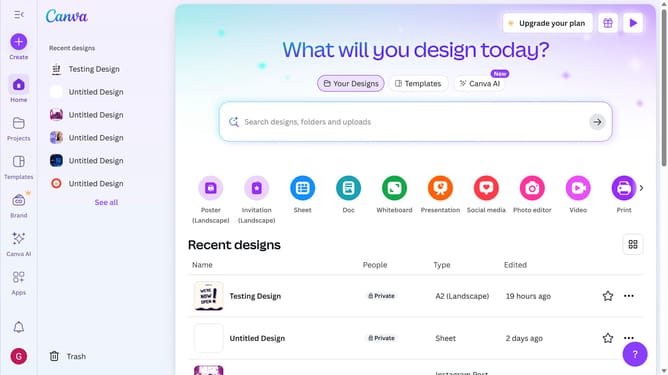
- First click on the "Projects" button in the left sidebar
- Then click on the "Designs" tab in the content area
- Next click on the "Testing Design" item in the project list
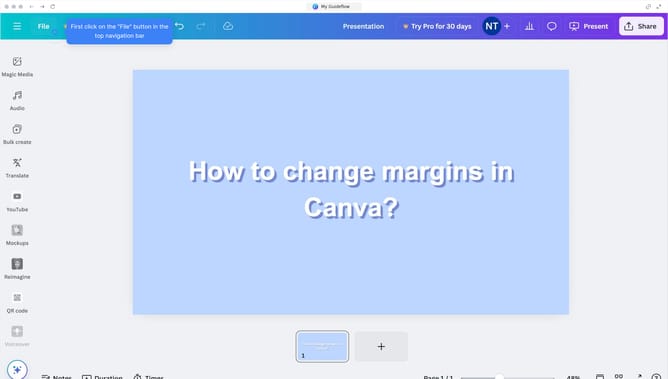
- Next click on the "File" menu in the top navigation bar
- Next click on the "Download" option menu in the File dropdown menu
- Then click on the dropdown menu to open the file types
- Next click on "GIF" option in the file type dropdown
- Finally click the "Download" button in the download dialog
Why should you download project designs as GIF in Canva
Canva is a versatile design tool that empowers anyone to create stunning visual content with ease.
Downloading project designs as GIFs in Canva offers a vibrant way to showcase motion in your creations, adding dynamism to your projects without requiring video software.
This feature is particularly useful for creating eye-catching marketing materials or social media posts that stand out among static images.
GIFs enhance your visual storytelling, capturing attention quickly and effectively, making your designs memorable and engaging.
Last update