How to add people to a design in Canva
Here is how to add people to a design in canva
- First click on the "Projects" button in the left sidebar to access your project files
- Then click on the "Designs" tab in the content filter menu to view your design files
- Next click on the "Testing Design" item in the projects list to open your design
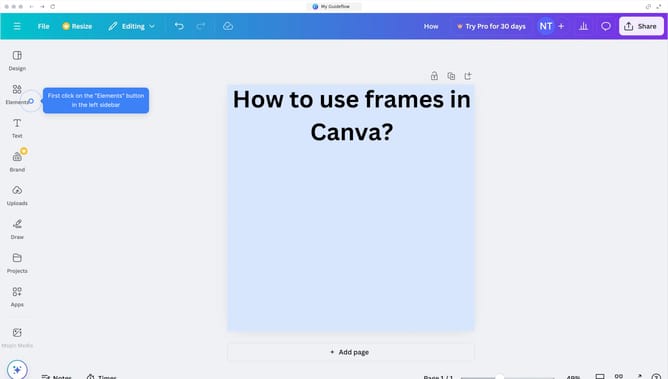
- Then click on the "Share" button located in the top-right corner of the editor interface
- Next click on the "Add people" button in the sharing sidebar
- Then click in the search field labeled in the sharing dialog to input the email of the user
- Finally click the "Share" button at the bottom of the sharing dialog to complete sharing the design
Why should you add people to a design in Canva
Canva is an intuitive online design platform that empowers anyone to create stunning visuals effortlessly.
One standout feature is the ability to add people to a design seamlessly, streamlining collaboration.
This feature enhances creativity by allowing multiple perspectives to influence the design, fostering teamwork.
Integrating people into the design process boosts productivity and ensures diverse ideas are captured, creating richer, more impactful visuals.
Last update