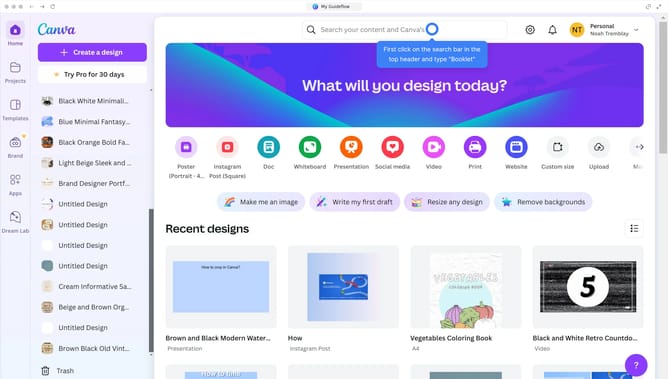
How to change margins in Canva?
Here is how to change margins in canva
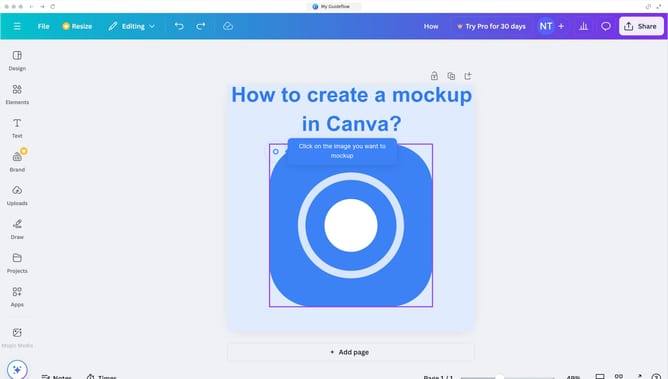
- First click on the "File" button in the top navigation bar
- Then click on the "Settings" option in the dropdown menu
- Next click on "Show rulers and guides" in the settings submenu
- Click and drag on the horizontal ruler at the top of the canvas to adjust horizontal margins
- Finally click and drag on the vertical ruler on the left side of the canvas to adjust vertical margins
Why should you change margins in Canva?
Canva is an intuitive design platform that empowers users to create stunning visuals effortlessly.
Adjusting margins in Canva allows for precise control over your design layout, ensuring a polished and professional finish.
Custom margins enhance visual appeal by balancing elements and offering consistent alignment.
This feature is particularly beneficial for creating printables, presentations, or social media graphics, where spacing matters for impact and readability.
Last update