How to embed Canva newsletter in email?
Here is how to embed canva newsletter in email
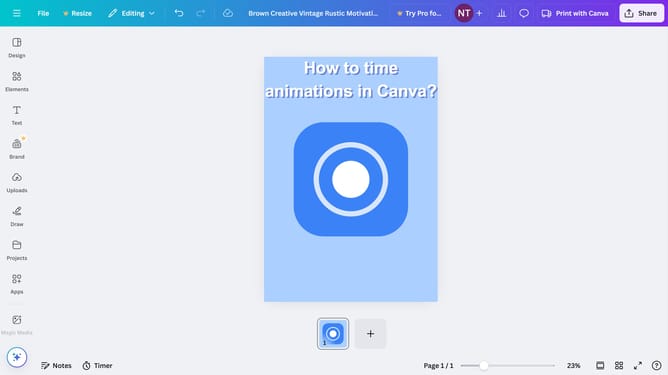
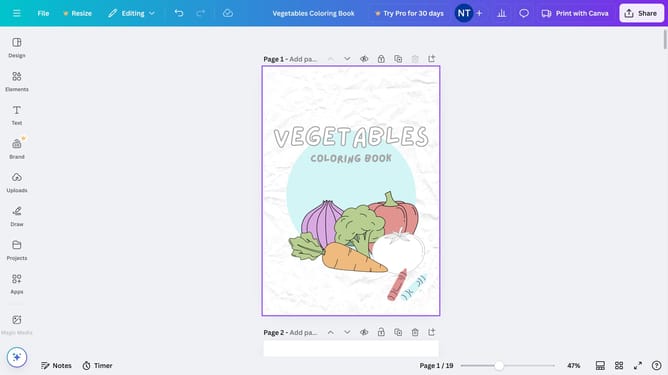
- First click on the "Share" button in the top-right corner of the interface
- Then click on the "See all" button in the sharing options panel
- Next click on the "Embed" icon in the expanded sharing menu
- Then click the purple "Embed" button in the embed options panel
- Finally click the "Copy" button next to the HTML embed code to copy it to clipboard and sent it via Email
Why should you embed Canva newsletter in email?
Canva is a versatile design platform making creative tasks simple and beautiful.
Embedding a Canva newsletter into an email elevates your communication with visually stunning layouts and engaging content.
This feature ensures that your message is not just informative but also appealing, capturing your audience's attention effectively.
Utilizing Canva's embedding capability can enhance brand consistency and connectivity with subscribers by delivering polished, professional emails effortlessly.
Last update