How to create a poster design in Canva
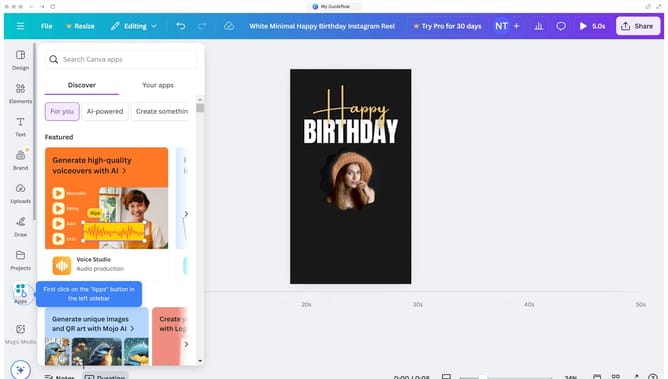
Here is how to create a poster design in canva
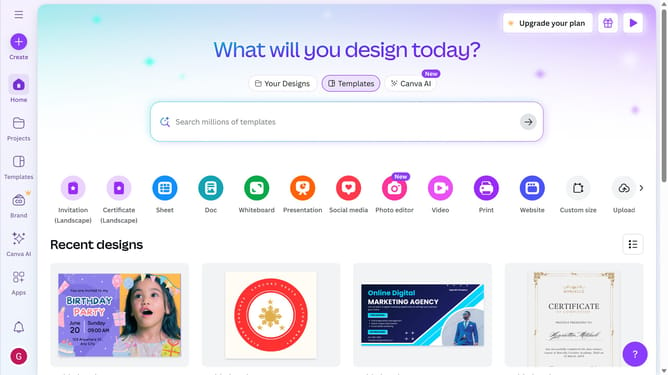
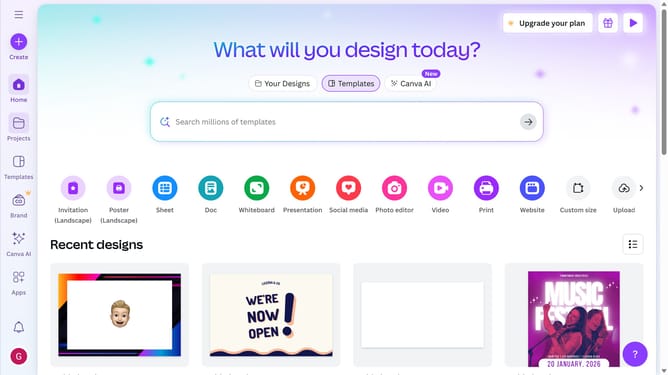
- First click on the "Create" button in the top-left corner of the screen
- Next type 'poster' in the search bar at the top of the design creation window
- Then click on the "Poster (Portrait)" template option from the search results
- Next click on the search bar in the left sidebar and type the template design
- Finally click the design in the left sidebar to apply the city-related templates
Why should you create a poster design in Canva
Canva is a user-friendly online design tool that empowers anyone to create stunning visuals effortlessly.
Creating a poster design in Canva offers a myriad of features that bring creativity to life. With a vast library of templates and intuitive drag-and-drop functionality, designing becomes a delightful experience.
This tool is perfect for anyone, from beginners to design pros, who wishes to communicate visually with impact and efficiency.
The ability to customize every element ensures the final product aligns perfectly with your vision and identity.
Last update