How to create a website design in Canva
Here is how to create a website design in canva
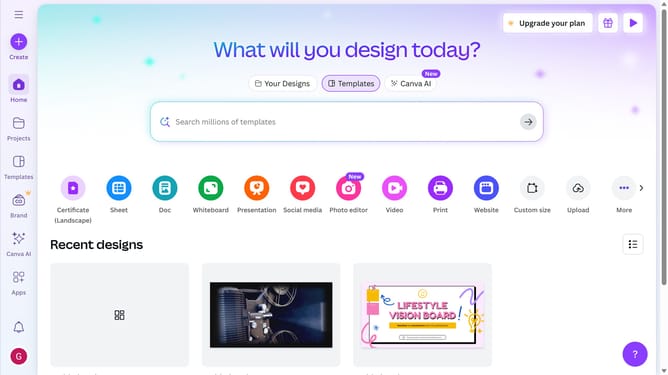
- First click on the "Create" button in the left sidebar
- Then click in the search field at the top and type what you want to create
- Click on the "Website" template in the search results
- Next click on the template search field and type the template deesign
- Then click on the Mega Media Summit website template preview image
- Finally click the "Apply all 5 sections" button to add all template sections
Why should you create a website design in Canva
Canva offers a simple, intuitive platform designed to make graphic design accessible to everyone.
Creating a website design in Canva is a swift process that combines user-friendly tools with professional quality templates.
Its features enable individuals with minimal design experience to craft visually appealing and functional website designs.
The benefits of using Canva for web design include a streamlined process, cost-effectiveness, and creative flexibility, empowering users to create unique designs effortlessly.
Last update