How to delete pages in Canva
Here is how to delete pages in canva
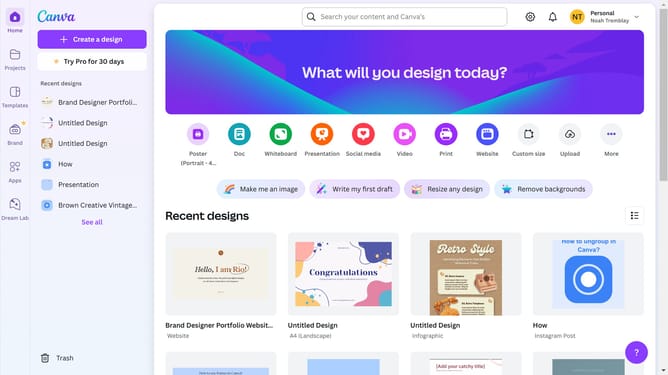
- First click on the "Projects" button in the left sidebar
- Then click on the "Designs" tab in the content area
- Next click on the "Testing Design" item in the projects list
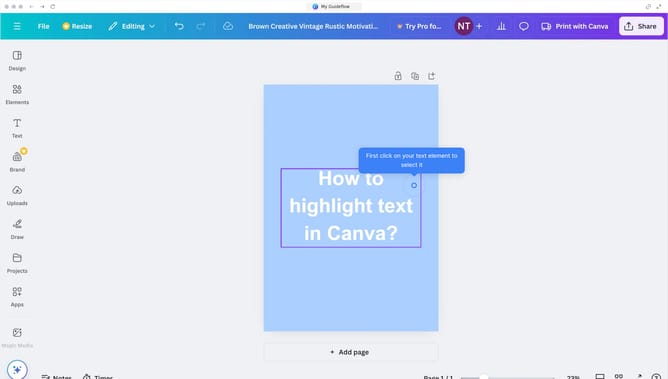
- Next right-click on the page in the main canvas area
- Finally click on "Delete page" option from the context menu
Why should you delete pages in Canva
Canva is a versatile design tool that empowers anyone to create stunning visual content with ease.
The feature to delete pages in Canva serves as a time-saver, allowing users to effortlessly manage and streamline their projects.
Removing unnecessary pages ensures that your design remains focused and organized, which enhances the overall presentation of your work.
This feature not only refines your project but also optimizes creation efficiency, making the design process more enjoyable and effective.
Last update