How to download project designs in Canva
Here is how to download project designs in canva
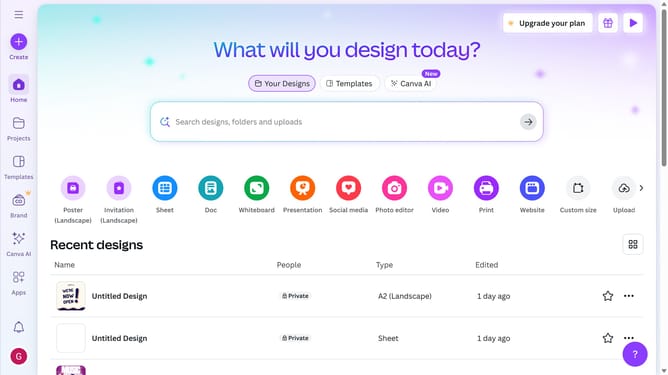
- First click on the "Projects" button in the left sidebar
- Then click on the "Designs" tab in the content area
- Next click on the "Testing Design" item in the project list
- Next click on the "File" menu in the top navigation bar
- Next click on the "Download" option menu in the File dropdown menu
- Then click on the dropdown menu to open the file types
- Next click on "MP4 Video" option in the file type dropdown
- Finally click the "Download" button in the download dialog
Why should you download project designs in Canva
Canva is a versatile graphic design tool that empowers both amateurs and professionals to create stunning visuals effortlessly.
One of its standout features is the ability to easily download project designs, making it incredibly convenient for users eager to showcase their creativity across various platforms.
Downloading designs from Canva ensures your work is readily accessible and shareable, whether in digital formats for online publication or print-ready options to bring your visions to life physically.
This feature enhances productivity and flexibility, ensuring your creative projects are always at your fingertips.
Last update