How to add background music in Canva
Here is how to add background music in canva
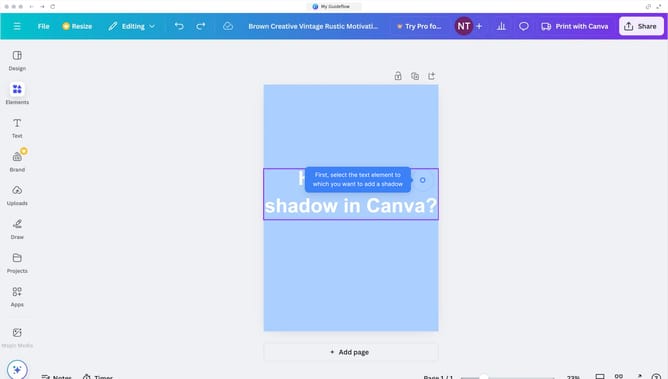
- First click on the "Elements" option in the left sidebar menu
- Then click on "See all" link next to the Audio section in the left panel
- Next click on the audio clip you would like to add to your project
- Finally you can click on the animation style indicator in the bottom timeline panel to adjust the settings
Why should you add background music in Canva
Canva is a versatile design platform that empowers users to create stunning visuals with ease.
One of Canva’s vibrant features is the ability to add background music to your designs.
Incorporating background music elevates your presentations and videos, imbuing them with emotion and engagement.
It enhances the storytelling aspect, helping to captivate your audience and convey your message more effectively.
Adding music is a creative touch that can transform your work, making it more dynamic and memorable.
Last update