How to embed YouTube video in Canva?
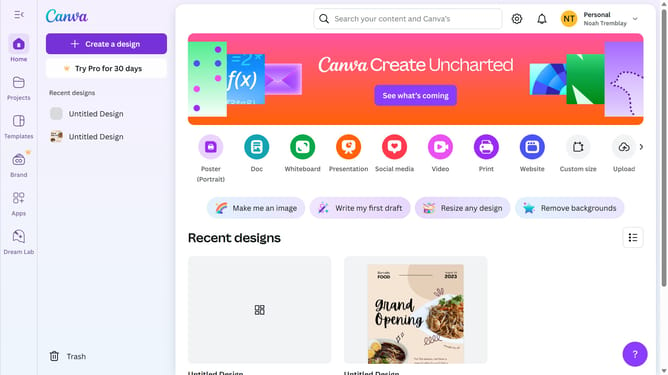
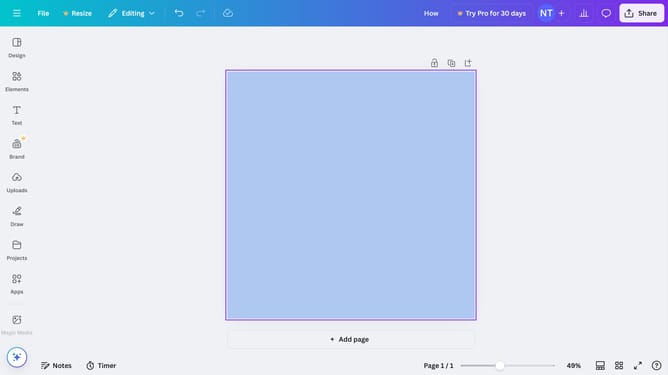
Here is how to embed youtube video in canva
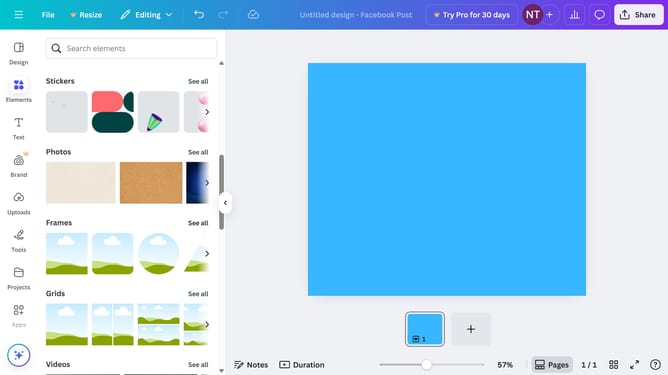
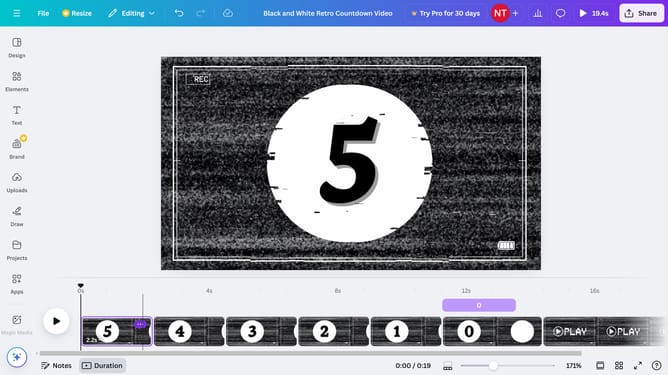
- First click on the "Apps" button in the left sidebar
- Then click in the search field
- Next type "YouTube" in the search field to find the YouTube app
- Click on "YouTube" app from the search results
- Click on the search bar to find your desired video
- Finally select the desired YouTube video from the search results by clicking on its thumbnail
Why should you embed YouTube video in Canva?
Canva is a versatile online design platform that empowers users to create visually stunning content effortlessly.
Embedding a YouTube video in Canva enhances presentations, courses, and marketing materials with dynamic multimedia content, offering an interactive experience for viewers.
This feature seamlessly integrates video into designs, enriching storytelling and communication by providing additional context or depth.
Utilizing videos in Canva designs captures attention and engages audiences, making content more appealing and memorable.
Last update