How to filter projects to ID card in Canva
Here is how to filter projects to id card in canva
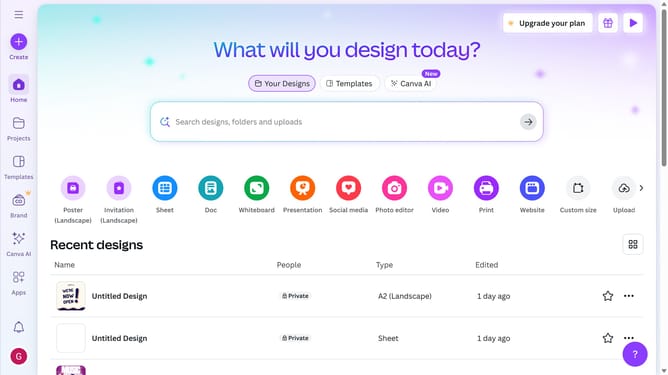
- First click on the "Projects" option in the left sidebar menu
- Then click on the "Category" dropdown filter in the top toolbar
- Next select "ID Card" from the category dropdown menu
- Finally click on the "Clear all" link in the top toolbar to reset the filters
Why should you filter projects to ID card in Canva
Canva is a user-friendly design platform that enables anyone to create stunning graphics effortlessly.
The ability to filter projects specifically to ID cards in Canva offers enhanced organization and efficiency. By focusing your search on ID card designs, you streamline the process of finding and editing exactly what you need.
This feature not only saves time but also keeps your workspace organized, allowing you to concentrate on design creativity rather than sifting through irrelevant projects.
Last update