How to filter projects to sheet in Canva
Here is how to filter projects to sheet in canva
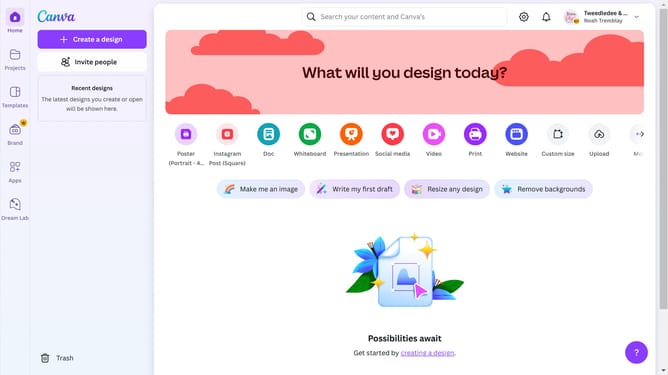
- First click on the "Projects" option in the left sidebar menu
- Then click on the "Category" dropdown filter in the top toolbar
- Next select "Poster" from the category dropdown menu
- Finally click on the "Clear all" link in the top toolbar to reset the filters
Why should you filter projects to sheet in Canva
Canva is an intuitive digital design tool that empowers users to create stunning visuals with ease.
The "filter projects to sheet" feature in Canva allows users to streamline their workflow by organizing projects into neatly categorized sheets.
This feature is essential for those who manage multiple designs, as it helps maintain clarity and focus by displaying only the necessary projects.
By efficiently filtering projects, users save time and effort, enhancing their productivity and creativity in the process.
Last update