How to add a link in Canva?
Here is how to add a link in canva
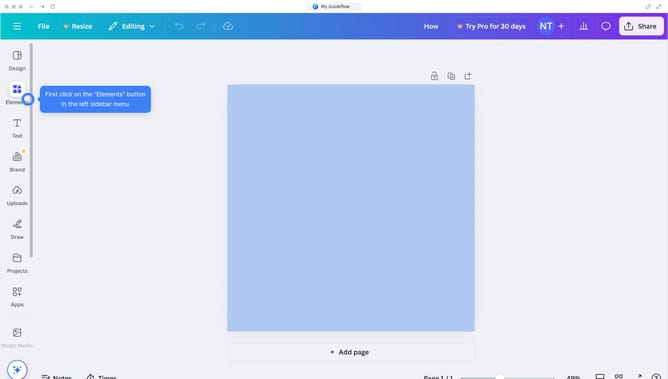
- First click on the text element you want to add a link to
- Then click on the "More" button (three dots) in the floating toolbar that appears above the selected text
- Next click on the "Link" option from the dropdown menu
- In the link dialog box that appears, enter the URL in the text field
- Finally click the "Done" button to apply the link to the selected text
Why should you add a link in Canva?
Canva is a versatile design tool that empowers everyone to create stunning visuals with ease.
Adding a link in Canva enhances the interactivity of your designs, making them more dynamic and engaging.
This feature allows you to create clickable content, guiding your audience seamlessly to external web pages or resources.
Incorporating links into your designs can significantly increase user engagement, effectively directing viewers toward additional information or call-to-action destinations. By doing so, Canva not only boosts your graphic appeal but also amplifies its practicality.
Last update