How to make a mood board on Canva?
Here is how to make a mood board on canva
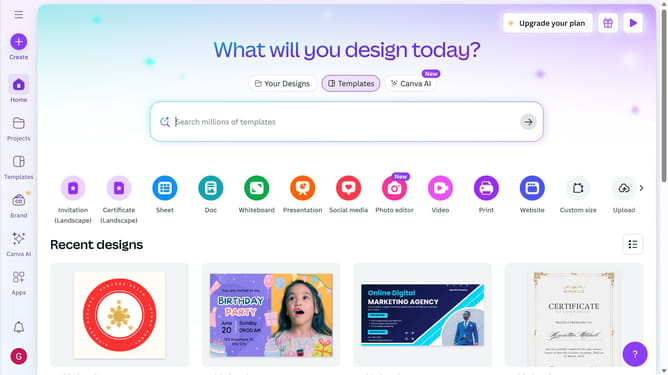
- First click on the search box in the top header and type 'Mood Board'
- Then click in the search field that appears with the text 'Search for Mood Board'
- Here you can find different kinds of templates for mood board
- Then click on the mood board template you want to use
- Finally click on the 'Customize this template' button to start editing the selected design
Why should you make a mood board on Canva?
Canva is a versatile design tool that empowers anyone to create stunning visuals effortlessly.
Creating a mood board on Canva combines user-friendly features with a vast array of templates and design elements. This allows you to visualize concepts, plan creative projects, and compile inspirations seamlessly.
Using Canva for mood boards is excellent for organizing ideas, whether for personal projects, business branding, or event themes. Its collaborative features facilitate sharing and receiving feedback, making it ideal for team projects and individual brainstorming sessions.
Last update