How to create a certificate design in Canva
Here is how to create a certificate design in canva
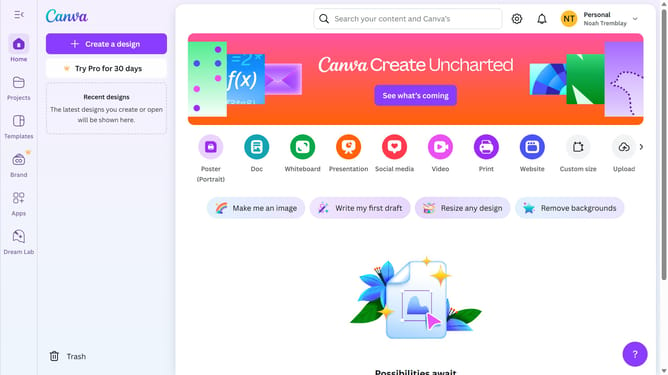
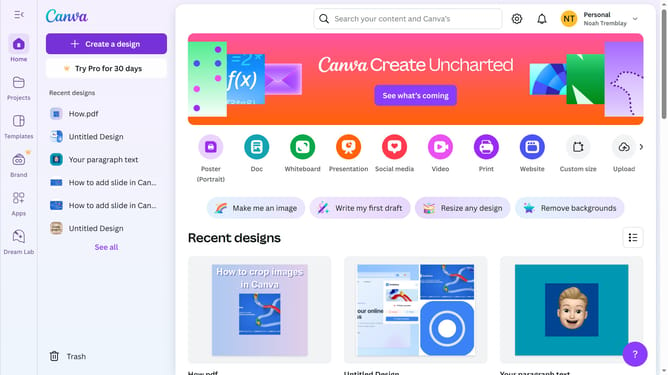
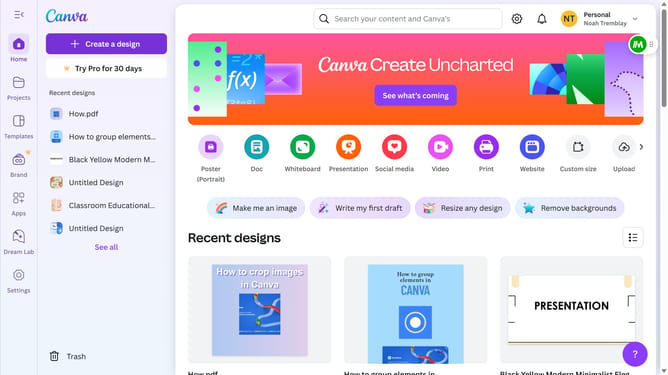
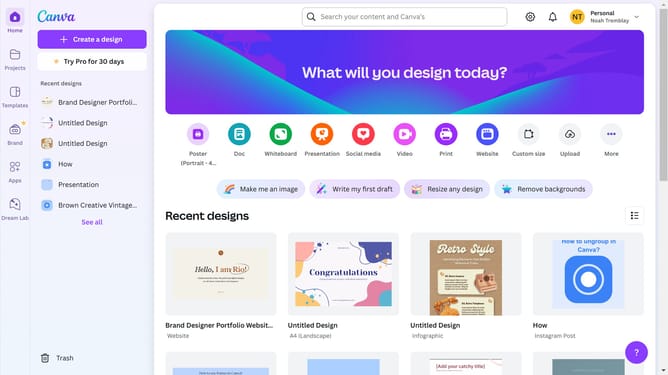
- First click on the "Create" button in the top-left corner of the main interface
- Next enter your search query in the search bar at the top of the screen
- Then click on the "Certificate (Portrait)" template from the search results
- Next click on the search field in the left sidebar to type the template design
- Finally click on the design in the left sidebar to apply on your template
Why should you create a certificate design in Canva
Canva is a versatile design platform that empowers users to create visually stunning graphics with ease.
Creating a certificate design in Canva is a seamless process, offering an array of templates and customization options. This feature is perfect for businesses and educators looking to reward excellence or mark achievements with personalized flair.
Using Canva's intuitive interface, you can craft professional-quality certificates that reflect your brand's identity or personal style, enhancing both engagement and appreciation.
Last update