How to accept an invitation on Canva?
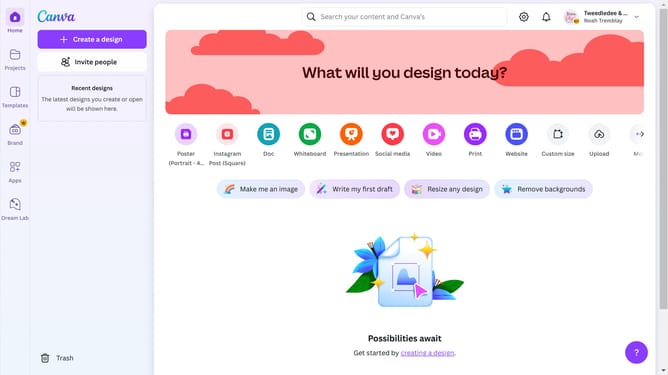
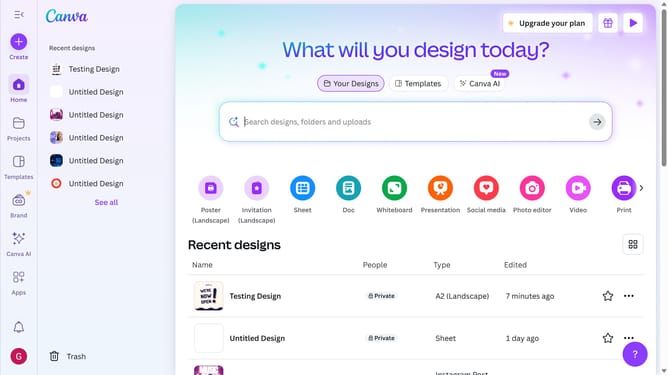
Here is how to accept an invitation on canva
- You should see a message confirming that you have been invited to join a team or project
- Click "Accept invite" to finalize your acceptance of the invitation
- After accepting the invitation, you will be able to access the team or project you were invited to
Why should you accept an invitation on Canva?
Canva is a powerful design platform that simplifies the creation of stunning visuals for any project.
Accepting an invitation on Canva is a straightforward feature designed to streamline collaboration among team members.
By accepting an invite, individuals can instantly gain access to shared projects and resources, fostering a more inclusive and productive environment.
This feature not only saves time but also enhances the creative process through seamless teamwork and shared access to design innovations.
Last update