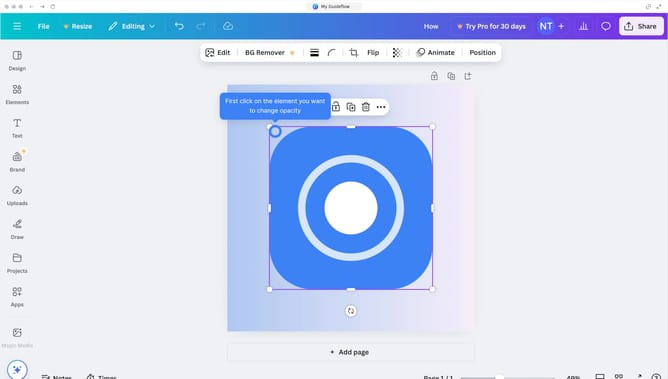
How to make transparent background in Canva
Here is how to make transparent background in canva
- First click on the "Apps" icon in the left sidebar
- Then click on the input text field tab in the horizontal menu
- Next click on the "Background Eraser" app in the search results
- Then click on the "Use in existing design" button in the app dialog
- Next click on "Your projects" folder in the folder selection dialog
- Then select the "Untitled Design (A2 Landscape)" project
- Next click on the "Remove background" button in the window panel
- Finally click on the "Remove background" button in the left sidebar
Why should you make transparent background in Canva
Canva is a powerful design tool tailored for effortless creation and innovation, catering to a vast array of visual needs.
A standout feature is the ability to make backgrounds transparent, enhancing design versatility.
Using a transparent background is ideal for creating logos or graphics that seamlessly blend into any medium, ensuring professional finishes and adaptable design elements.
This functionality maximizes flexibility, aiding users in delivering consistent, polished content across multiple channels and platforms.
Last update