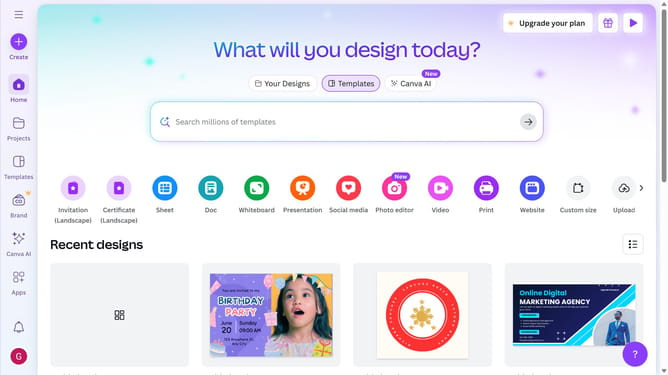
How to make a presentation in Canva
Here is how to make a presentation in canva
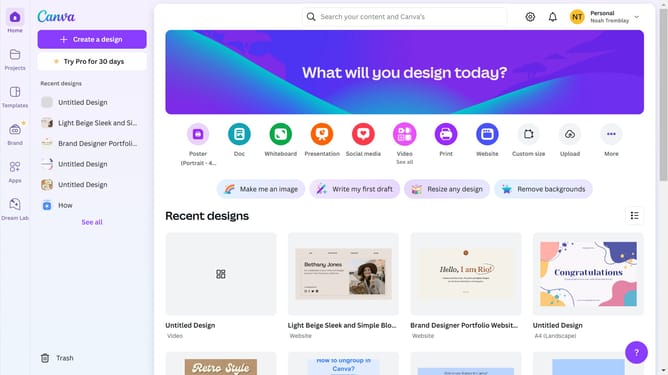
- First click on the "Create a design" button in the top toolbar
- Then click on "Presentations" option in the left sidebar menu
- Next select your preferred presentation format
- In the templates section on the left sidebar, choose your preferred presentation style
- Finally click on the "Apply" button to add all pages from the selected template
Why should you make a presentation in Canva
Canva is a versatile graphic design tool that empowers users to create visually stunning projects effortlessly.
Using Canva to make a presentation combines creativity with simplicity, offering an array of features that cater to beginners and professionals alike.
With numerous templates, intuitive drag-and-drop functionality, and a vast library of design elements, crafting a presentation becomes a streamlined, innovative process.
Ultimately, it saves time while ensuring your ideas are conveyed through engaging, polished visuals.
Last update