How to duplicate a video in Canva
Here is how to duplicate a video in canva
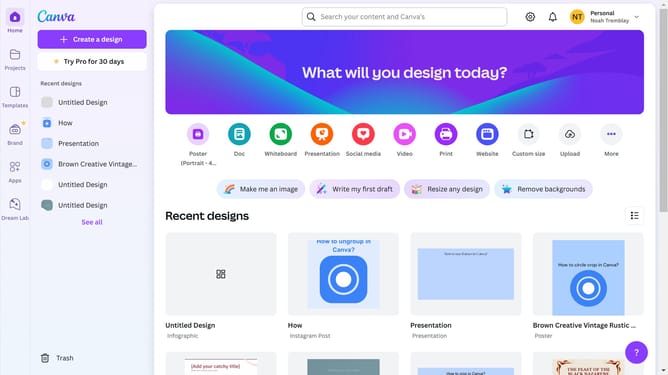
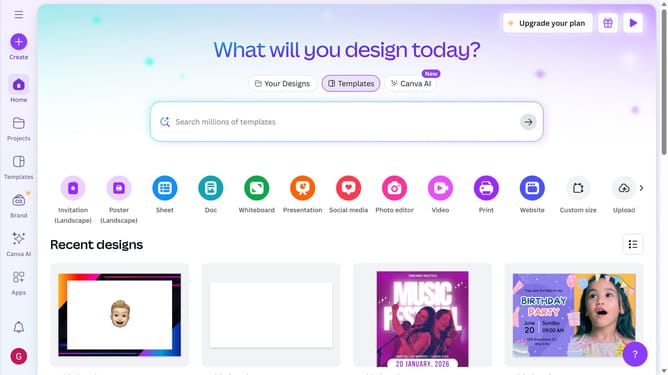
- First click on the "Projects" button in the left sidebar
- Then click on the "Designs" tab in the content area
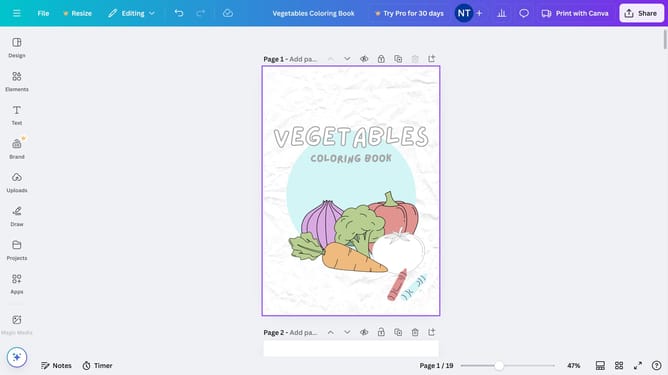
- Next click on the "Testing Design" item in the projects list
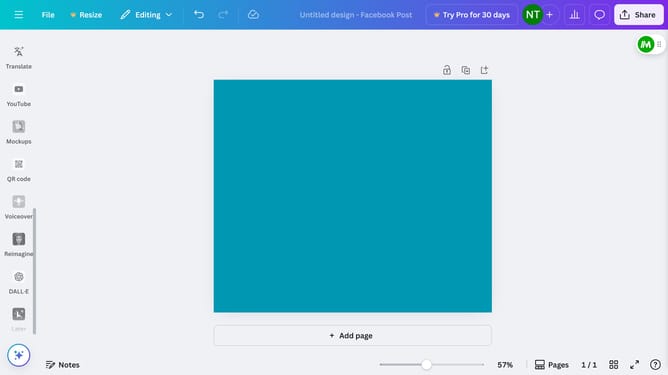
- Next select the video thumbnail illustration in the main workspace
- Finally click on the "Duplicate" icon button on the text pop-up window panel
Why should you duplicate a video in Canva
Canva is a versatile design platform empowering anyone to create stunning visuals effortlessly.
Duplicating a video in Canva is a handy feature that enables users to replicate their video projects with ease, conserving precious time and effort.
This feature proves invaluable for maintaining consistency across different video campaigns or when making slight variations to an original project.
By leveraging video duplication, users can ensure uniformity in branding and messaging, significantly enhancing their production efficiency.
Last update