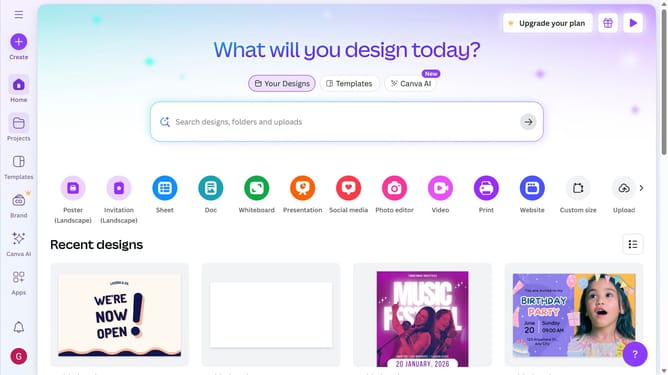
How to make landscape template in Canva
Here is how to make landscape template in canva
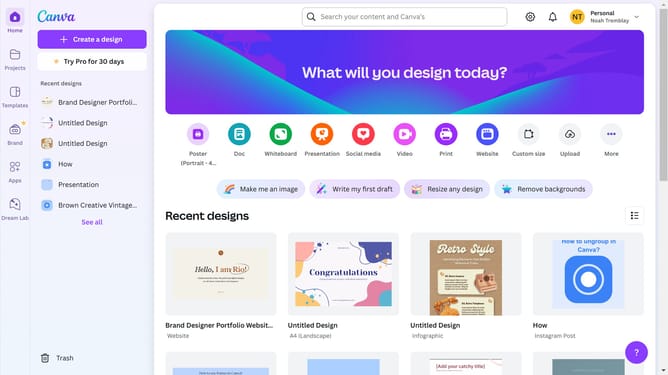
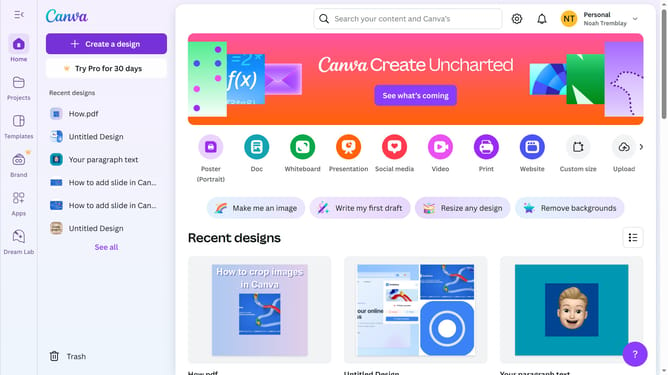
- First click on the recent design in the main content area
- Then click in the search box at the top of the create design modal
- Next click on the "Flyer (Landscape A4)" template option in the search results
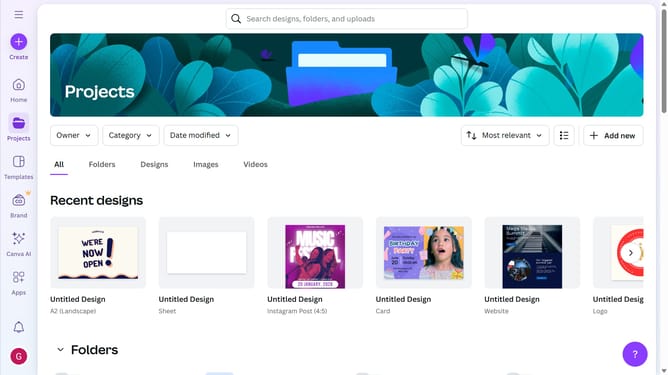
- Finally select the "We're now open!" template from the templates sidebar
Why should you make landscape template in Canva
Canva is a versatile design platform that simplifies the creation of beautiful designs for anyone.
The landscape template feature in Canva allows users to harness their creativity by adjusting their design space to fit a wide format, perfect for presentations, brochures, and more.
It optimizes visual storytelling by offering a larger canvas, ensuring designs are both impactful and engaging.
Utilizing Canva's landscape template not only enhances visual appeal but also streamlines the design process, making it an essential tool for effective communication.
Last update