How to create a QR code link in Canva
Here is how to create a qr code link in canva
- How to create a QR code link in Canva
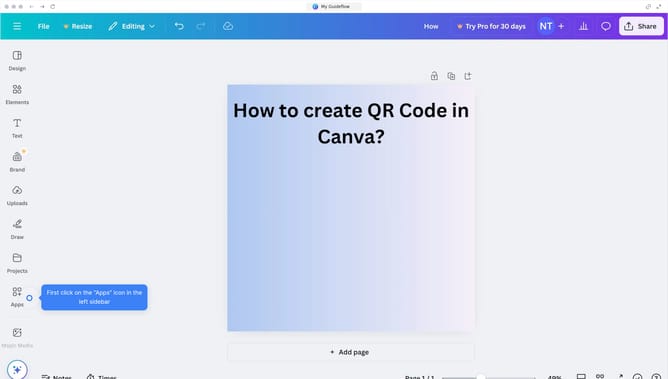
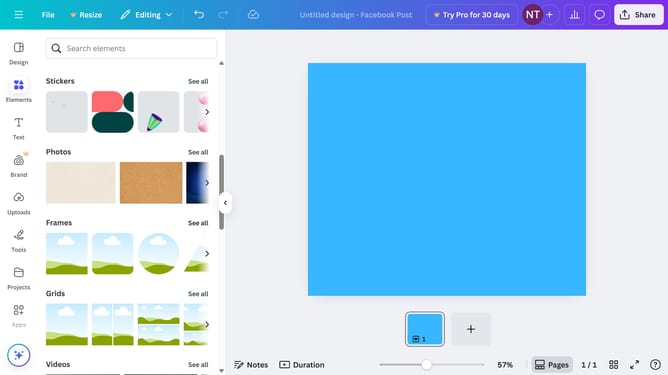
- Then click on search field bar in the apps category filter
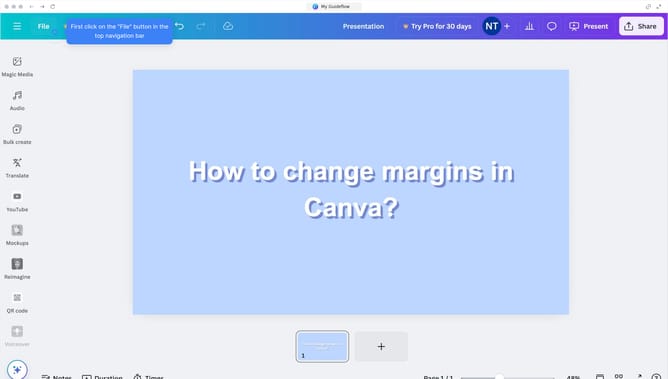
- Then click on "QR Codes" app tile in the apps grid
- Next click on "Use in existing design" button in the QR code generator modal
- Next click on the folder to open the projects to insert the QR code generator modal
- Then click on the project to insert the QR code generator modal
- Next click on the "URL" text field to input the link to your project from the list
- Finally click on "Generate code" button after entering the URL in the QR code generator
Why should you create a QR code link in Canva
Canva is an intuitive design tool that empowers creativity for individuals of all skill levels.
Creating a QR code link in Canva is a seamless process enhancing interactive design projects. By incorporating this feature, you can easily direct an audience to websites, portfolios, or contact forms simply through scanning a code.
This feature is valuable for business cards, brochures, and digital designs, offering a bridge between the physical and digital worlds. With Canva, your creations become more engaging and accessible, making communication more efficient and effective.
Last update