How to sort out projects in Canva
Here is how to sort out projects in canva
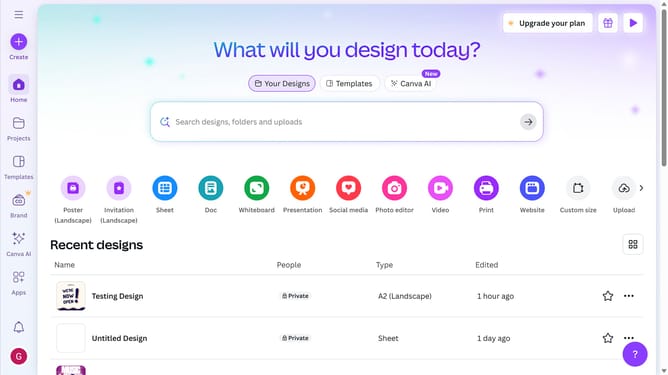
- First click on the "Projects" option in the left sidebar menu
- Next click on the "Most relevant" dropdown button in the top navigation bar
- Then click on "Alphabetical (A-Z)" option from the sorting dropdown menu
- Next click on the "Alphabetical (A-Z)" dropdown button in the top navigation bar
- Finally click on "Most relevant" option from the sorting dropdown menu
Why should you sort out projects in Canva
Canva is an intuitive design tool that empowers users to create stunning visuals with ease.
One of Canva's standout features is the ability to sort projects efficiently. By organizing your projects, you can quickly locate designs, streamlining your workflow.
This feature ensures that your creative process is seamless and efficient, saving you valuable time. It's perfect for managing multiple design tasks or collaborating within teams, making project handling simple and effective.
Last update