How to filter projects to certificate in Canva
Here is how to filter projects to certificate in canva
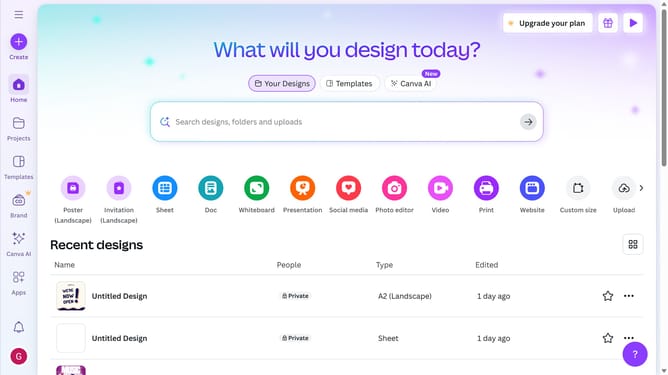
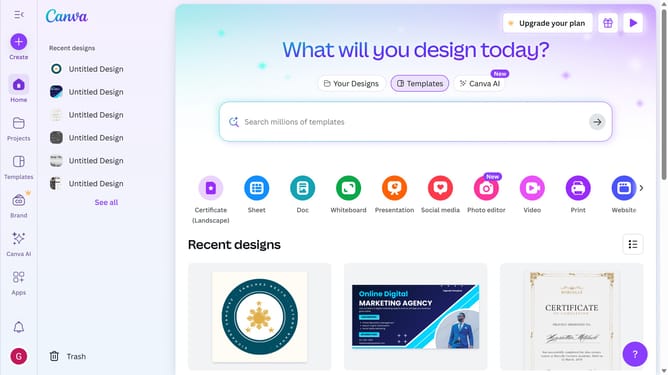
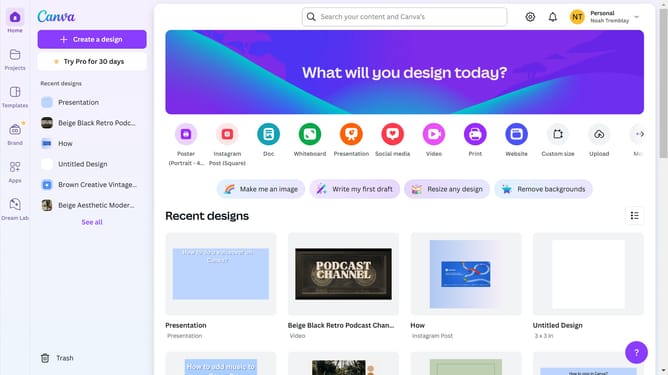
- First click on the "Projects" option in the left sidebar menu
- Then click on the "Category" dropdown filter in the top toolbar
- Next select "Certificate" from the category dropdown menu
- Finally click on the "Clear all" link in the top toolbar to reset the filters
Why should you filter projects to certificate in Canva
Canva, a versatile design platform, empowers users to effortlessly create visually stunning content.
Among its many features, Canva offers the ability to filter projects specifically designed for certificates. This feature enhances the efficiency of organizing projects and accessing certificate templates quickly, ensuring you spend less time searching and more time designing.
Filtering projects to certificate designs streamlines your workflow, allowing you to focus on crafting perfect, personalized certificates for any occasion. Embrace this feature to enhance productivity and creativity.
Last update