How to make a booklet in Canva?
Here is how to make a booklet in canva
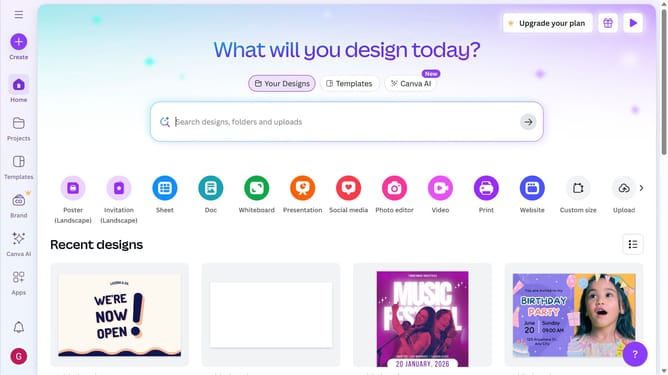
- First click on the search bar in the top header and type "Booklet"
- Then click "Booklet"
- You can click here to make a new booklet
- Or you can use any existing template
- Finally click the "Customize this template" button in the template preview window
Why should you make a booklet in Canva?
Canva is a versatile online tool designed to simplify graphic design for everyone.
Creating a booklet in Canva is a seamless process featuring a wide array of templates and design elements. With Canva, you have access to customizable layouts that suit any theme or purpose, ensuring your booklet stands out.
Using Canva to craft your booklet offers the benefit of professional-grade design without the steep learning curve. It's an efficient way to communicate your message visually, making it ideal for events, presentations, or personal projects.
Embrace the ease and creativity that Canva brings to booklet creation, ensuring polished, eye-catching results every time.
Last update