How to filter projects to facebook post in Canva
Here is how to filter projects to facebook post in canva
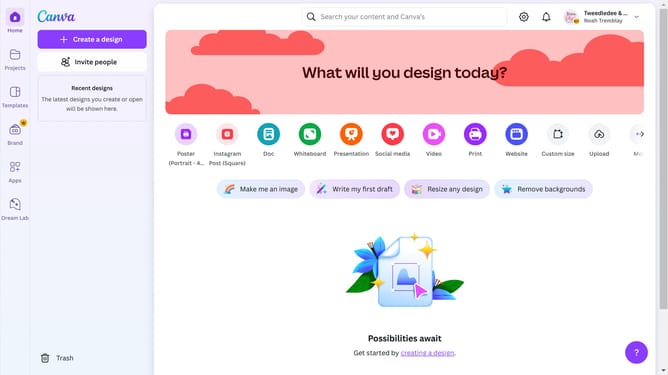
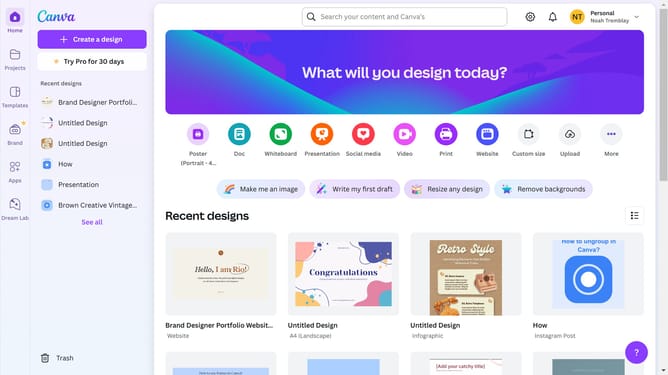
- First click on the "Projects" option in the left sidebar menu
- Then click on the "Category" dropdown filter in the top toolbar
- Next select "Facebook Post" from the category dropdown menu
- Finally click on the "Clear all" link in the top toolbar to reset the filters
Why should you filter projects to facebook post in Canva
Canva is a versatile design platform that empowers users to create stunning visual content with ease.
Filtering projects to Facebook posts in Canva is a convenient feature that streamlines your workflow. By easily accessing Facebook-specific templates, you can ensure your designs are optimized for social media engagement.
This feature saves time and enhances productivity by allowing you to focus on crafting visually appealing content tailored to your social media strategy.
Ultimately, it helps elevate your brand’s presence on Facebook by making design creation both efficient and effective.
Last update