How to share project design in Canva
Here is how to share project design in canva
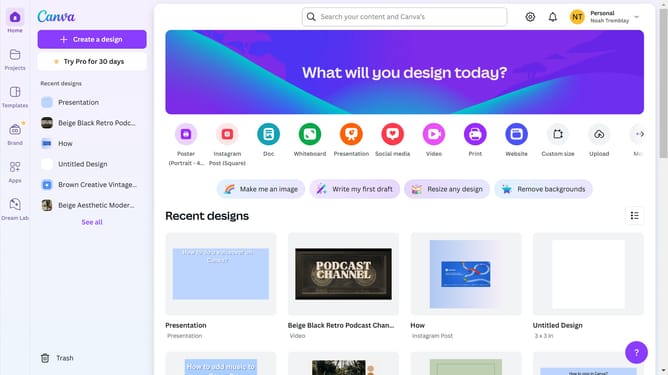
- First click on the "Projects" button in the left sidebar to access your project files
- Then click on the "Designs" tab in the content filter menu to view your design files
- Next click on the "Testing Design" item in the projects list to open your design
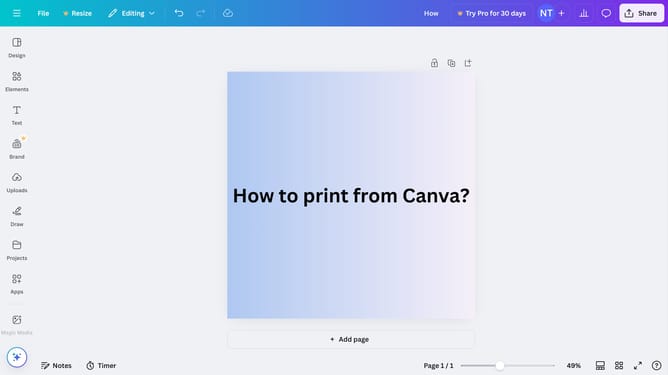
- Then click on the "Share" button located in the top-right corner of the editor interface
- Finally click on the "Copy link" button in the share dialog to copy the shareable link
Why should you share project design in Canva
Canva is an intuitive design platform empowering users to create stunning visual content effortlessly.
Sharing project designs in Canva enhances collaboration, allowing team members to view, suggest, and implement ideas instantly.
This feature ensures that your creations are not just personal achievements but collaborative masterpieces, fostering creativity and innovation with ease.
Utilizing this feature streamlines teamwork, enhances efficiency, and encourages collective input, making your projects truly shine.
Last update