How to filter projects to flyer in Canva
Here is how to filter projects to flyer in canva
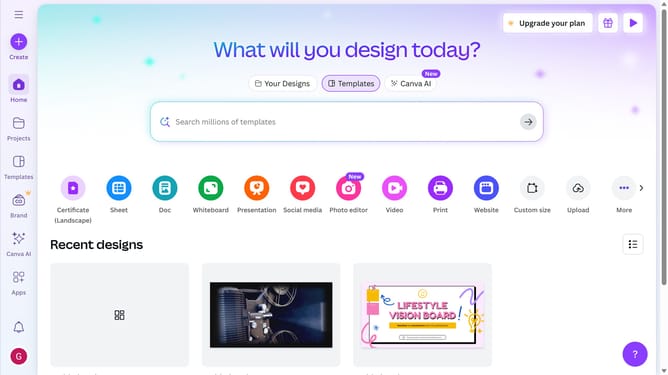
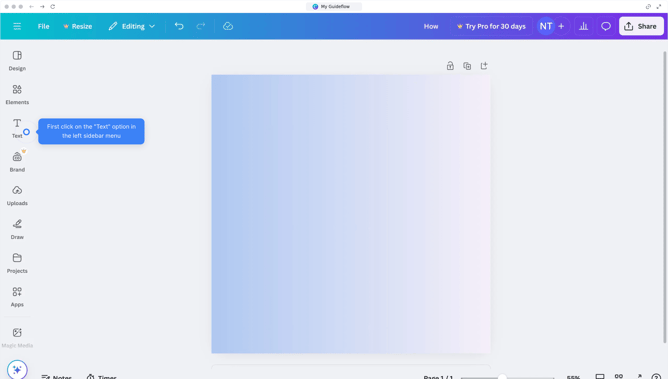
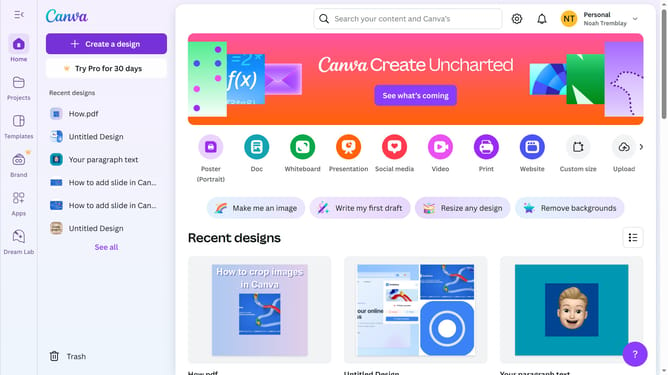
- First click on the "Projects" option in the left sidebar menu
- Then click on the "Category" dropdown filter in the top toolbar
- Next select "Flyer" from the category dropdown menu
- Finally click on the "Clear all" link in the top toolbar to reset the filters
Why should you filter projects to flyer in Canva
Canva is a versatile design platform that empowers users to create stunning visuals effortlessly.
Filtering projects to flyer format in Canva enhances workflow efficiency by sorting relevant designs quickly. This feature is particularly useful for those needing fast access to specific project types, saving time and keeping creative ideas organized.
Using this feature ensures that designers and marketers can focus on creativity and execution, rather than manual sorting, providing a seamless, inspiring design experience.
Last update