How to create a resume design in Canva
Here is how to create a resume design in canva
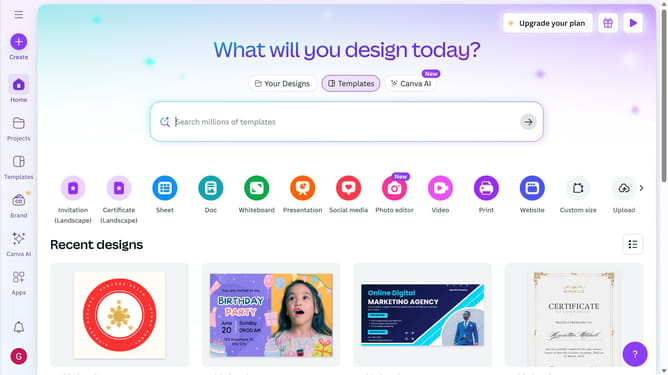
- First click on the "Create" button in the top-left corner of the screen
- Next enter your search query in the search bar at the top of the screen
- Then click on the "Resume (A4 Portrait)" template from the search results
- Next click on the search field in the left sidebar to type the template design
- Finally select the professional resume template from the template options in the left sidebar
Why should you create a resume design in Canva
Canva is an intuitive online platform designed to empower anyone to create stunning visual content effortlessly.
Creating a resume design in Canva enhances your job applications with visually appealing and professional layouts. Its easy-to-use features allow you to customize pre-made templates or craft your own unique design.
Using Canva for resume design ensures your document stands out, showcasing your creativity and attention to detail. Plus, its drag-and-drop functionality and extensive template library save time and make design accessible to everyone.
Last update