How to lock pages in Canva
Here is how to lock pages in canva
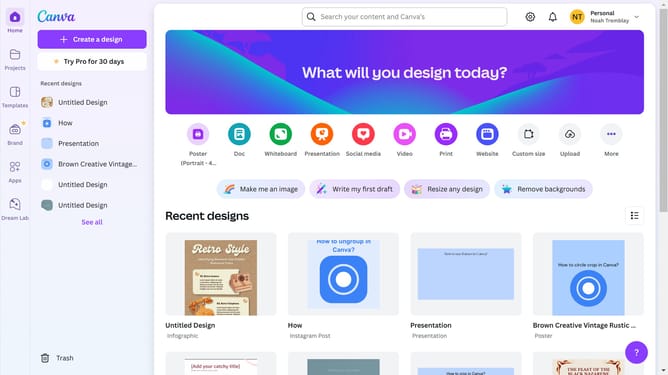
- First click on the "Projects" button in the left sidebar
- Then click on the "Designs" tab in the content area
- Next click on the "Testing Design" item in the projects list
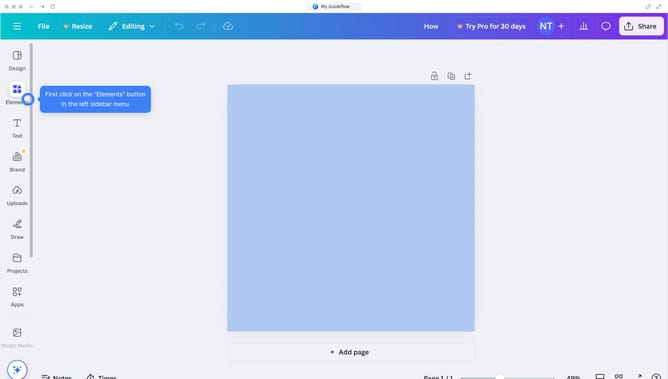
- Next right-click on the page in the main canvas area
- Finally click on "Lock page" option from the context menu
Why should you lock pages in Canva
Canva is an intuitive online design tool that empowers creativity for everyone.
One standout feature is the ability to lock pages, ensuring your layout remains unchanged even amidst collaborative efforts. This feature is especially beneficial when multiple team members are involved, as it secures important design elements from unintended edits.
By locking pages, users can maintain consistency and safeguard their vision, making it an invaluable asset in preserving the integrity of any design project.
Last update