How to align bottom a text box in Canva
Here is how to align bottom a text box in canva
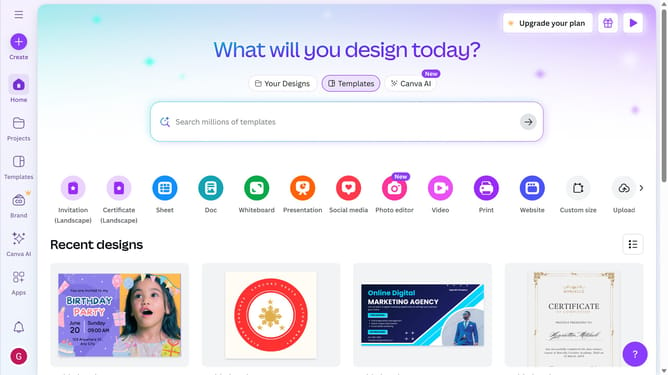
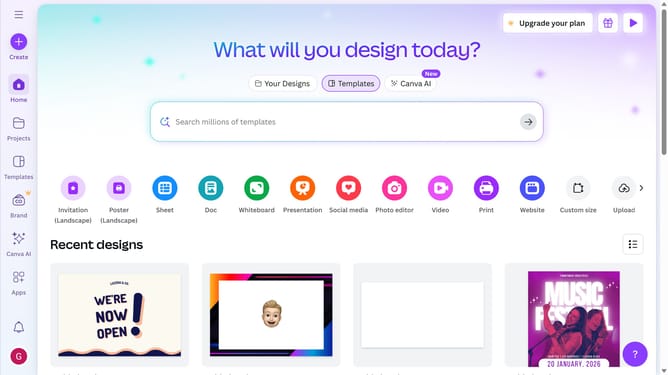
- First click on the "Projects" button in the left sidebar
- Then click on the "Design" tab in the content filters
- Next click on the "Testing Design" item in the designs list
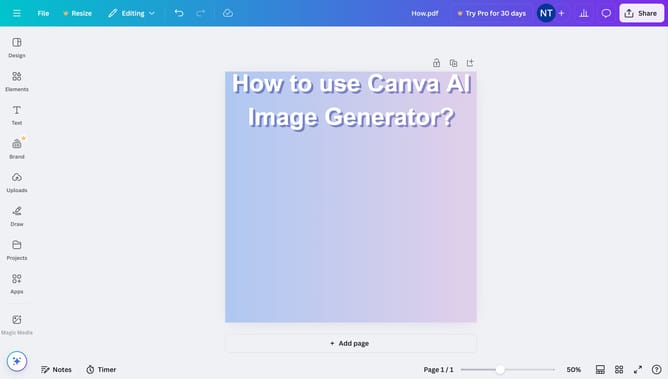
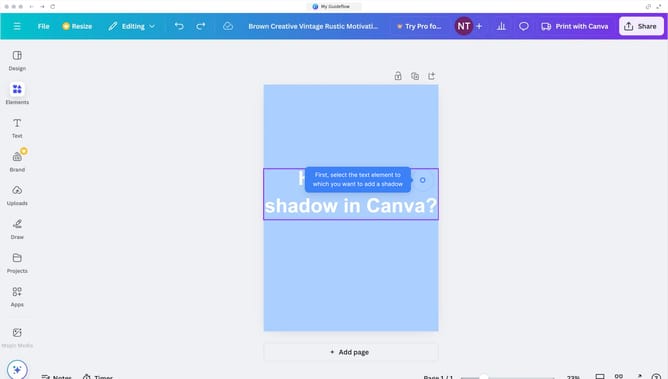
- Next click on the text element that says "YOUR PARAGRAPH TEXT" in the canvas area
- Then click on the "More options" button (three dots) in the floating toolbar above the text
- Next click on "Align to page" option in the dropdown menu
- Finally select "Bottom" alignment from the submenu to align the text to the bottom side
Why should you align bottom a text box in Canva
Canva is a user-friendly design platform that empowers anyone to create stunning visuals effortlessly.
One of its standout features is the ability to align text boxes to the bottom of your design, making your layout more dynamic and visually appealing.
This feature not only enhances the aesthetic appeal but also ensures a professional and organized look to your projects.
Aligning text boxes precisely offers clarity and aids in maintaining a consistent design flow, enhancing your overall visual storytelling.
Last update