How to create a video design in Canva
Here is how to create a video design in canva
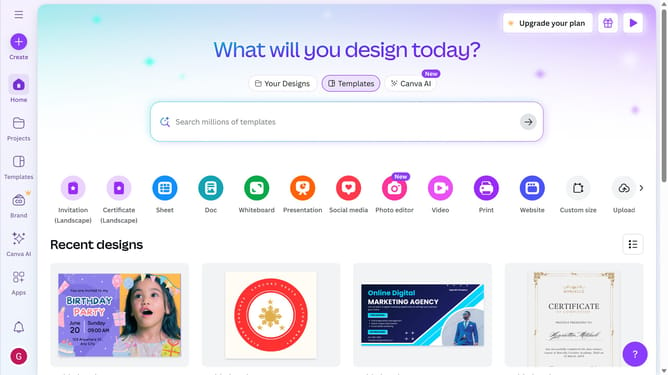
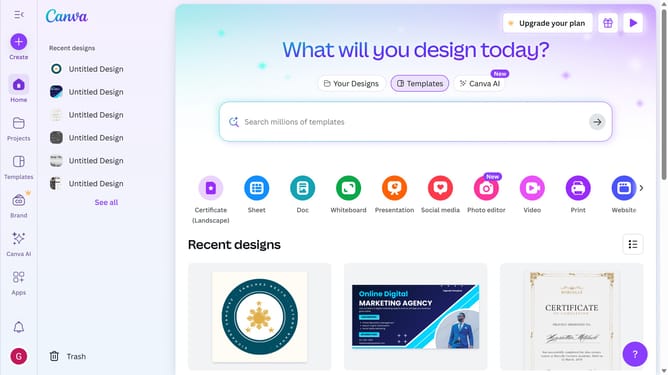
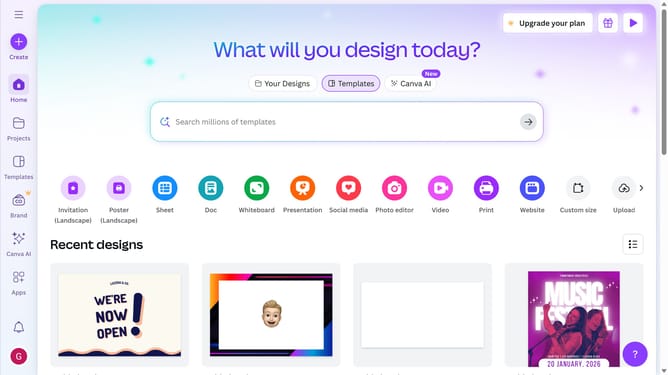
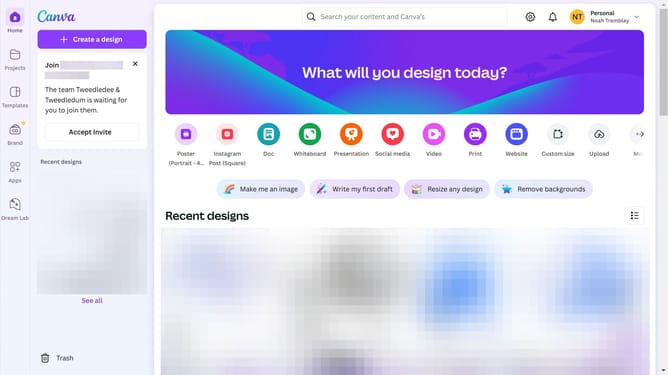
- First click on the "Create" button in the top-left corner of the main interface
- Next click on the search bar at the top of the screen and type what you would like to create
- Then click on the "Video (Landscape)" template option from the displayed formats
- Next click on the search bar in the left sidebar and type "Video templates"
- Then type "Cinema" in the templates search bar
- Finally click on the "Apply all 11 pages" button to apply the selected template
Why should you create a video design in Canva
Canva is a user-friendly design tool that empowers creativity for everyone.
Creating a video design in Canva is a seamless experience, allowing you to unleash your imagination with ease. Whether you’re crafting a captivating presentation or a vibrant social media video, Canva offers a variety of customizable templates to make your content shine.
Using Canva for your video projects means having access to a powerful suite of editing tools that simplify the process. It combines versatility with convenience, ensuring your design stands out with professional quality.
Last update