How to add pages in Canva
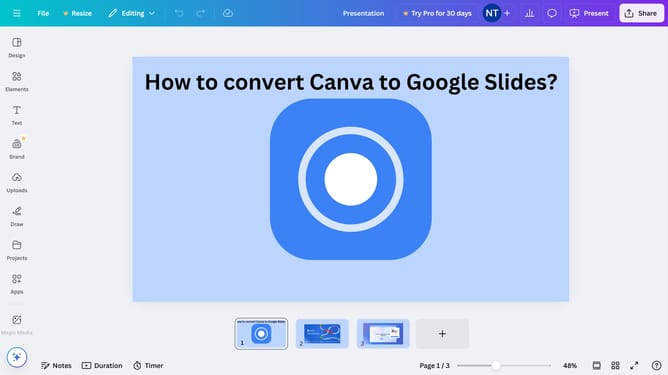
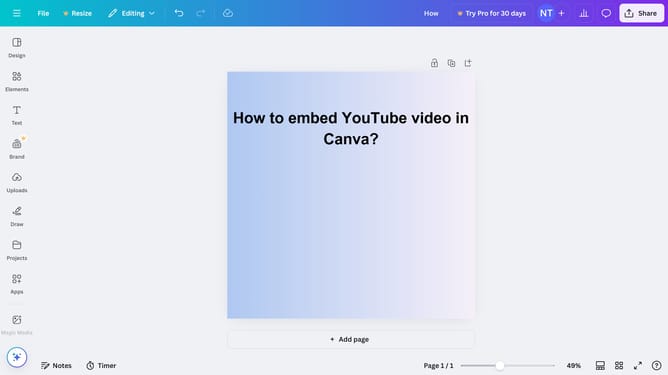
Here is how to add pages in canva
- First click on the "Projects" button in the left sidebar
- Then click on the "Designs" tab in the content area
- Next click on the "Testing Design" item in the projects list
- Next right-click on the design in the main canvas area
- Finally click on "Add page" option from the context menu
Why should you add pages in Canva
Canva is a versatile design platform that empowers users to create stunning visual content effortlessly.
Adding pages in Canva is a key feature that enhances creativity by allowing the seamless expansion of design projects. This feature is perfect for multi-page creations like presentations, eBooks, or long-form documents, offering flexibility and organization.
It allows users to maintain consistency in design while effortlessly managing complex projects. The ability to add multiple pages ensures that all ideas find a place, enriching the final product with depth and detail.
Last update