How to duplicate a GIF in Canva
Here is how to duplicate a gif in canva
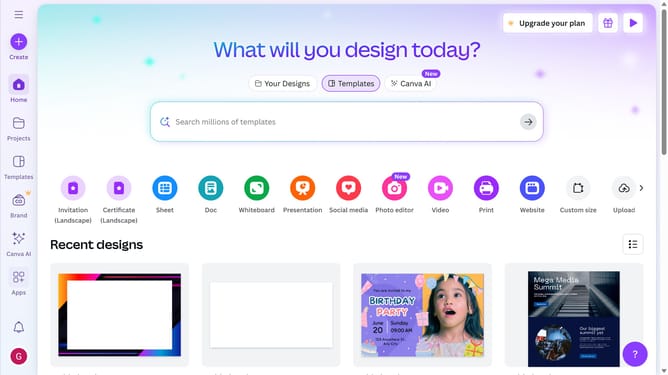
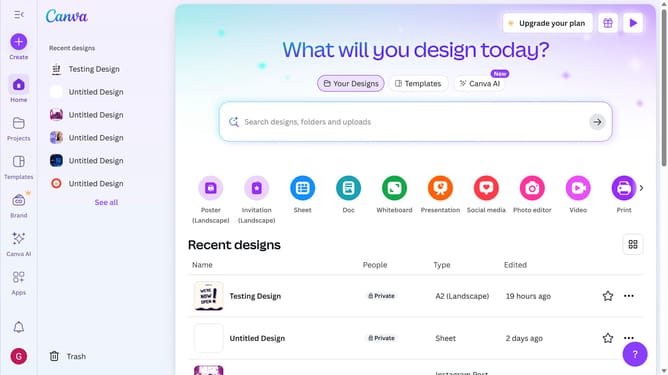
- First click on the "Projects" button in the left sidebar
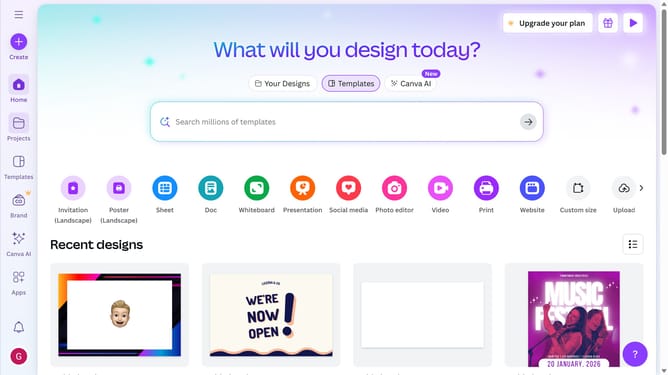
- Then click on the "Designs" tab in the content area
- Next click on the "Testing Design" item in the projects list
- Next select the cartoon pig illustration in the main workspace
- Finally click on the "Duplicate" icon button on the text pop-up window panel
Why should you duplicate a GIF in Canva
Canva is a versatile visual design tool empowering anyone to create stunning graphics effortlessly.
Duplicating a GIF in Canva allows you to keep your favorite animated designs consistent across various projects. This feature is perfect for maintaining brand identity or reusing creative elements without starting from scratch.
By leveraging this feature, you save time and streamline your design process, ensuring each project maintains a cohesive look and feel. It's a simple yet powerful way to enhance your creative output efficiently.
Last update