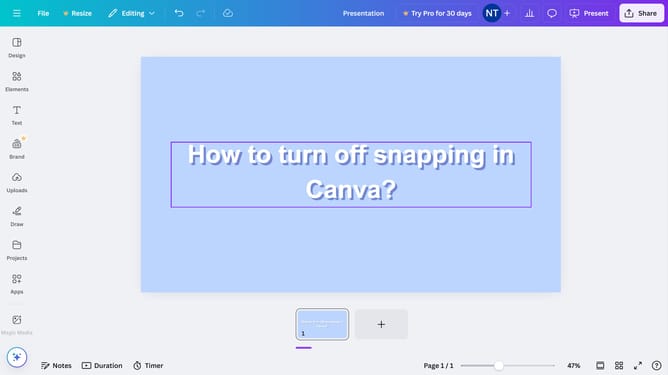
How to duplicate a text box in Canva
Here is how to duplicate a text box in canva
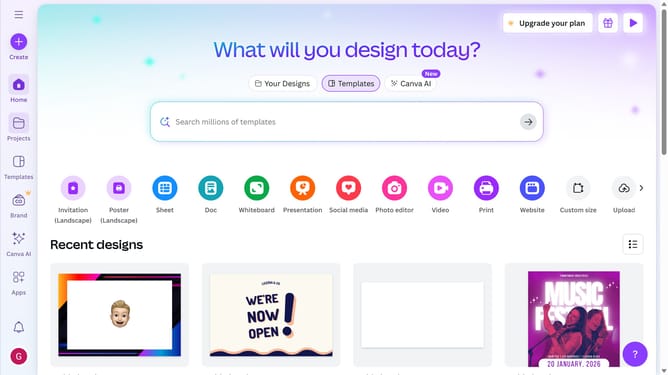
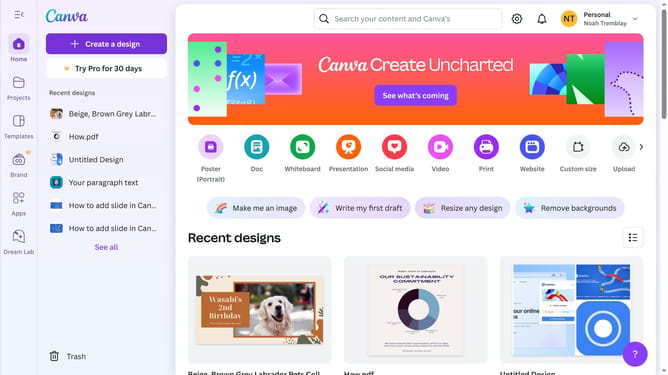
- First click on the "Projects" button in the left sidebar
- Then click on the "Design" tab in the content filters
- Next click on the "Testing Design" item in the designs list
- Next click on the text element labeled "YOUR PARAGRAPH TEXT" in the main canvas area
- Finally click on the "Duplicate" icon button on the text pop-up window panel
Why should you duplicate a text box in Canva
Canva is a versatile design tool that empowers individuals to create stunning visual content with ease.
Duplicating a text box in Canva is a feature that enhances productivity by allowing users to quickly replicate designs without starting from scratch. This function saves time and effort, especially when consistency in design elements is necessary.
By using this feature, users maintain uniformity across multiple design projects, ensuring that every piece resonates with their original vision. Effortlessly managing text duplicates ensures creative consistency and enhances overall design efficiency.
Last update