How to use a presentation template in Canva
Here is how to use a presentation template in canva
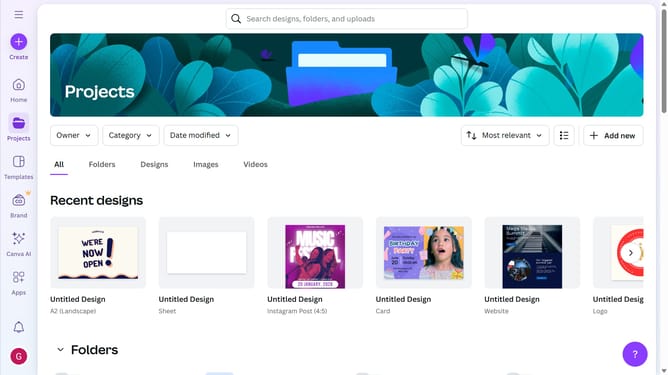
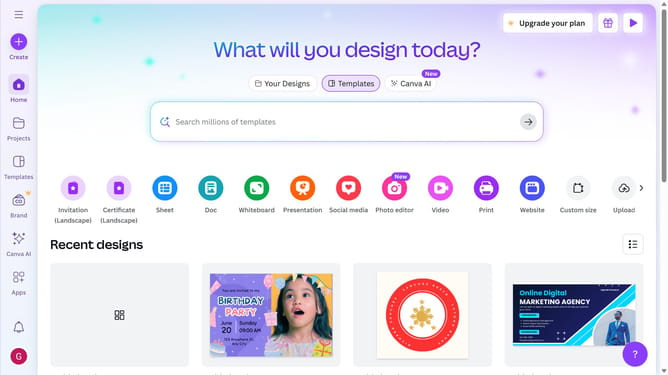
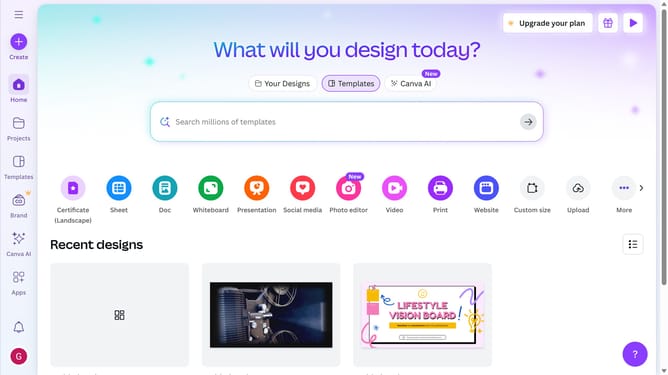
- First click on the purple "Create a design" button
- Then click on "Presentations" option in the left sidebar menu
- Next select the desired template from the presentation templates section
- Now feel free to edit your newly created presentation
Why should you use a presentation template in Canva
Canva is a versatile tool designed to simplify the creation of stunning visual content.
Using a presentation template in Canva allows you to effortlessly craft professional slides.
The templates come pre-designed with polished layouts, saving you time and ensuring consistency throughout your presentation.
By utilizing these features, you can focus on what truly matters—delivering your message effectively and with style.
Last update