How to filter projects to logo in Canva
Here is how to filter projects to logo in canva
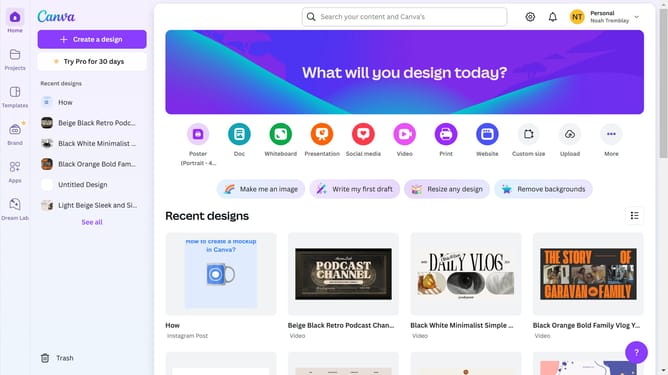
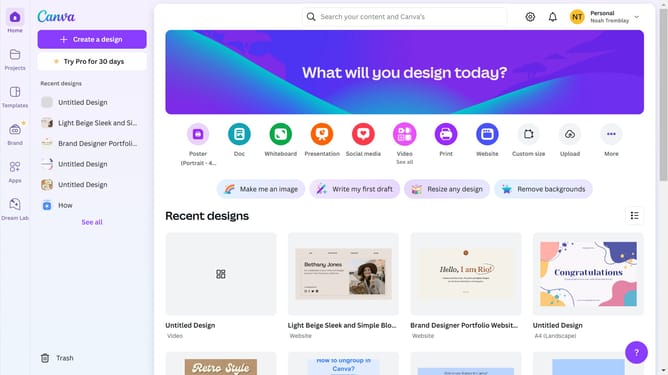
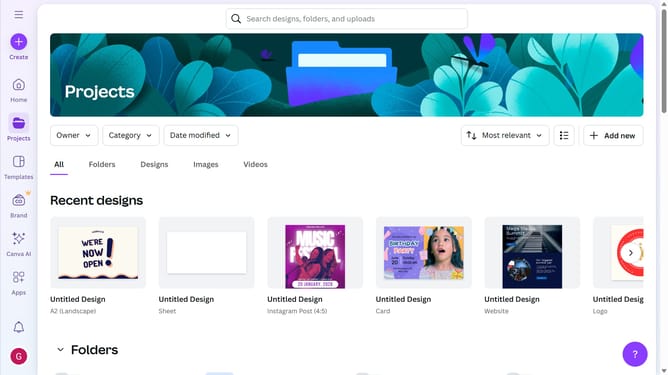
- First click on the "Projects" option in the left sidebar menu
- Then click on the "Category" dropdown filter in the top toolbar
- Next select "Logo" from the category dropdown menu
- Finally click on the "Clear all" link in the top toolbar to reset the filters
Why should you filter projects to logo in Canva
Canva is a versatile design tool that empowers users to create stunning visual content with ease.
One beneficial feature within Canva is the ability to filter projects specifically to logos. This feature allows users to focus solely on their logo creations, simplifying the process of managing and locating design files.
By using this filter functionality, users can quickly access their logo projects without sifting through other content types. This ensures more efficient workflow and saves valuable time.
Overall, this feature enhances organization and boosts productivity for anyone working on multiple projects within Canva.
Last update