How to add a course in Canva
Here is how to add a course in canva
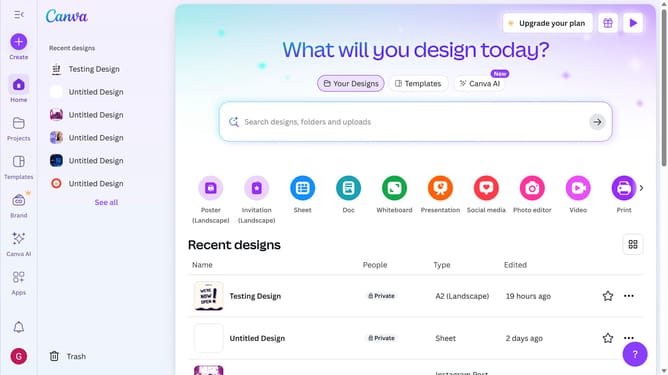
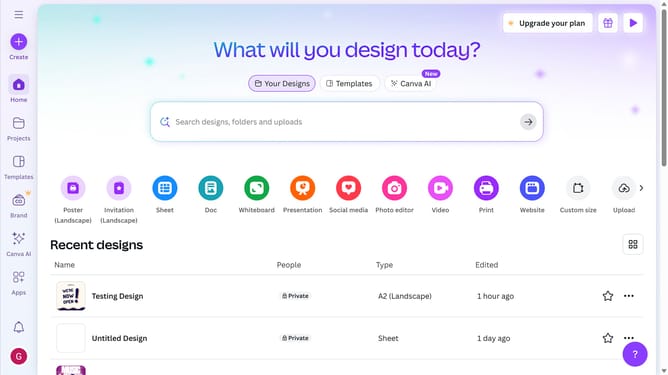
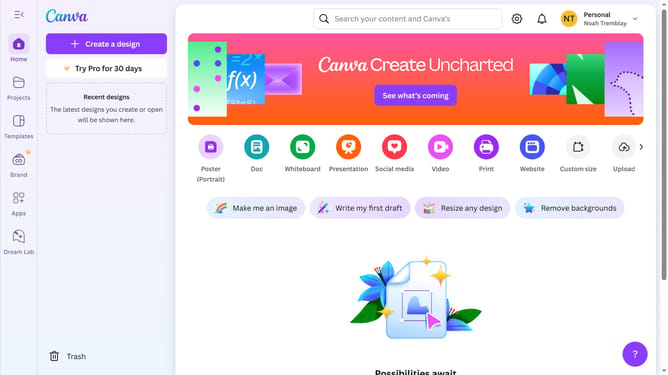
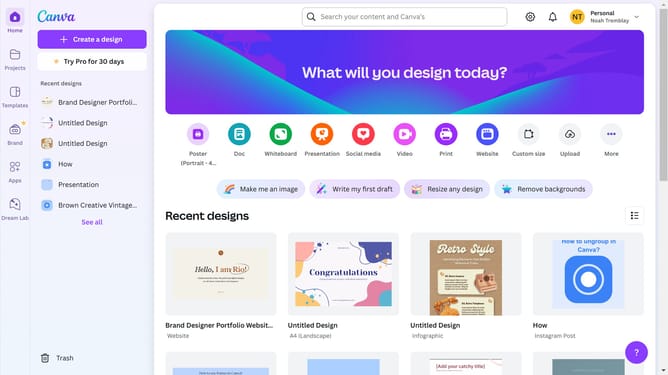
- First click on the "Projects" item in the left sidebar menu
- Then click on the "Add new" button in the top toolbar
- Finally select "Course" option from the "Add new" dropdown menu
Why should you add a course in Canva
Canva is a versatile design platform that empowers users to create stunning visual content with ease.
The capability to add a course in Canva enhances its utility by allowing educators and trainers to integrate engaging learning content seamlessly. This feature supports interactive media, transforming traditional learning into an immersive experience.
Using Canva for course creation allows for flexibility and creativity, enabling the development of visually appealing educational materials that can captivate and motivate learners, ultimately enriching their educational journey.
Last update