How to make a QR code in Canva
Here is how to make a qr code in canva
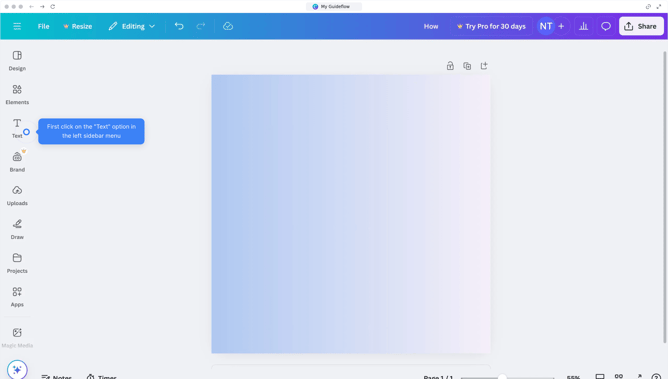
- First click on the "Apps" button in the left sidebar
- Then click on the search field
- Next type "QR Code Generator" in the search field
- Then click on "QR Code Generator" from the search results
- Click on the "QR code" app icon in the apps grid
- Enter the URL in the "Enter URL" field
- Finally click the "Generate code" button to create your QR code
Why should you make a QR code in Canva
Canva is a versatile design platform that empowers anyone to create stunning visuals with ease.
The process of making a QR code in Canva is intently user-friendly and allows for seamless integration into any design project. Whether for business cards, flyers, or digital campaigns, Canva offers a streamlined approach to generating QR codes.
Utilizing QR codes designed in Canva enhances the accessibility and interactivity of your materials, promoting a modern and efficient means of engaging your audience.
Last update