How to add an octagon shape on a design in Canva
Here is how to add an octagon shape on a design in canva
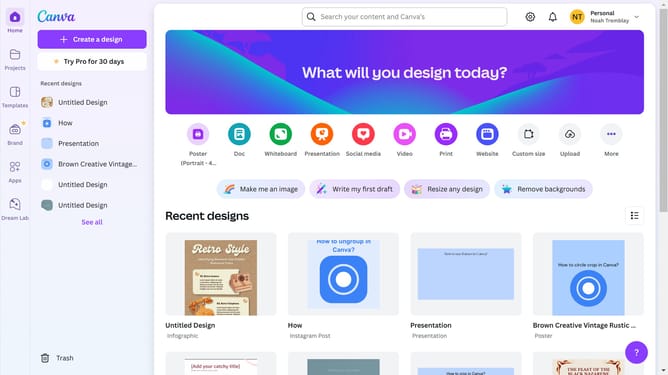
- First click on the "Projects" button in the left sidebar to access your project files
- Then click on the "Designs" tab in the content filter menu to view your design files
- Next click on the "Testing Design" item in the projects list to open your design
- Next click on the "Elements" option in the left sidebar menu
- Then click on the search box in the Elements panel and type your query
- Next click on the "Shapes" filter options in the search results
- Finally click on the shape option in the left results menu
Why should you add an octagon shape on a design in Canva
Canva is an intuitive online design tool that empowers users to create stunning visuals effortlessly.
Incorporating an octagon shape into your Canva design adds a unique geometric flair, breaking the monotony with its eight-sided elegance.
This versatile shape can enhance various design elements, providing a balanced structure that captures attention and directs the viewer's gaze effectively.
Using an octagon also enables designers to innovate with layouts, giving depth and dimension to their creative projects with minimal effort.
Last update