How to add an arrow shape on a design in Canva
Here is how to add an arrow shape on a design in canva
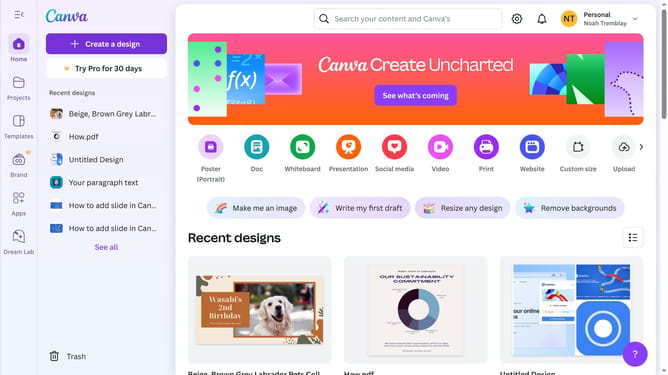
- First click on the "Projects" button in the left sidebar to access your project files
- Then click on the "Designs" tab in the content filter menu to view your design files
- Next click on the "Testing Design" item in the projects list to open your design
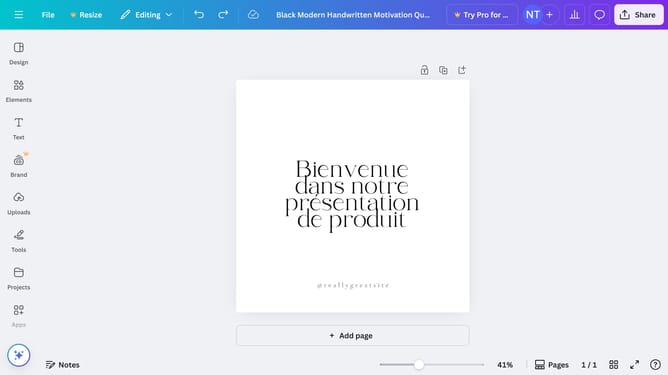
- Next click on the "Elements" option in the left sidebar menu
- Then click on the search box in the Elements panel and type your query
- Next click on the "Shapes" filter options in the search results
- Finally click on the shape option in the left results menu
Why should you add an arrow shape on a design in Canva
Canva is a versatile online tool that empowers users to easily create stunning designs for any purpose.
Among its many features, the ability to add arrow shapes enhances designs by allowing users to guide the viewer's eye, emphasizing key elements and improving the visual flow.
Using arrows in your designs not only clarifies complex information but also adds a dynamic touch, making your work more engaging and effective.
Embrace the power of visual storytelling with Canva's intuitive arrow shapes, turning every design into an impactful communication piece.
Last update