How to restore a project in Canva
Here is how to restore a project in canva
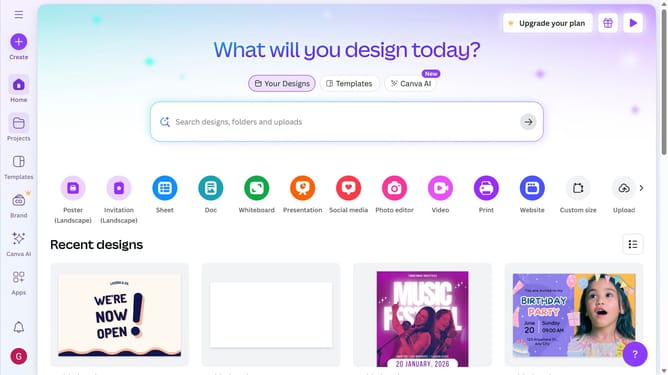
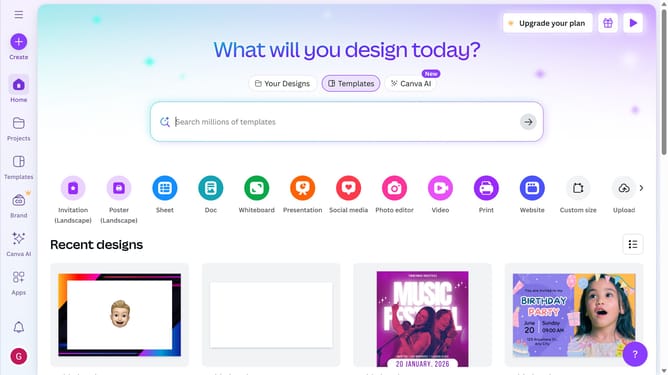
- First click on the menu button in the top-left corner of the header
- Then click on the "Trash" item in the left sidebar
- Next click on the "More options" button in the project design
- Finally click on the "Restore" option in the context menu
Why should you restore a project in Canva
Canva is a versatile design platform that empowers creativity effortlessly.
One standout feature in Canva is the ability to restore projects, ensuring your creativity is never lost. This feature safeguards your work by allowing you to retrieve previous versions of your designs, providing a safety net for creative exploration.
Using the restore feature is a practical way to manage your projects efficiently, offering peace of mind and freedom to experiment worry-free. It enhances your workflow, reducing the stress of potential data loss.
Last update