How to stretch an image in Canva?
Here is how to stretch an image in canva
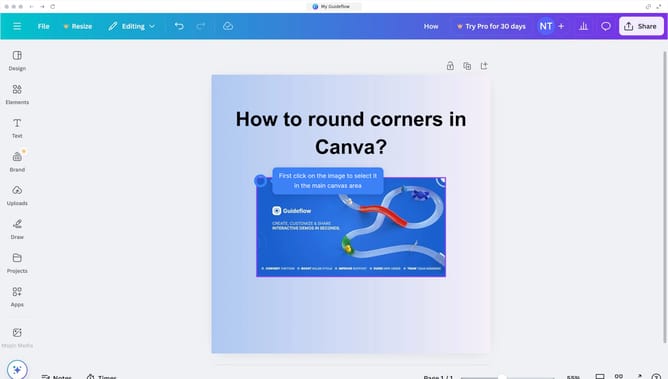
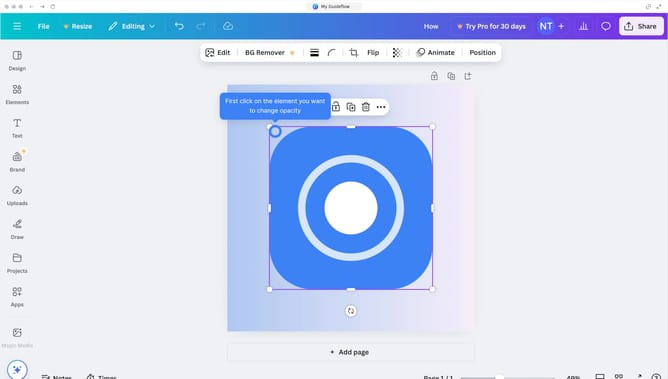
- First click the center of the image to select it in the canvas
- Then click and drag the right handle of the image to stretch it horizontally
- Next click and drag the bottom handle of the image to stretch it vertically
- Finally click and drag the bottom-right corner handle to stretch the image diagonally
Why should you stretch an image in Canva?
Canva is a versatile design tool that empowers anyone to create stunning graphics effortlessly.
Among its numerous features, the ability to stretch an image stands out as a powerful asset for crafting customized visuals.
This feature allows designers to resize images without compromising quality, offering greater control over the final look.
Utilizing this capability enhances creativity, ensuring images fit perfectly within any layout, leading to more visually appealing and professional designs.
Last update