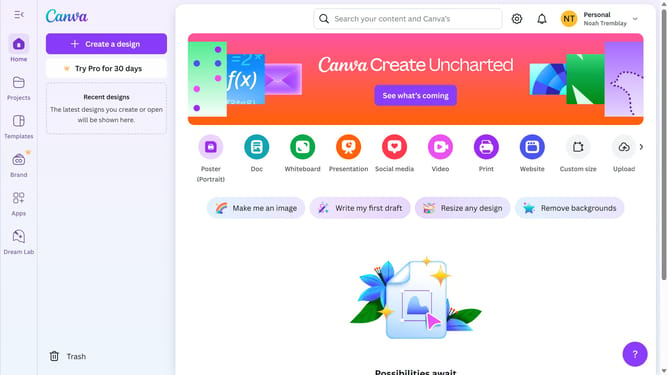
How to change the size of an image in Canva
Here is how to change the size of an image in canva
- First click on the image you want to resize
- Then click on the resize handle from any corner of the selected image to adjust its size
Why should you change the size of an image in Canva
Canva is an intuitive design platform perfect for creating stunning visual content effortlessly.
Among its versatile features, changing the size of an image in Canva is remarkably straightforward, allowing users to tailor their visuals precisely to their needs.
This feature helps maintain the image quality and aspect ratio, ensuring that resized visuals remain clear and professional. It's perfect for adapting designs to various platforms without starting from scratch.
Thus, resizing images in Canva enhances workflow efficiency, creativity, and adaptability for both personal and professional projects.
Last update