How to align top a text box in Canva
Here is how to align top a text box in canva
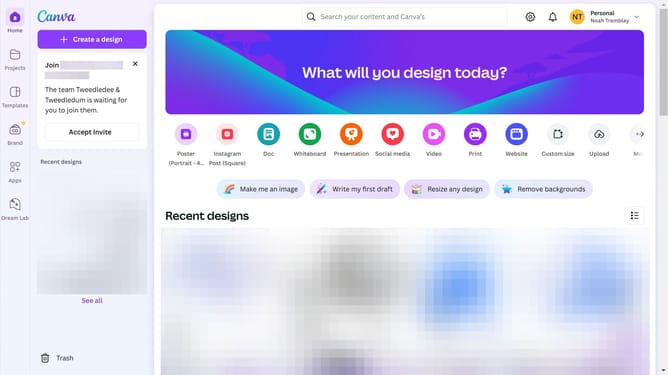
- First click on the "Projects" button in the left sidebar
- Then click on the "Design" tab in the content filters
- Next click on the "Testing Design" item in the designs list
- Next click on the text element that says "YOUR PARAGRAPH TEXT" in the canvas area
- Then click on the "More options" button (three dots) in the floating toolbar above the text
- Next click on "Align to page" option in the dropdown menu
- Finally select "Top" alignment from the submenu to align the text to the top side
Why should you align top a text box in Canva
Canva is a versatile design platform that empowers users to create visually stunning graphics effortlessly.
Aligning text to the top of a text box in Canva enhances the readability and aesthetics of your design. This feature is perfect for ensuring that your text stands out prominently, which can be particularly beneficial for titles or headings.
When text is aligned to the top, your message is clear and immediate, improving the communication impact. This alignment contributes to a clean and professional look, making your designs more engaging and polished.
Last update