How to insert a video in Canva
Here is how to insert a video in canva
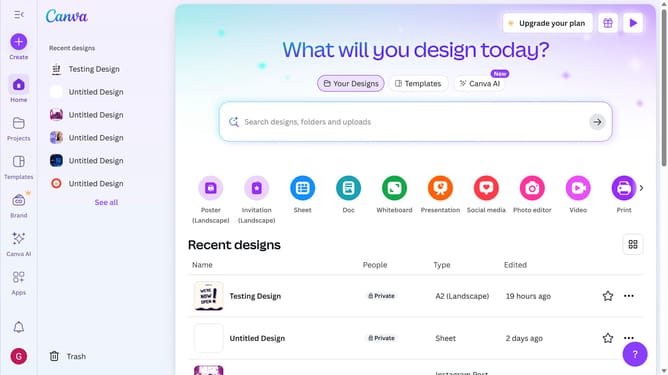
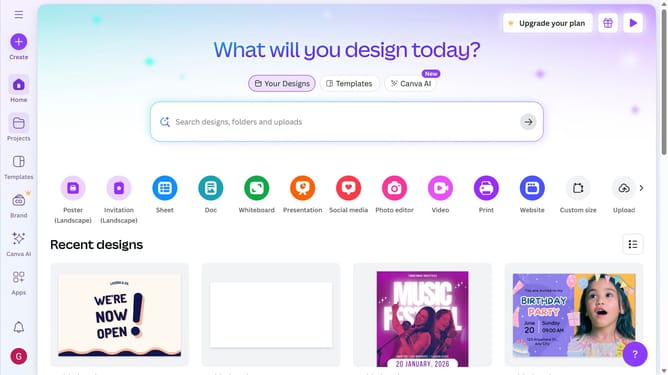
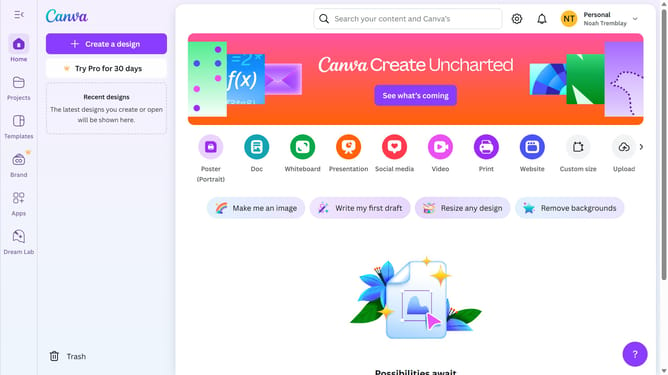
- First click on the "Create" button in the top-left corner of the main interface
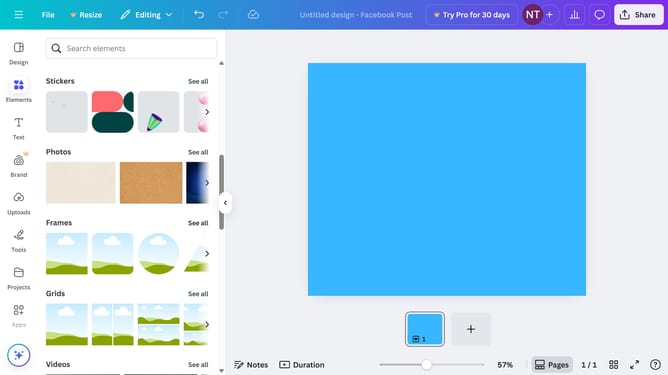
- Then click on "Upload" option from the left sidebar menu
- Next click on "Upload files" button in the upload area
- Finally click on "Add to uploads" button in the file preview dialog
Why should you insert a video in Canva
Canva is a versatile design platform that empowers anyone to create visually stunning content effortlessly.
Integrating videos into your Canva designs is an innovative feature that enhances your visual storytelling. It allows you to add dynamic elements to presentations, social media posts, or marketing materials, making them more engaging.
Utilizing video in Canva captures attention, improves message retention, and elevates the overall impact of your designs. This feature enriches your creative projects with professional flair and keeps your audience captivated.
Last update