Payday hits. Now reconcile every worker's classification against the wage determination, calculate fringe rates by hour, and produce a certified payroll report that a government reviewer will actually accept. Miss one detail and the whole submission bounces back.
That is the weekly reality on public works jobs. One misclassified electrician, one fringe rate applied to the wrong hours, one blank field on a WH-347, and you are staring at rejected reports, rework, and a paper trail that gets picked apart during an audit. The 62% of organizations adopting workforce technology to improve retention and reduce administrative drag, per Business Research Insights (2026), are feeling the same pressure applied to compliance work.
Manual certified payroll does not scale. Spreadsheets break the moment you add a second jurisdiction, a lower-tier subcontractor, or a union benefit schedule. The right prevailing wage software turns messy timecard inputs into audit-ready payroll fast, and keeps you out of the reject loop. This guide ranks eight tools built for exactly that job.
What's inside
This guide is for construction contractors, subcontractors, public works administrators, payroll leads, and compliance managers who need certified payroll and prevailing wage reporting to just work.
We selected and ranked these eight tools on the factors that decide whether a submission passes on the first try:
- Certified payroll automation: how fast raw hours become a compliant report
- Prevailing wage support: wage determination tracking, classification mapping, and fringe handling
- Reporting depth: WH-347, state forms, and portal-ready output
- Compliance scope: Davis-Bacon, state prevailing wage laws, and union requirements
- Integration fit: payroll, accounting, ERP, and timekeeping connections
TL;DR
- Best for federal and public-sector compliance teams: LCPtracker Pro
- Best for broader labor compliance and modular workflows: B2Gnow
- Best for construction payroll compliance automation: HCM TradeSeal
- Best for straightforward certified payroll reporting: Certified Payroll Reporting
- Best for construction payroll and job costing in one place: Payroll4Construction
- Best for subcontractors who need estimating plus prevailing wage tracking: Knowify
- Best for teams wanting a Salesforce-native HR and payroll system: BiznusSoft HR
- Best for smaller crews prioritizing first-pass reporting: WageFile
Pick based on reporting complexity, integrations, and compliance scope, not brand recognition.
What is prevailing wage software
Prevailing wage software is a category of certified payroll software that manages government-mandated wage rules, classifies workers, calculates fringe benefits, and produces the certified payroll reports required on public works projects.
At its core, the software handles the parts of payroll that generic payroll tools ignore. Standard payroll pays people. Prevailing wage compliance software proves you paid them correctly, at the right rate, for the right classification, under the right wage determination.
Key capabilities to expect:
- Wage determination tracking: pulls and applies the correct federal or state wage rates per project and locality
- Classification mapping: matches each worker to the right labor category and rate
- Fringe benefit handling: calculates and reports fringe as cash or bona fide benefits
- Certified payroll output: generates the WH-347 form plus state and portal-specific formats
- Reporting and validation: checks reports against reject rules before submission
- Audit support: keeps a defensible record of who was paid what, and why
This category sits directly on top of Davis-Bacon compliance. The Davis-Bacon Act requires contractors on federal construction contracts over $2,000 to pay locally prevailing wages and fringe benefits, then submit weekly certified payroll. Davis-Bacon software automates that reporting so classification accuracy and fringe math stop being manual, error-prone tasks. State prevailing wage laws add their own wage determinations and submission portals, which is why multi-jurisdiction reporting is where these tools earn their keep.
When to use prevailing wage software
When you manage public works jobs weekly
Certified payroll is a recurring obligation, not a one-time filing. Every week, on every covered project, you owe a compliant report. Manual reconciliation is fine for one job. It falls apart across five projects in three jurisdictions with different fringe schedules.
Software makes the payroll reporting workflow consistent. Same inputs, same validation, same output format, every cycle. Fewer manual corrections, a cleaner audit trail, and no scramble when a reviewer asks for six months of history.
When subcontractor classification mistakes are expensive
Misclassify a worker and the report gets rejected. Apply the wrong fringe rate and you either underpay, which creates liability, or overpay, which eats margin. On projects with lower-tier subcontractors, these errors multiply because the prime contractor is often on the hook for subcontractor compliance.
Prevailing wage software reduces classification and fringe errors by mapping workers to the correct labor categories and validating rates before anything leaves the building. That is the difference between a passed submission and a reject loop.
When payroll, job costing, and reporting need to connect
Disconnected spreadsheets slow every decision. When your certified payroll lives in one system, job costing in another, and accounting in a third, you spend more time reconciling than reporting.
Tools that sync with accounting or ERP platforms keep subcontractor payroll, job costs, and compliance reporting in one flow. You see labor cost against budget in real time, and certified reports pull from the same source of truth your accounting runs on.
Comparison table
The table below ranks all eight tools by relevance to certified payroll and prevailing wage workflows. Pricing and ratings reflect the most recent verified figures available from each vendor; confirm current details before you commit.
| # | Product | Best for | Key use case | Pricing | G2 rating |
|---|---|---|---|---|---|
| 1 | LCPtracker Pro | Public agencies and prime contractors | Electronic certified payroll and workforce reporting | Custom | Not listed |
| 2 | B2Gnow | Agencies and contractor programs | Modular labor compliance and prevailing wage | Custom | Not listed |
| 3 | HCM TradeSeal | Union and prevailing wage contractors | Wage validation and certified payroll automation | From $900/mo | Not listed |
| 4 | Certified Payroll Reporting | Contractors needing focused reporting | WH-347 generation and project tracking | Free, then $39/mo | 4.6/5 |
| 5 | Payroll4Construction | Contractors wanting payroll plus costing | Construction payroll and certified reporting | Custom quote | Not listed |
| 6 | Knowify | Trade subcontractors | Estimating, job costing, and labor tracking | From $99/mo | Not listed |
| 7 | BiznusSoft HR | Salesforce-native teams | HR, payroll, and workforce management | Custom | 4.8/5 |
| 8 | WageFile | Smaller crews and subcontractors | WH-347 and pre-submission validation | From $39/mo | Not listed |
Best prevailing wage software tools for 2026
1. LCPtracker Pro
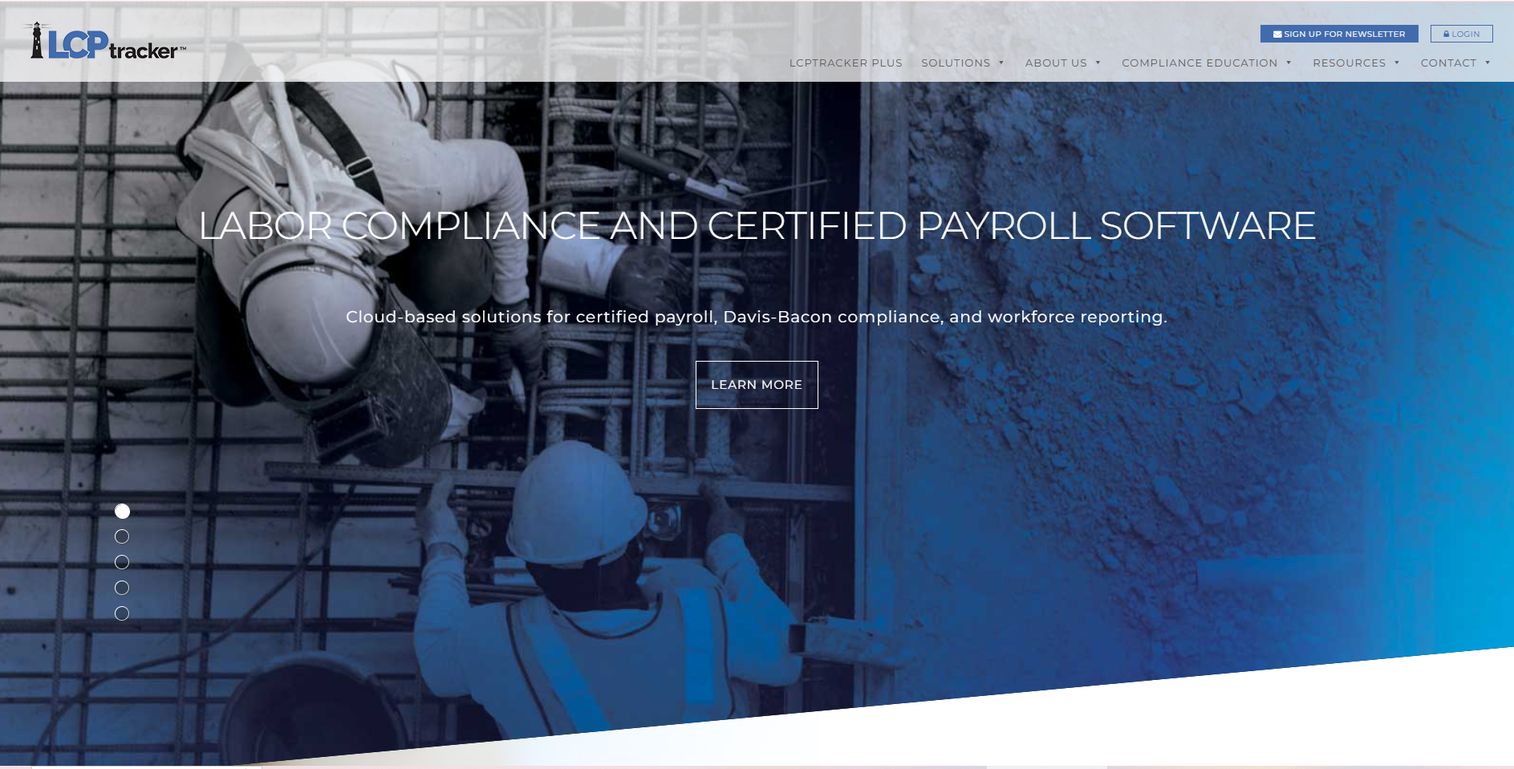
LCPtracker Pro is cloud-based labor compliance software built for public agencies and prime contractors that manage certified payroll at scale. It collects electronic certified payroll, applies prevailing wage and Davis-Bacon rules, and tracks workforce demographics across large project portfolios. This is the tool you reach for when a government body, not just a single contractor, owns the compliance mandate.
Best for: Public agencies and prime contractors managing prevailing wage compliance and workforce reporting across many projects and subcontractors.
Key strengths
- Electronic certified payroll collection and management
- Prevailing wage and Davis-Bacon compliance reporting
- Workforce demographics tracking and reporting
- Lower-tier subcontractor oversight built into the workflow
Why choose LCPtracker Pro: When you are the agency or prime contractor accountable for dozens of subcontractors, you need a system built for oversight, not just self-reporting. LCPtracker Pro centralizes certified payroll collection so every party submits into one place, and you get a defensible audit trail without chasing spreadsheets. It fits complex public works programs where classification accuracy and workforce reporting carry real legal weight.
LCPtracker Pro pricing: Public pricing for LCPtracker Pro was not listed on the vendor site during this review. Contact LCPtracker for a quote based on your project volume and program scope.
2. B2Gnow
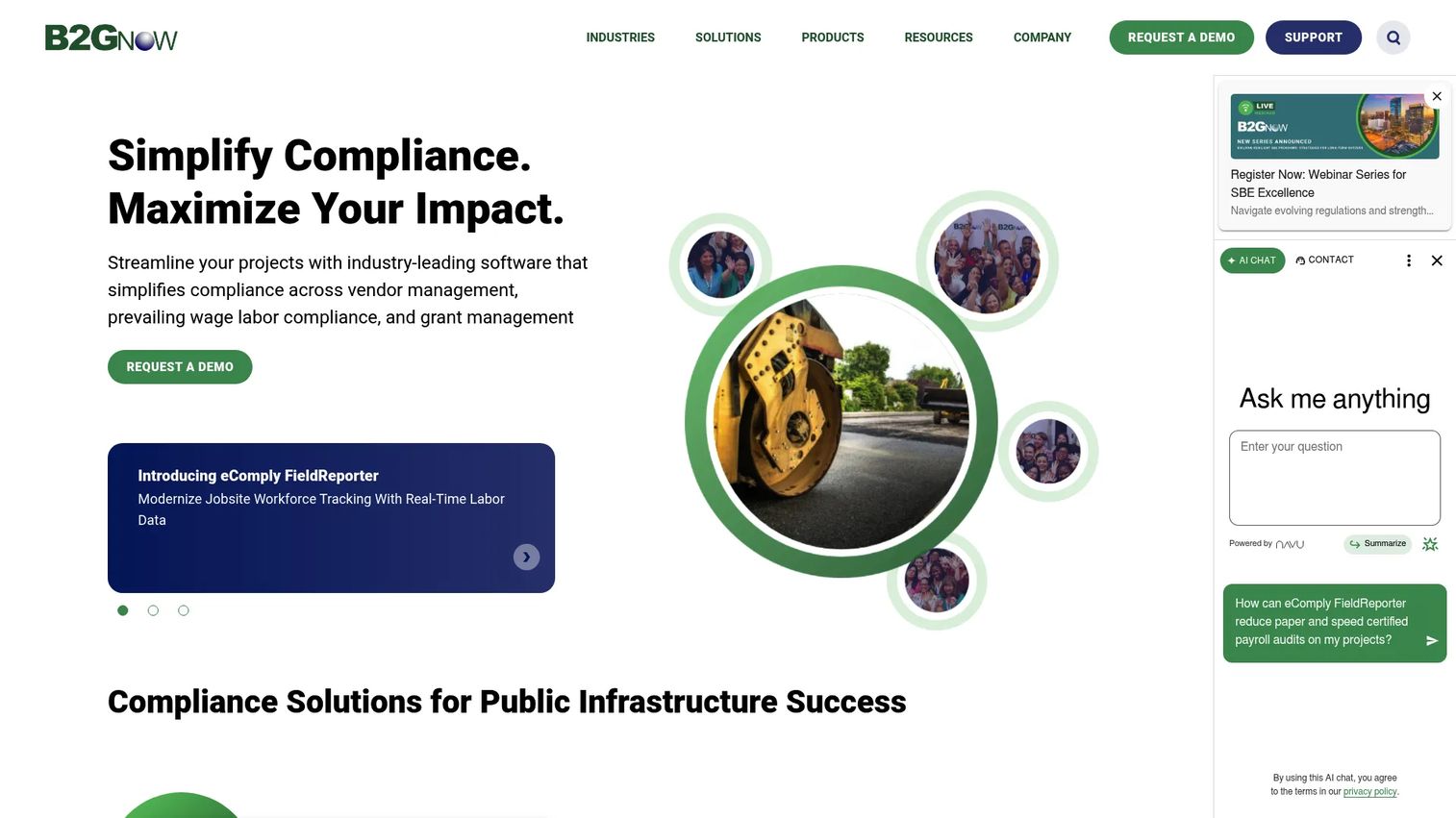
B2Gnow is a modular compliance platform that handles prevailing wage as one part of a broader labor compliance suite. Its eComply prevailing wage capabilities cover certified payroll, dashboards, and audit readiness, with workforce and subcontractor oversight layered on top. Agencies running multiple compliance programs use it because prevailing wage does not have to live in its own silo.
Best for: Agencies and contractor programs that need prevailing wage compliance inside a wider labor compliance and contract management platform.
Key strengths
- Prevailing wage and certified payroll module
- Compliance dashboards and audit readiness
- Workforce and subcontractor oversight
- Modular platform spanning multiple compliance programs
Why choose B2Gnow: If your compliance mandate extends beyond prevailing wage into diversity spend, contract compliance, or grant tracking, a modular platform keeps everything under one roof. B2Gnow suits agencies and program administrators who want prevailing wage reporting to connect with the rest of their oversight work rather than run as a standalone tool.
B2Gnow pricing: B2Gnow uses custom pricing based on program scope and module selection. Contact the vendor to scope your implementation and pricing.
3. HCM TradeSeal
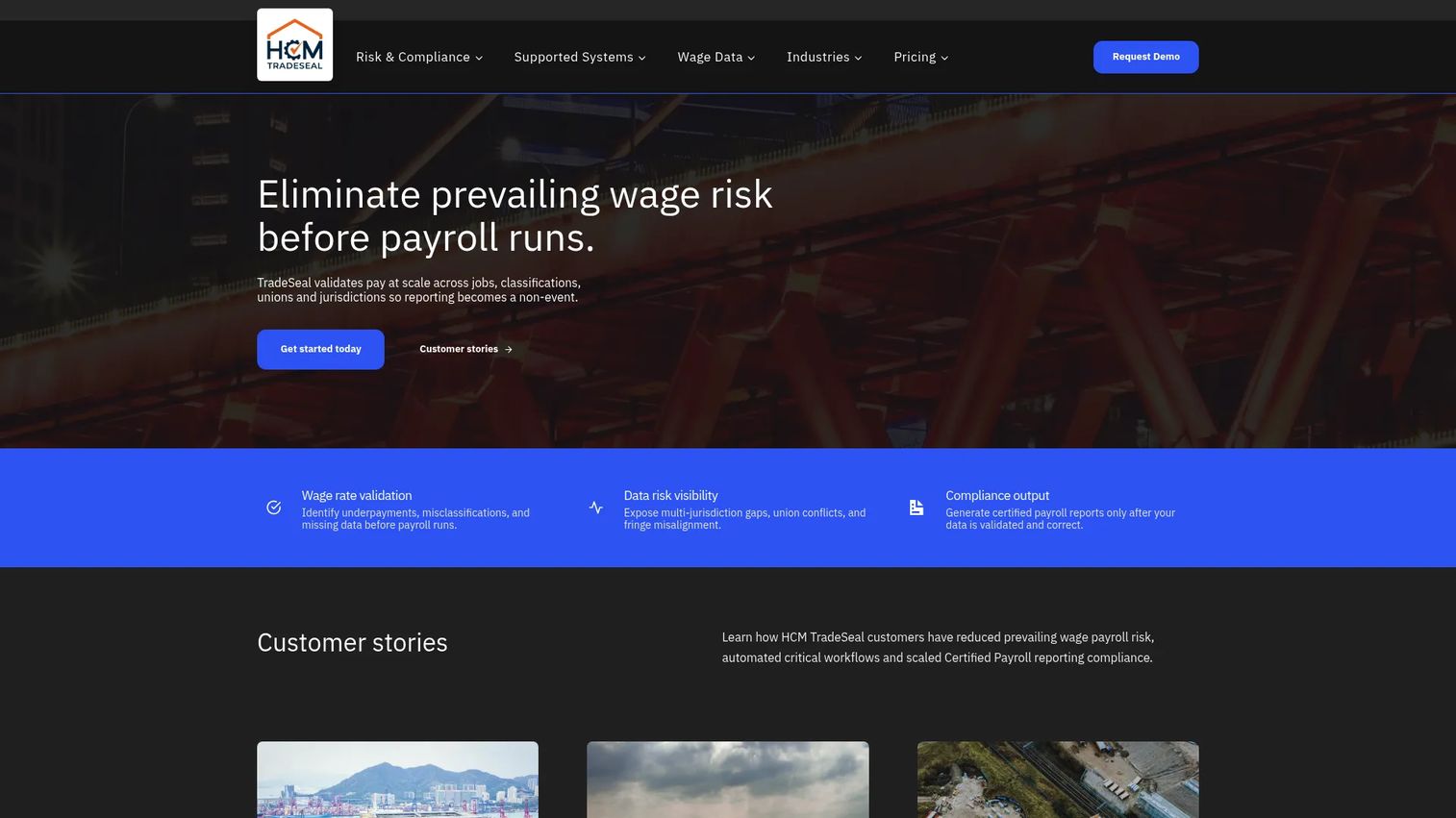
HCM TradeSeal is construction payroll compliance software focused on prevailing wage and union certified payroll workflows. It validates wage rates, checks union rates and benefits, and automates certified payroll reporting for contractors juggling multiple agreements. If union fringe schedules and multi-jurisdiction rates are your daily grind, this is built for that.
Best for: Construction contractors that need prevailing wage and certified payroll compliance automation, especially with union rate and benefit validation.
Key strengths
- Wage rate validation against determinations
- Certified payroll reporting automation
- Union rate and benefit validation
- Multi-jurisdiction reporting support
Why choose HCM TradeSeal: Union payroll adds a layer most tools handle poorly: fringe benefits that vary by local, trade, and agreement. HCM TradeSeal validates those rates and benefits automatically, which cuts the manual cross-checking that causes rejected reports. It fits contractors whose certified payroll spans union agreements and multiple wage determinations.
HCM TradeSeal pricing: Public pricing starts at $900/month for the Essentials plan. Essentials with API access is $1,600/month, Essentials Managed is $2,000/month, and the Core plan is $3,000/month. The Premier plan uses custom pricing. Some plans require a platform configuration fee.
4. Certified Payroll Reporting
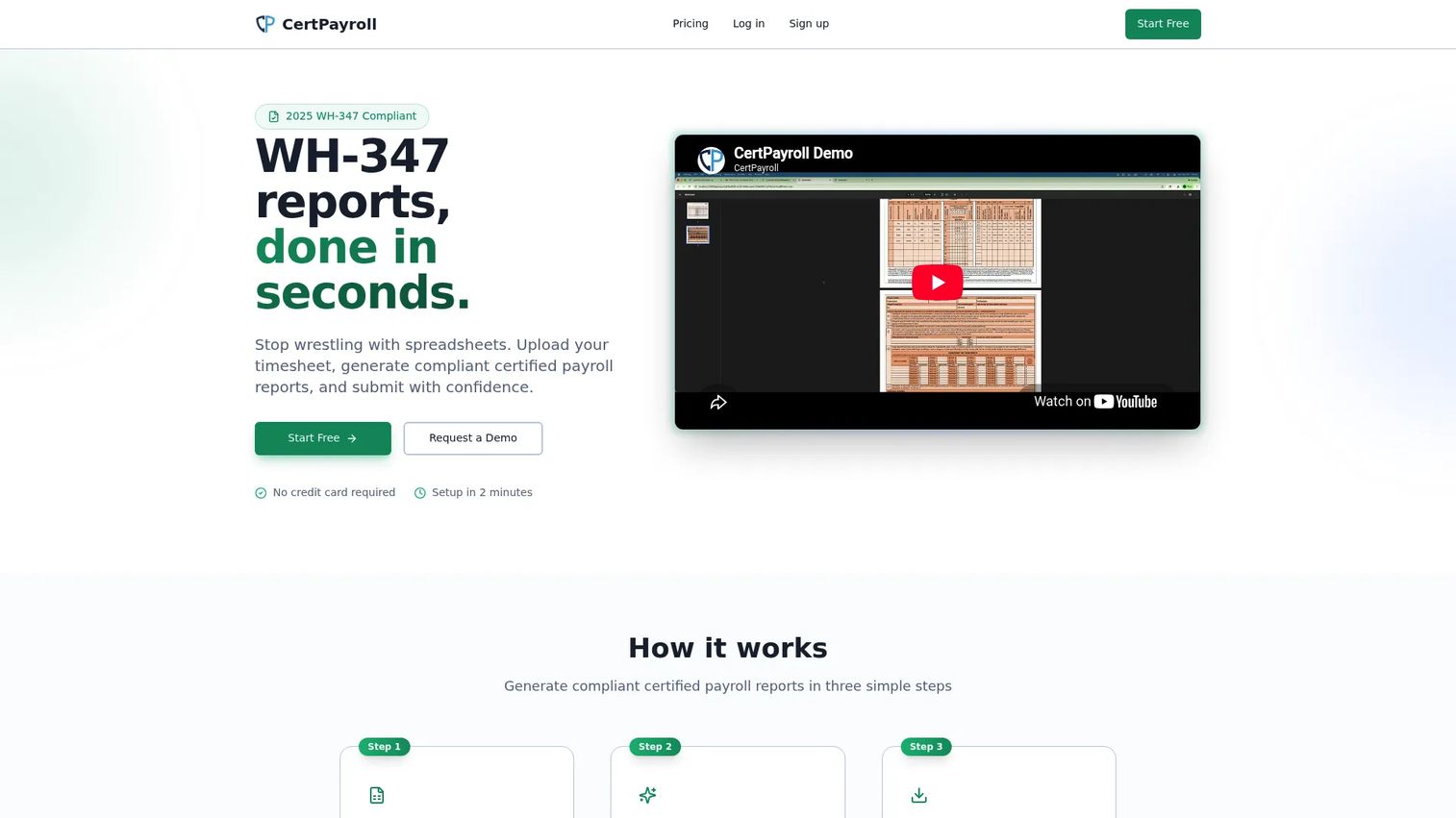
Certified Payroll Reporting is a focused tool for construction contractors who need compliant WH-347 reports without a heavy platform. You import hours, manage employees and projects, and generate certified payroll output. It does one job, certified payroll reporting, and does it without asking you to adopt an entire compliance suite.
Best for: Construction contractors that need clean certified payroll reporting and reliable WH-347 generation without extra overhead.
Key strengths
- WH-347 report generation
- Employee management
- Project tracking
- Free tier for low-volume reporting
Why choose Certified Payroll Reporting: Not every contractor needs an enterprise compliance platform. If your core requirement is producing accurate WH-347 forms across a handful of projects, a focused tool gets you there faster and cheaper. The free tier also lets you validate fit before paying, which matters when you are running lean.
Certified Payroll Reporting pricing: The Free plan covers 2 reports and 2 PDF exports per month across up to 2 projects for a single user. Core is $39/month for 25 reports, 50 PDF exports, up to 4 projects, and up to 3 team members. Enterprise is $99/month for 100 reports, 200 PDF exports, up to 20 projects, and up to 15 team members with priority support.
5. Payroll4Construction
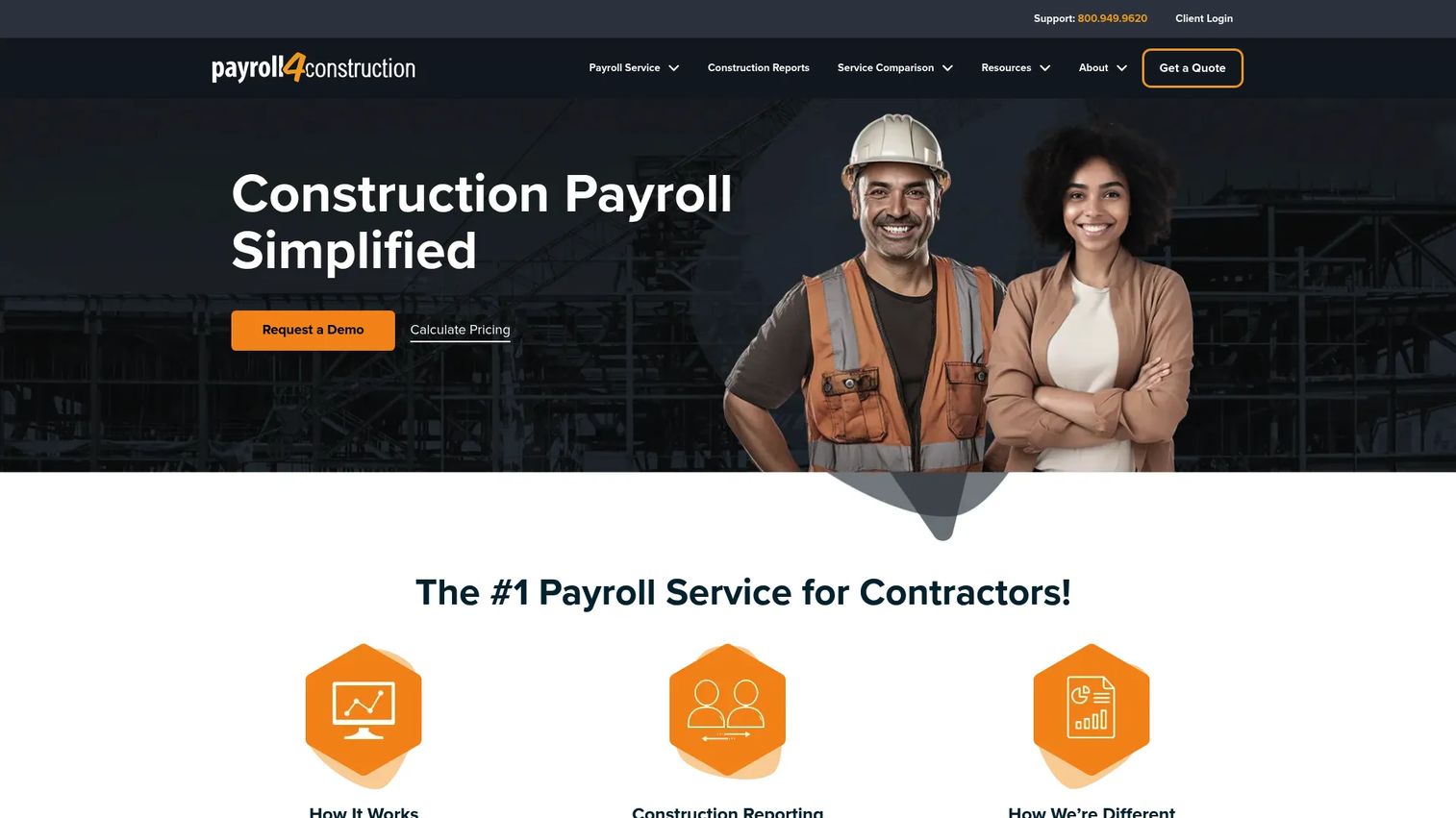
Payroll4Construction is a construction-specific payroll service that pairs certified payroll compliance with job costing and multi-rate calculations. It handles union tracking, multi-state and multi-rate payroll, and produces more than 40 construction-focused reports. This is the option when you want payroll and job costing in the same place, not stitched together after the fact.
Best for: Construction contractors needing certified payroll compliance alongside day-to-day payroll operations and job cost reporting.
Key strengths
- Certified payroll reporting
- Union tracking and multi-state, multi-rate payroll calculations
- Job costing and 40+ construction reports
- Accounting integration for connected reporting
Why choose Payroll4Construction: Running payroll and pulling job costs from two disconnected systems creates reconciliation work every cycle. Payroll4Construction keeps subcontractor payroll, prevailing wage rates, union fringes, and job cost reporting connected, so labor cost against budget stays current. It fits contractors who treat payroll and costing as one workflow.
Payroll4Construction pricing: Payroll4Construction uses custom, quote-based pricing. You can calculate a custom price and view it after submitting the vendor's quote form.
6. Knowify
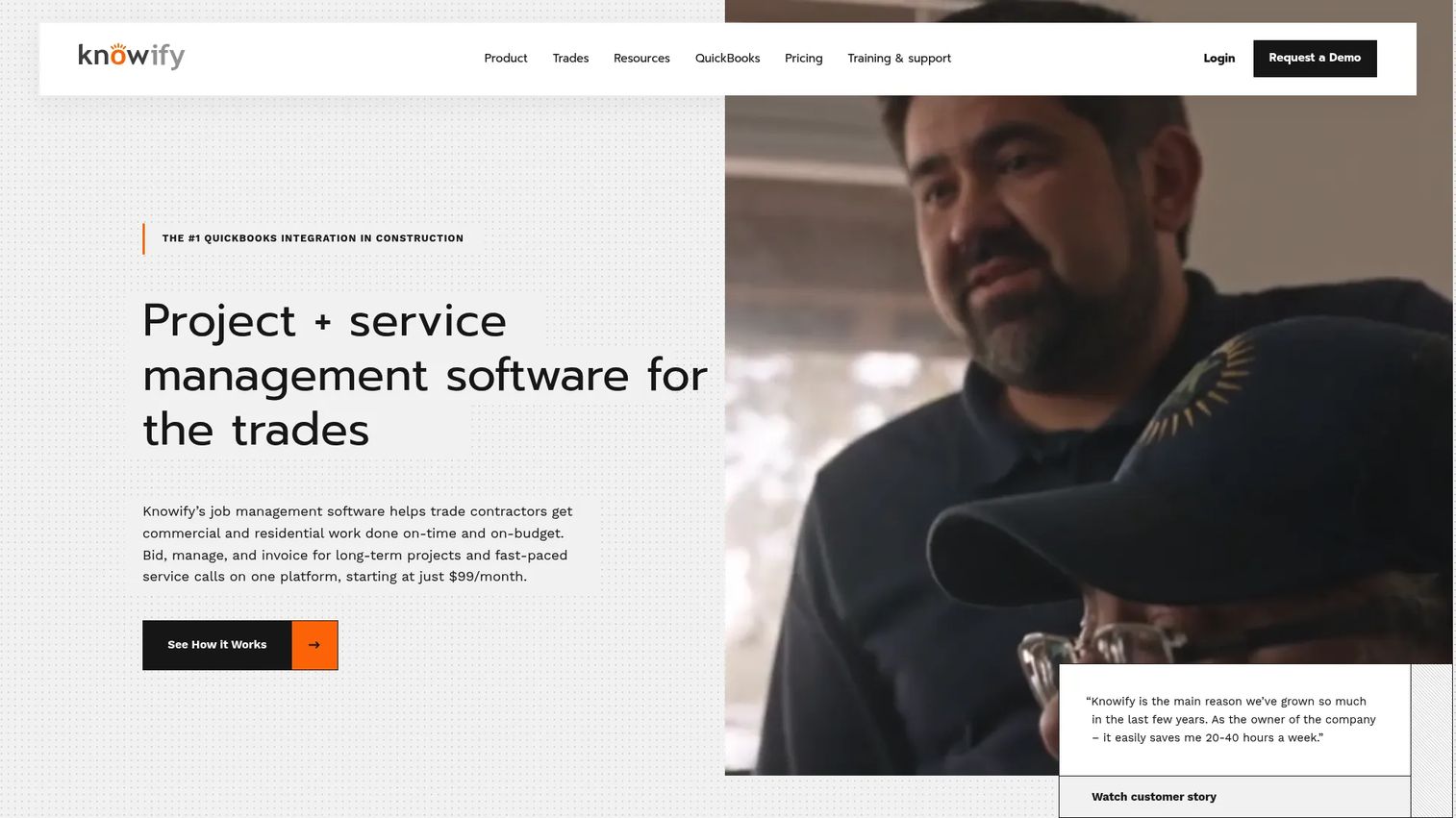
Knowify is construction management software for trade contractors that connects estimating, project management, and job costing with labor tracking for prevailing wage work. It captures time by classification, syncs with QuickBooks Online, and ties prevailing wage tracking back to your estimates and margins. For subcontractors, that connection between bidding and compliance is the point.
Best for: Trade subcontractors who want estimating, project management, billing, and prevailing wage labor tracking in one system.
Key strengths
- Estimating, proposals, contracts, and invoicing
- Scheduling, time tracking, and job costing
- Mobile app, QuickBooks sync, and project reporting
- Time capture by classification for prevailing wage work
Why choose Knowify: Subcontractors live and die by margin, and prevailing wage jobs make labor cost tracking non-negotiable. Knowify links time captured by classification back to the estimate, so you see whether a prevailing wage project is actually profitable, not just compliant. The QuickBooks Online integration keeps accounting aligned without double entry.
Knowify pricing: The Core plan is $99/month and includes 1 user. The Advanced plan is $329/month and includes 10 users. Enterprise includes unlimited users with custom pricing. Add-ons include Service Pro, Live Equipment Tracking, AI Dashcams, and Tool Tracking.
7. BiznusSoft HR
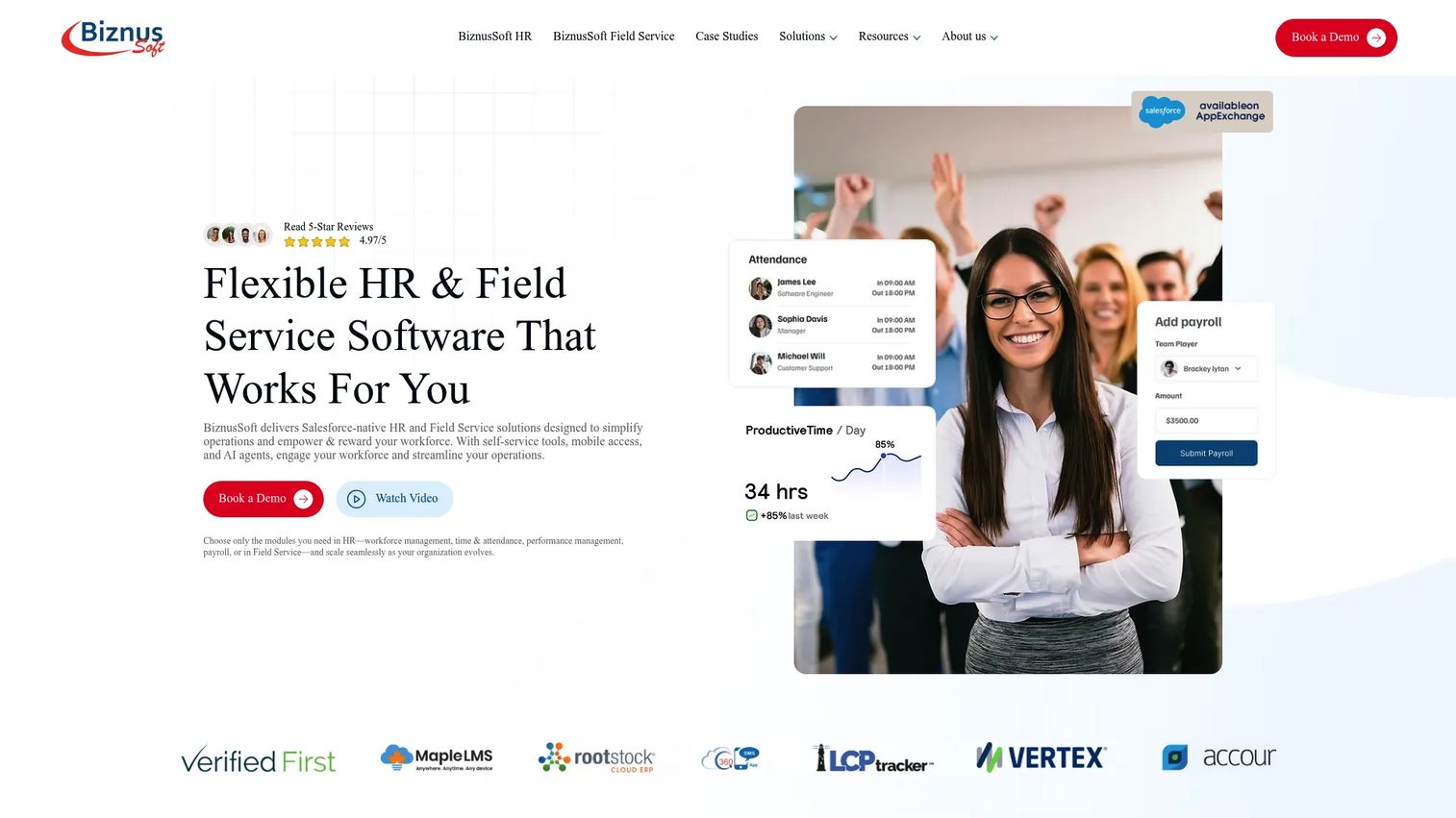
BiznusSoft HR is a Salesforce-native HR system covering payroll, timekeeping, and workforce management, with certified payroll and prevailing wage support included. For teams already operating inside Salesforce, it keeps HR, compliance, and workforce data on one platform. That single-platform visibility is what sets it apart for organizations standardized on Salesforce.
Best for: Mid-market and early enterprise teams needing a configurable Salesforce-native HRIS, especially in construction, public sector, and field service.
Key strengths
- Workforce management with employee records, self-service, and reporting
- Talent management with job openings and recruiting collaboration
- Project timekeeping with multiple time capture methods and payroll integration
- Certified payroll and prevailing wage compliance support
Why choose BiznusSoft HR: If your organization already runs on Salesforce, adding a native HRIS avoids yet another disconnected system. BiznusSoft HR gives you workforce visibility, timekeeping, and prevailing wage compliance inside the platform your team already uses, which simplifies reporting and reduces data fragmentation across HR and compliance.
BiznusSoft HR pricing: BiznusSoft offers flexible, quote-based pricing with discounts for organizations implementing the full suite of HRIS modules. No public price was listed; contact the vendor for a quote. BiznusSoft HR holds a 4.8/5 rating on G2.
8. WageFile
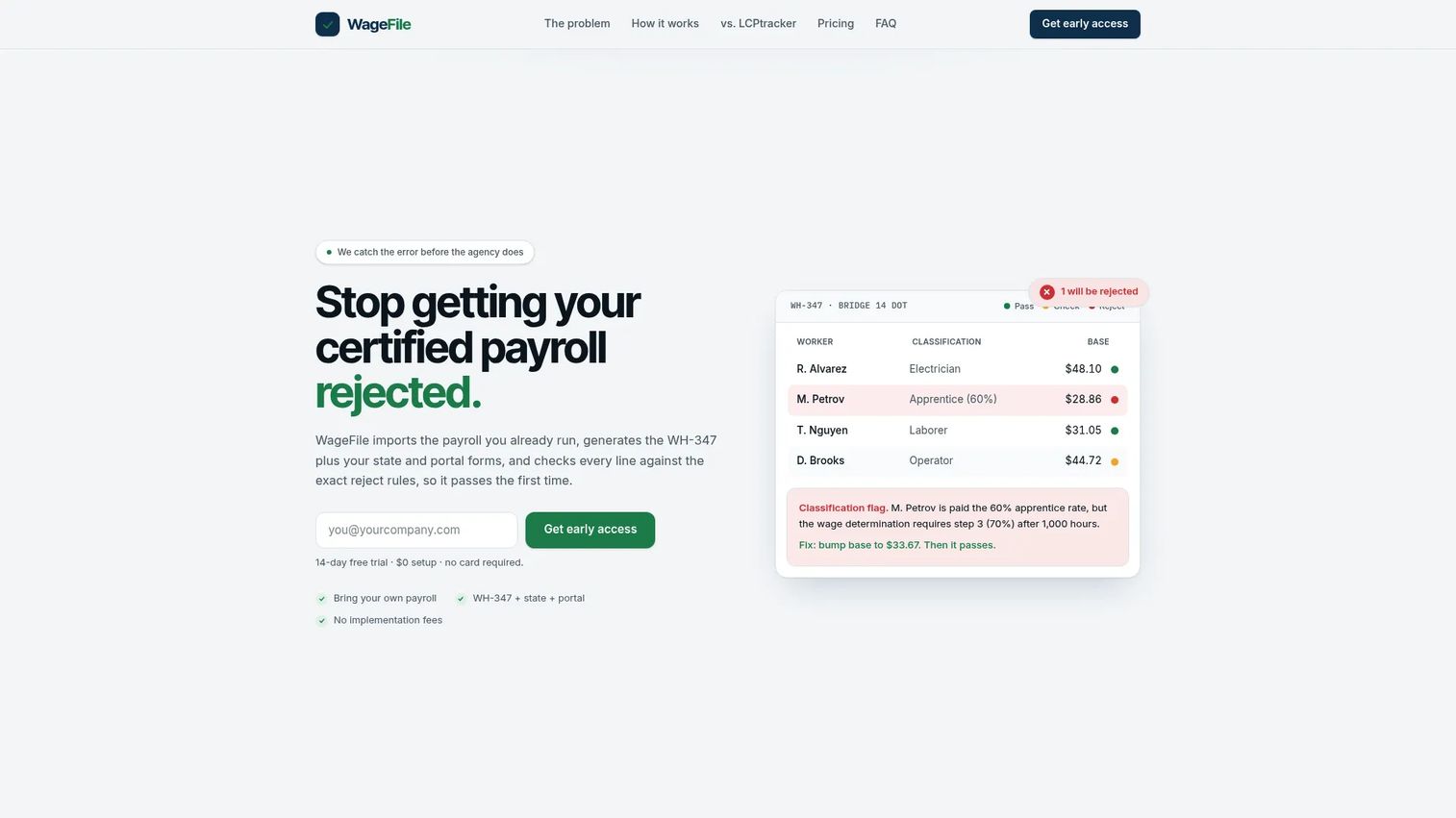
WageFile is certified payroll software built to generate and validate WH-347, state, and portal-ready forms before you submit. It imports payroll from QuickBooks, Gusto, ADP, or CSV, then runs your reports against reject rules so you catch errors first. For smaller crews, that pre-submission validation is what keeps reports out of the reject loop.
Best for: Subcontractors and general contractors doing prevailing wage certified payroll who need compliant reports validated before submission.
Key strengths
- Imports payroll from QuickBooks, Gusto, ADP, or CSV
- Generates WH-347 plus state and portal-ready forms
- Pre-submission validation against reject rules
- Month-to-month billing with no setup fee
Why choose WageFile: A rejected certified payroll report costs you a resubmission cycle and, sometimes, a payment delay. WageFile's reject-rule validation checks your report before it goes out, which is exactly what a smaller crew needs to keep first-pass reporting clean. The payroll import options mean you keep running payroll where you already do and layer compliance on top.
WageFile pricing: The Occasional plan is $39/month with pay-as-you-go reporting at about $5 per report. Pro is $149/month and Crew is $299/month. All plans bill month-to-month with $0 setup and include a 14-day free trial.
Considerations before you buy
Before booking demos, evaluate each tool against the criteria that actually decide compliance outcomes.
Reporting accuracy and format coverage
Confirm the tool produces the exact forms you file: WH-347 for federal, plus the specific state forms and submission portals you use. A tool that generates federal reports but not your state's format leaves you doing manual work anyway. Ask about reject-rule validation, since catching errors before submission is worth more than fixing them after.
Classification and fringe handling
Prevailing wage compliance lives in classification accuracy and fringe math. Check how the tool maps workers to labor categories, how it applies fringe as cash or benefits, and whether it validates union rates. This is where most rejected reports originate, so scrutinize it hardest.
Integration with your existing stack
Certified payroll should pull from the systems you already run. Verify payroll integration with your payroll provider, accounting platform, or ERP, plus timekeeping. A tool that forces double entry adds work; one that syncs cleanly removes it.
Subcontractor and audit support
If you are a prime contractor or agency, confirm the tool handles lower-tier subcontractor compliance and centralizes their submissions. For everyone, check the audit trail. Audit-ready payroll means you can produce a defensible record on demand, not scramble to reconstruct one.
Scope versus overhead
Match the tool to your actual reporting complexity. A focused reporting tool serves a small crew better than an enterprise compliance suite, and vice versa. Paying for oversight features you will never use is wasted budget.
Conclusion
The right prevailing wage software depends on who you are and how complex your reporting gets. Public agencies and prime contractors managing many subcontractors fit LCPtracker Pro or B2Gnow, where oversight and modular compliance matter most. Union and multi-jurisdiction contractors get purpose-built rate validation from HCM TradeSeal.
Subcontractors who want compliance tied to margin should look at Knowify for estimating and job costing, or Payroll4Construction when payroll and costing belong together. Teams standardized on Salesforce fit BiznusSoft HR. And smaller crews focused on clean first-pass certified payroll reporting are well served by Certified Payroll Reporting or WageFile.
Choose based on reporting complexity, integration fit, and compliance scope, not on brand recognition. Before you book a single demo, audit your current payroll workflow: find where reports get rejected, where classification errors creep in, and where double entry slows you down. Those bottlenecks tell you exactly which tool to shortlist.
FAQs
Prevailing wage software manages government-mandated wage rules, classifies workers by labor category, calculates fringe benefits, and produces certified payroll reports for public works projects. It automates the compliance-specific parts of payroll that generic payroll tools do not handle, keeping submissions accurate and audit-ready.
They overlap heavily but are not identical. Certified payroll software focuses on generating compliant reports like the WH-347. Prevailing wage compliance software covers the fuller picture: wage determination tracking, classification mapping, and fringe handling that feed into those reports. Some tools handle only reporting, while others manage full compliance.
Prioritize wage rate management, classification mapping, and fringe handling, since that is where rejected reports originate. Then check reporting accuracy across the exact forms and portals you file, integrations with your payroll and accounting systems, and audit support. Reject-rule validation before submission is a strong signal the tool will keep you out of the reject loop.
Davis-Bacon software applies the correct locally prevailing wage rates and fringe benefits to each worker, maps classifications accurately, and generates the weekly certified payroll reports the Davis-Bacon Act requires on federal construction contracts over $2,000. That automation reduces the classification and fringe errors that trigger rejections and audit findings.
Most tools integrate with common payroll, accounting, and ERP platforms, and many import directly from providers like QuickBooks, Gusto, and ADP or via CSV. Timekeeping integration is also common, so hours flow in by classification. Confirm the specific connections you need before buying, since integration depth varies by tool.
Any organization working on public works or federally funded construction needs it: general contractors, subcontractors, and the public agencies that oversee them. Prime contractors and agencies especially benefit, because they carry responsibility for lower-tier subcontractor compliance and need centralized oversight and audit trails.
Pricing ranges widely by scope. Focused reporting tools start low, with Certified Payroll Reporting offering a free tier and paid plans from $39/month, and WageFile from $39/month. Contractor-focused platforms like Knowify start at $99/month and HCM TradeSeal at $900/month. Enterprise and agency platforms like LCPtracker Pro and B2Gnow use custom, quote-based pricing.
Construction payroll software is broader: it runs payroll, handles union and multi-state rates, and often includes job costing for the whole business. Prevailing wage software adds the compliance-specific layer on top: wage determination tracking, classification mapping, fringe handling, and certified payroll reporting required by Davis-Bacon and state prevailing wage laws. Many contractors need both, and some tools combine them.