You're in a security review. The buyer asks whether your product challenges risky users without forcing MFA on every login. Static authentication can't answer that question well. It either prompts everyone or prompts no one, which frustrates normal users and under-protects high-risk sessions.
The identity security market hit $5.58 billion in 2025, forecast to reach $7.72 billion by 2030, according to Mordor Intelligence (2025). Yet 44% of employed adults reported interacting with a phishing message in the past year, per Yubico and Talker Research (2025). The gap between credential risk and authentication friction is real, and it shows up in every enterprise technical validation.
Risk-based authentication software closes that gap. It evaluates contextual signals during login or sensitive actions, assigns a risk level, and applies a response proportional to that risk. Low-risk users get through quickly. High-risk sessions face step-up verification, restriction, or blocking. The result is less friction for everyone and stronger protection where it matters.
This guide maps 21 approaches across the identity stack, from core controls like MFA and IAM to cloud platforms such as Google Workspace and Microsoft 365, to support and storage tools where sensitive data lives. For presales teams preparing for security review, it also covers which signals to ask about, which integrations to validate, and where risk-based access policies break down without the right architecture.
What's inside
This guide is for Sales Engineers, Solutions Consultants, identity and security teams, and procurement reviewers evaluating risk-based authentication solutions for enterprise environments.
Items were selected for:
- Signal depth: Ability to evaluate device, IP, location, behavior, and session context
- Adaptive response options: Allow, step-up MFA, restrict, block, or reauthenticate
- Integration breadth: Connects to IAM, SSO, Active Directory, SIEM, APIs, and cloud apps
- Audit readiness: Generates logs and reporting for compliance and security operations
Some entries cover authentication control categories or integration surfaces rather than standalone vendors. Treat them as architectural layers within a full risk-based access architecture.
TL;DR
- Best overall architecture: Combine IAM, adaptive authentication, and MFA so risk scoring can trigger step-up verification for suspicious sessions while low-risk users log in without friction
- Best for enterprise security review: Prioritize Active Directory, SSO, and SIEM integrations alongside API connectivity; reviewers ask about all four
- Best for reducing login friction: Deploy risk-based MFA so verified low-risk users avoid unnecessary challenges across cloud apps
- Best for protecting high-value actions: Require step-up authentication for admin changes, bulk exports, PII access, and privilege elevation
- Best for presales discovery: Ask buyers where identities live, which risk signals their systems already emit, and what happens when risk rises
What is risk based authentication software?
Risk based authentication software evaluates contextual signals during login or sensitive actions, assigns a risk level, and applies an authentication response that matches the risk. Unlike static MFA, which asks every user for the same extra proof every time, risk-based authentication changes the requirement based on context.
The core workflow runs in four stages:
- Collect signals: Device fingerprint, IP address, geolocation, network type, time of access, user behavior, login velocity, and session state
- Score risk: Rule-based logic, machine learning models, behavioral analytics, and threat intelligence feeds combine to produce a risk score
- Respond adaptively: Allow the session, prompt for MFA, require phishing-resistant MFA, restrict access, block the request, force reauthentication, or terminate the session
- Monitor and tune: Track false positives, false negatives, risk events, and support tickets to improve thresholds over time
Key capabilities to look for in risk-based authentication software include:
- Contextual risk signals from device, network, and behavior
- Adaptive MFA that triggers only when risk exceeds a threshold
- Step-up authentication for high-value post-login actions
- Device trust and enrollment management
- Behavioral analytics and user activity baselines
- Session monitoring and reauthentication controls
- IAM and SSO integration for policy enforcement
- SIEM connectivity and API access for custom workflows
- Audit logs and compliance reporting
The practical difference from traditional MFA: Traditional MFA applies the same challenge every time based on static rules. Risk-based authentication decides when and how to challenge based on what it observes about each session. For SEs, that distinction shapes every discovery conversation about authentication controls.
For additional context on access control software and identity verification software relevant to security evaluations, those guides cover complementary categories.
When to use risk based authentication software
Protect high-risk logins without challenging everyone
Use risk-based authentication when suspicious signals appear at login: Impossible travel, an unrecognized device, a TOR exit node, failed login velocity, or a flagged IP range. The goal is proportional friction. Normal users from known devices on known networks see no additional challenge. Unusual sessions face step-up verification before access is granted.
Secure high-value actions after login
Authentication decisions should not stop at the login screen. Use continuous risk-based authentication to protect wire transfers, admin configuration changes, PII access, bulk data exports, and privilege elevation. When a session's risk score rises mid-session, step-up authentication or reauthentication prevents lateral damage even if the initial login was valid.
Support Zero Trust and enterprise identity review
Zero Trust treats identity verification as an ongoing decision, not a one-time event. For SEs preparing for enterprise security review, that means demonstrating that authentication risk is evaluated continuously across cloud apps, contractor access, and remote workforce sessions. Risk-based access control ties identity posture to what the user is doing now, not just who they were when they logged in.
Risk based authentication software comparison
The table below maps 21 approaches by best use case and key differentiator within a risk-based authentication architecture. For category-level entries without a direct product listing, pricing is shown as "Varies by platform" and G2 rating as "N/A." Named platform ratings reflect verified live listings.
| # | Product | Best for | Key differentiator | Pricing | G2 rating |
|---|---|---|---|---|---|
| 1 | Multi-factor Authentication | Baseline verification for risky sessions | Triggers step-up based on risk level | From $7/user/mo (Entra ID P1) | 4.5/5 |
| 2 | Adaptive Authentication | Dynamic login flows based on session context | Context-aware policy engine with step-up and block | From $17/user/mo (Okta) | 4.5/5 |
| 3 | IAM | Identity policy across users and apps | Lifecycle, roles, MFA, and audit in one layer | From $17/user/mo (Okta) | 4.5/5 |
| 4 | Biometrics | High-assurance device-bound authentication | Passwordless sign-in with local biometric data | Varies by platform | N/A |
| 5 | Artificial Intelligence | Anomaly detection at authentication scale | Pattern recognition across large signal volumes | From $0/mo (IBM watsonx.ai) | 4.4/5 |
| 6 | Machine Learning | Behavioral baselining for risk scoring | Models learn normal patterns to flag deviation | From $0/mo (IBM watsonx.ai) | 4.4/5 |
| 7 | Active Directory | Enterprise identity and policy context | User, group, device, and policy source for RBA | Varies by Microsoft licensing | N/A |
| 8 | Single Sign-On | Consistent risk controls across cloud apps | Central enforcement point for adaptive access | From $6/user/mo (Okta) | 4.5/5 |
| 9 | SIEM | Authentication risk visibility for SecOps | Correlates identity events with threat investigation | Custom pricing (Splunk) | 4.3/5 |
| 10 | APIs | Custom risk signal and workflow integration | Connects identity, fraud, and app systems | From $9/mo (Postman Solo) | 4.6/5 |
| 11 | Google Workspace | Risk controls for cloud productivity data | Context-aware access and admin security controls | From $7/user/mo | N/A |
| 12 | Microsoft 365 | Conditional access for Microsoft environments | Conditional access and identity protection built in | From $7/user/mo | 4.4/5 |
| 13 | Salesforce | CRM and revenue data protection | Login policies, session controls, and admin audit | From $25/user/mo | 4.4/5 |
| 14 | Slack | Collaboration platform access security | SSO, MFA, session management, enterprise controls | Free; paid from $7.25/user/mo | 4.5/5 |
| 15 | Zendesk | Support data and agent access protection | Role-based access, audit logs, SSO and MFA support | From $19/agent/mo | 4.3/5 |
| 16 | Zoho | Multi-app business suite access controls | MFA, SSO, admin controls across a broad app suite | From $0 (Zoho Books free) | N/A |
| 17 | Freshdesk | Support desk agent access management | Audit logs, SSO, MFA, and IP/domain controls (Enterprise) | From $19/agent/mo | N/A |
| 18 | Dropbox | File access and external sharing controls | Device controls, SSO, admin security, activity logs | From $9.99/mo | 4.4/5 |
| 19 | Thinkific | Training portal and learner access controls | SSO, user roles, admin permissions, login security | From €53/mo | 4.5/5 |
| 20 | Lifecycle Management | Access governance tied to identity changes | Automated provisioning and deprovisioning workflows | From $17/user/mo (Okta) | 4.5/5 |
| 21 | Phishing-Resistant MFA | High-risk session and privileged access protection | FIDO2, WebAuthn, and hardware key replay resistance | Varies by authenticator platform | N/A |
Best 21 risk based authentication software for 2026
1. Multi-factor Authentication
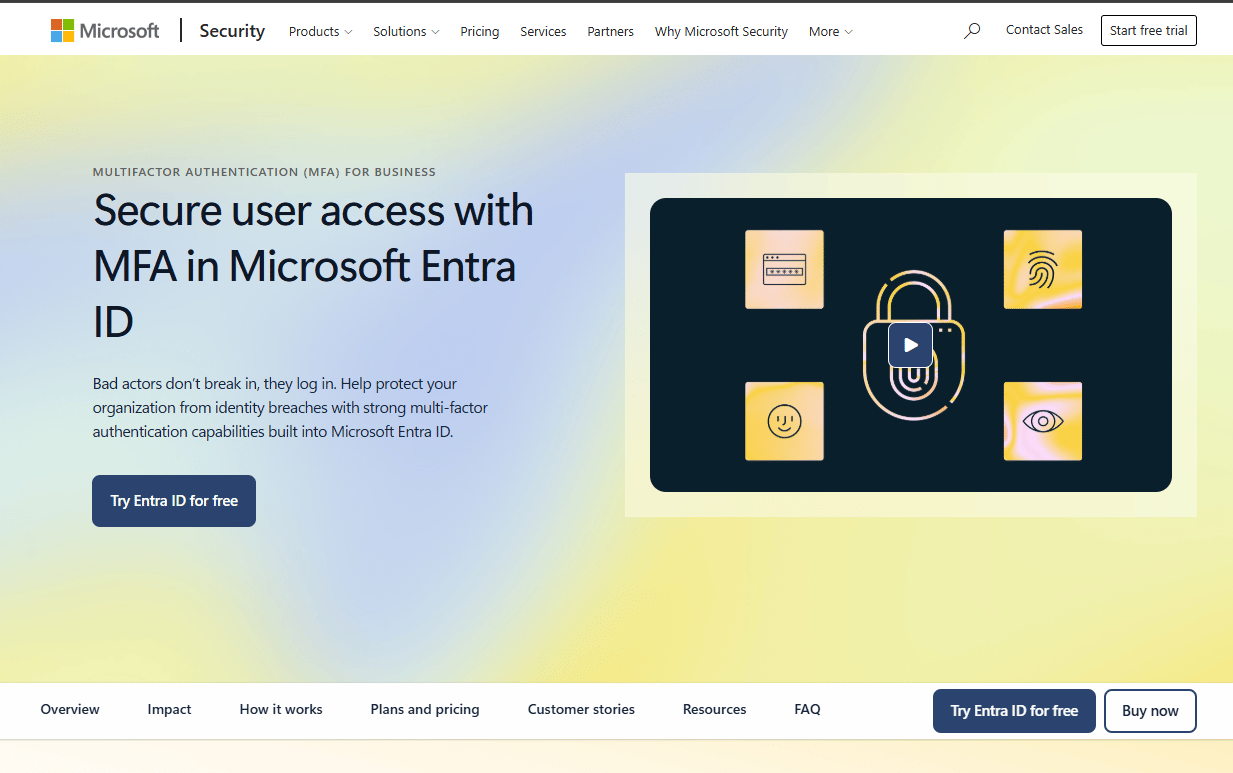
Multi-factor Authentication is the verification layer that risk-based authentication systems trigger when a session crosses a risk threshold. Microsoft Entra MFA is a widely deployed enterprise implementation, supporting push notifications, biometrics, one-time passcodes, FIDO2 security keys, certificate-based authentication, and passkeys. On its own, MFA is static, the same challenge every session. Paired with risk scoring, it becomes adaptive: Low-risk sessions pass through, while suspicious ones face a step-up prompt.
Best for: Teams that need a standard second verification layer for risky logins and sensitive actions across enterprise environments.
Key features
- Push and authenticator prompts via Microsoft Authenticator
- FIDO2 security key support
- Certificate-based authentication and passkeys
- Backup recovery and self-service reset flows
- Audit logs and reporting
Why choose Multi-factor Authentication: MFA is the control buyers expect to see in security review. The value of risk-based MFA over static MFA is that it reduces unnecessary friction for normal sessions while preserving strong verification for high-risk ones. Pair it with an IAM policy engine to get the full benefit.
Multi-factor Authentication pricing: Microsoft Entra ID P1 starts at $7.00 per user per month (billed annually), which includes MFA capabilities. Entra ID P2 is $10.00 per user per month. Basic MFA features are available through Microsoft's free Entra ID tier via security defaults.
G2 rating: 4.5/5 (Microsoft Entra ID)
2. Adaptive Authentication
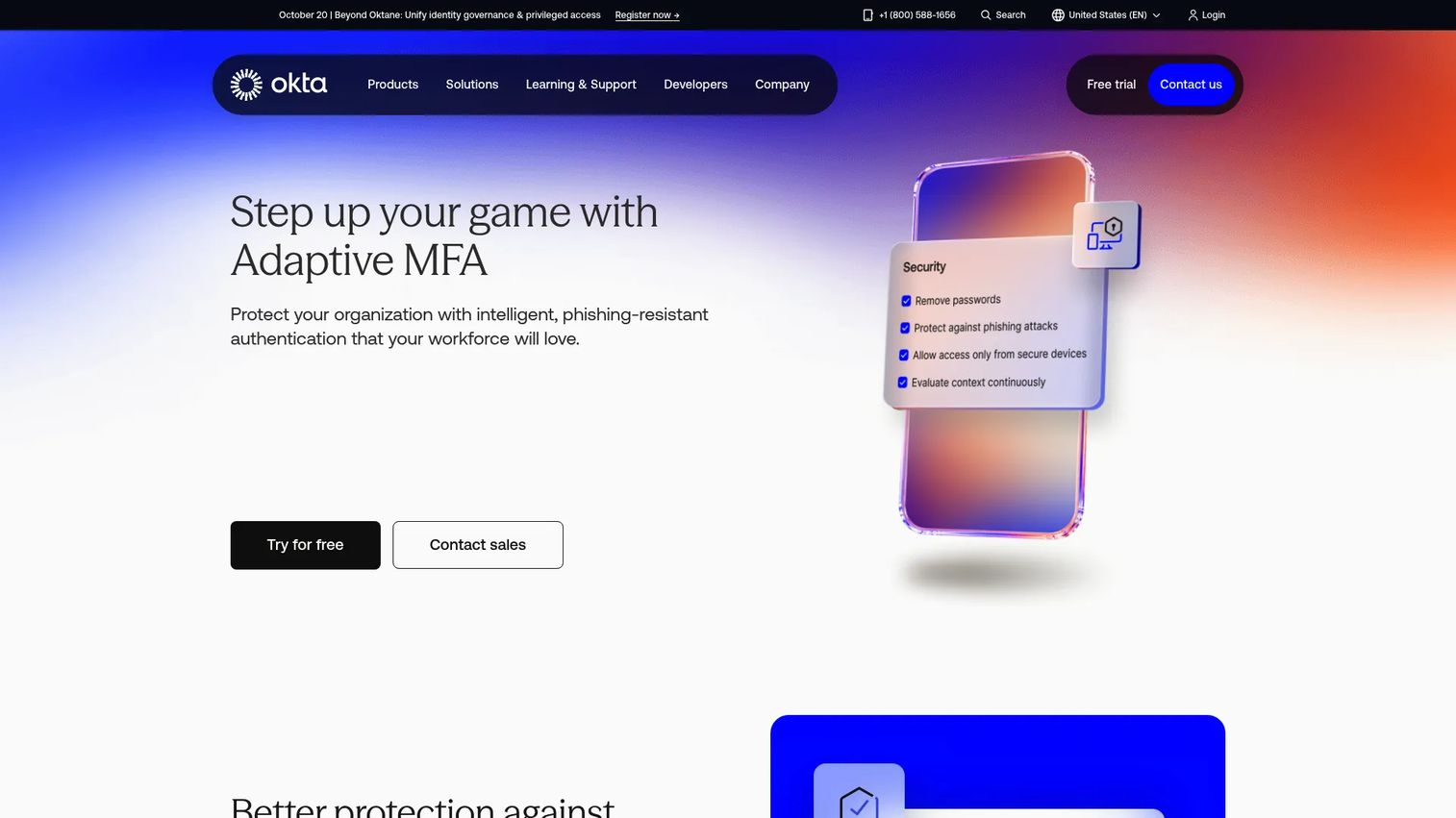
Adaptive Authentication is the policy engine that changes login requirements based on session context. Okta Adaptive MFA evaluates device, network, location, user behavior, and IP signals to determine whether a session should be allowed through, stepped up, restricted, or blocked. It supports phishing-resistant options including Okta FastPass and FIDO2 WebAuthn, as well as smart cards. For identity teams moving beyond static MFA, adaptive authentication is the layer that makes risk-based access practical without requiring a custom build.
Best for: Identity teams that need authentication flows to shift automatically based on what each session looks like, not a fixed ruleset.
Key features
- Context-aware access rules using device, location, and behavior signals
- Step-up authentication for higher-risk sessions or sensitive applications
- Phishing-resistant options: Okta FastPass, FIDO2, smart cards
- Conditional access and risk-based policy enforcement
- Session reauthentication triggers
Why choose Adaptive Authentication: Choose adaptive authentication when static MFA creates friction everywhere and reduces adoption. It reserves challenges for the sessions that warrant them, which keeps support tickets low and user confidence high.
Adaptive Authentication pricing: Okta's Essentials plan, which includes adaptive MFA, starts at $17 per user per month. The Starter plan lists adaptive MFA as an add-on, with pricing available on request.
G2 rating: 4.5/5 (Okta)
3. IAM
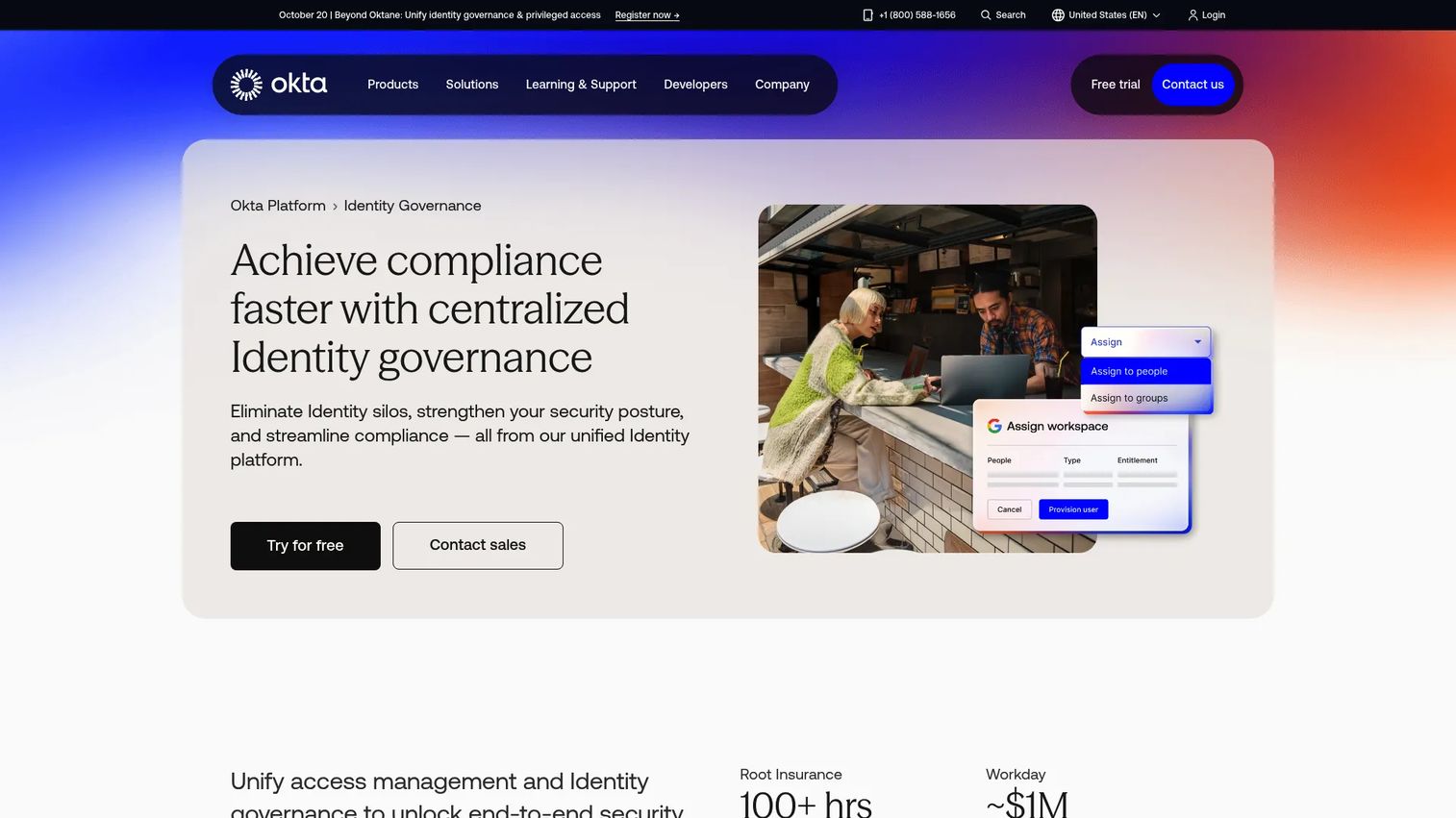
IAM (Identity and Access Management) is the foundation layer that manages who exists in your identity stack, what they can access, and what policies govern how they authenticate. Okta Identity Governance represents the enterprise IAM category, combining access requests, certifications, entitlement management, lifecycle workflows, and governance reporting. Risk-based authentication depends on IAM context: Without it, risk decisions have no user role, no application policy, and no lifecycle state to reference.
Best for: Organizations that need centralized identity policy, access governance, and compliance reporting across users and applications.
Key features
- Self-service access requests with automated approval routing
- Periodic access certifications and audit evidence
- Fine-grained entitlement management
- Lifecycle management for provisioning and deprovisioning
- Governance and compliance reporting
Why choose IAM: Choose IAM when risk-based authentication must align with user roles, application access entitlements, and directory data. A signal without an identity context is only a data point. IAM turns it into an enforceable policy. For more on access review software as a governance layer, that guide covers complementary evaluation controls.
IAM pricing: Okta Essentials, which includes access governance and lifecycle management, starts at $17 per user per month (billed annually). Core Essentials is available at $14 per user per month.
G2 rating: 4.5/5 (Okta)
4. Biometrics
Biometrics represent a high-assurance authentication signal that keeps credential data on the local device rather than in a shared database. Windows Hello, Microsoft's passwordless sign-in technology, uses facial recognition, fingerprint recognition, or a device-bound PIN to verify identity. Biometric data never leaves the device, which removes the credential theft risk that phishing exploits. Paired with device trust and risk scoring, biometrics provide strong presence verification for sessions that require it.
Best for: Organizations seeking passwordless, device-bound authentication on compatible Windows devices where user presence must be confirmed.
Key features
- Facial recognition via compatible infrared cameras
- Fingerprint recognition via compatible readers
- Device-bound PIN as a fallback factor
- Passwordless sign-in for supported apps and passkey-enabled websites
- Biometric data stays local and is not transmitted
Why choose Biometrics: Use biometrics when passwords and OTPs create credential risk. Validate privacy requirements, consent handling, and device compatibility before rollout. Behavioral biometrics add an additional layer for continuous post-login risk scoring.
Biometrics pricing: Windows Hello is built into compatible Windows devices and does not carry a standalone cost. Enterprise biometric deployments vary by hardware vendor and authentication platform.
5. Artificial Intelligence
Artificial Intelligence applied to authentication means using pattern detection, anomaly scoring, and threat signal correlation to surface risk that rule-only systems miss. IBM's AI portfolio, anchored by watsonx.ai, provides foundation model capabilities, supervised and unsupervised learning, and AI governance controls for enterprise deployments. In authentication contexts, AI layers sit above raw signals and identify combinations of normal-looking behaviors that together indicate compromise, which static rules cannot catch at scale.
Best for: Teams with high authentication volumes and diverse contextual signals that exceed what manual rule tuning can cover.
Key features
- Anomaly detection across large authentication signal sets
- Threat pattern recognition combining multiple weak signals
- Risk score automation from model output
- User behavior baselines for deviation detection
- Alert prioritization based on predicted impact
Why choose Artificial Intelligence: Use AI risk analysis when rule-only policies miss subtle attack patterns. Pair it with clear risk thresholds and human review escalation paths for sensitive controls. Clean, labeled training data matters more than model complexity.
Artificial Intelligence pricing: IBM watsonx.ai offers a free Toolbox playground. Essentials production deployments are pay-as-you-go; Standard starts at approximately $1,110 per month (pay-as-you-go).
G2 rating: 4.4/5 (IBM watsonx.ai)
6. Machine Learning
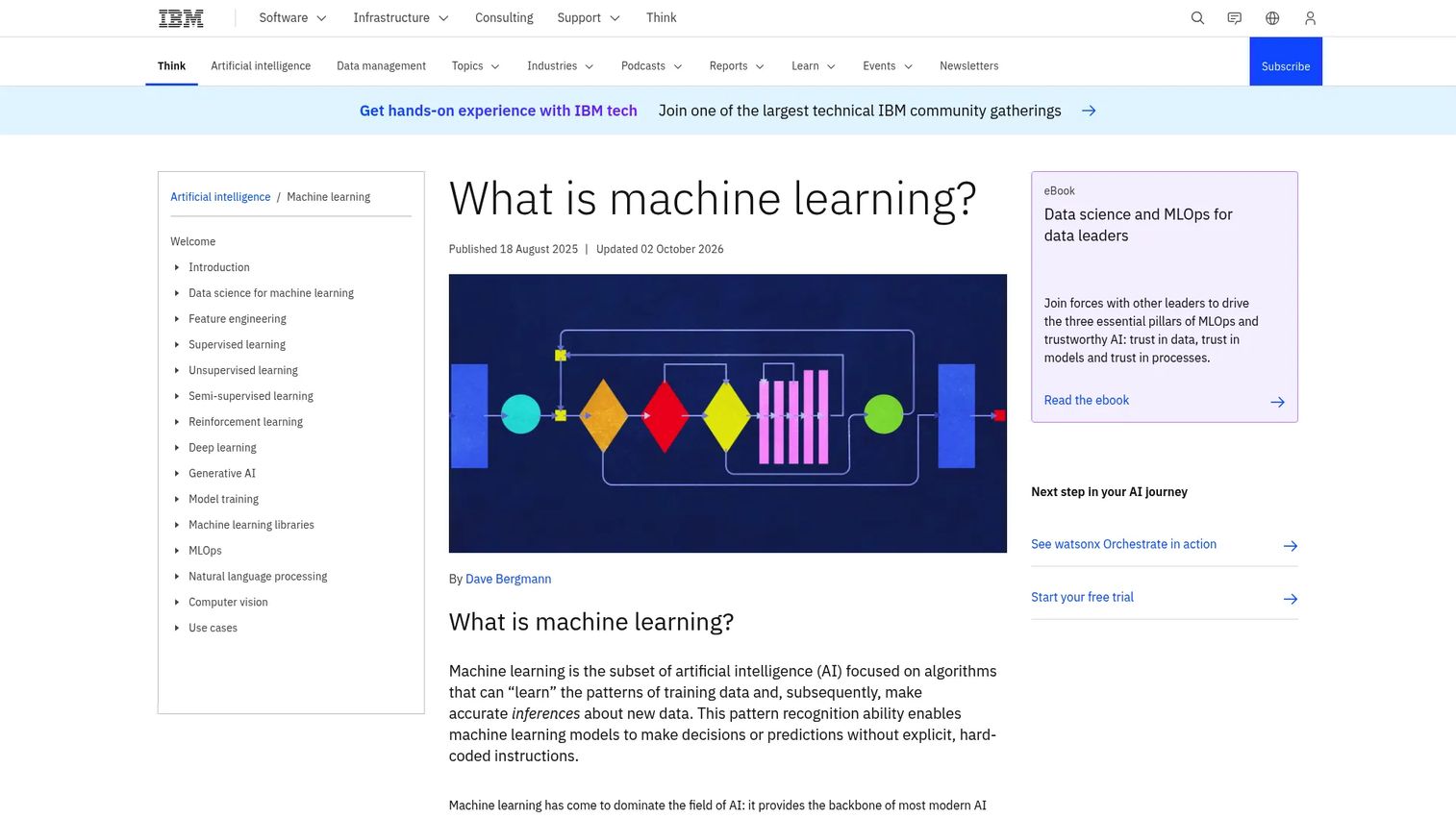
Machine Learning models learn what normal user behavior looks like and score deviations as risk. In authentication, that means modeling login velocity, device patterns, access timing, and resource selection for each user or cohort. When a session deviates significantly from the established baseline, the model raises the risk score and triggers an adaptive response. IBM's watsonx.ai platform supports supervised, unsupervised, and reinforcement learning, along with model monitoring for drift, fairness, and performance.
Best for: Security teams that need behavioral baselines rather than static rules to identify compromised accounts or insider threats.
Key features
- Behavioral modeling from historical session data
- Login velocity and timing deviation analysis
- Pattern baselining per user or cohort
- Risk threshold tuning and false-positive monitoring
- Model governance for drift and performance tracking
Why choose Machine Learning: Use machine learning when attackers adapt to bypass static rules. Review model explainability and tuning requirements before production rollout. Unexplainable model outputs create audit risk in regulated environments.
Machine Learning pricing: IBM watsonx.ai free Toolbox is available at no cost. Standard enterprise production starts at approximately $1,110 per month (pay-as-you-go).
G2 rating: 4.4/5 (IBM watsonx.ai)
7. Active Directory
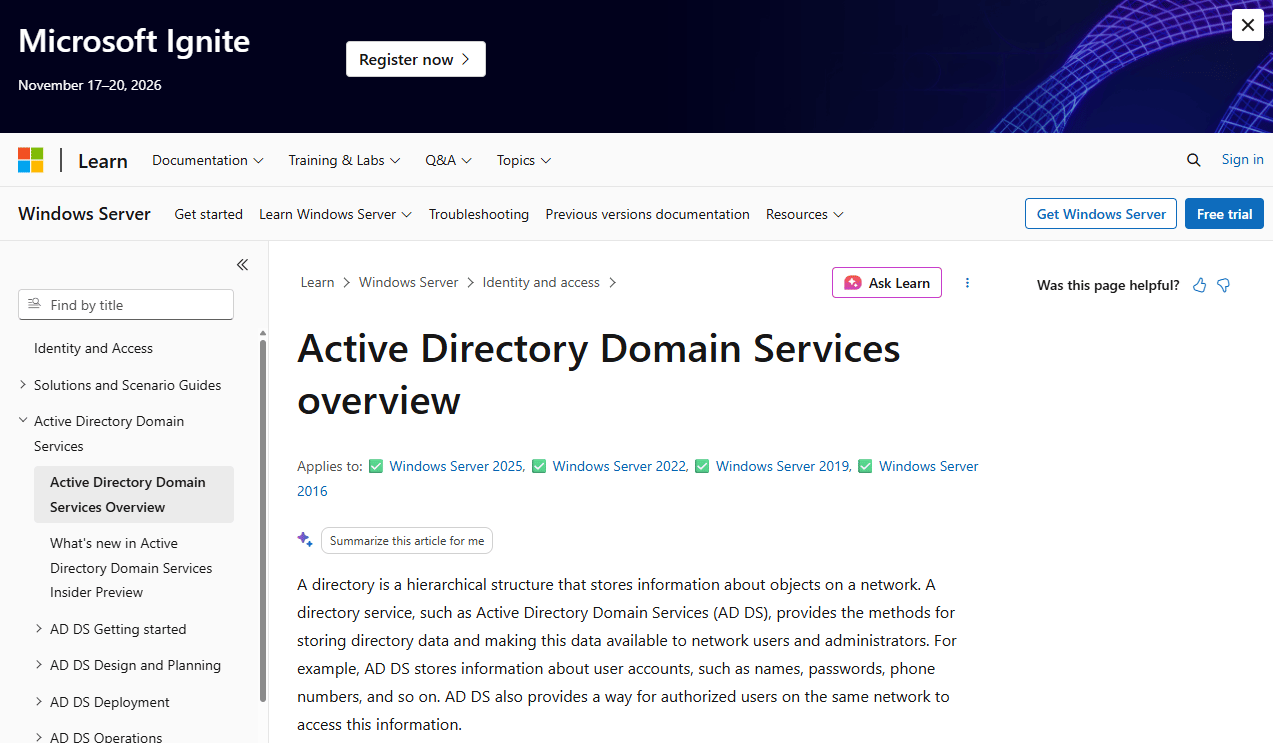
Active Directory Domain Services is Microsoft's on-premises directory service for storing and managing identities, computers, group policies, and access control. In risk-based authentication architectures, AD provides the identity context that adaptive policies depend on: User group membership, device registration, role assignments, and organizational unit hierarchy. Hybrid environments extend this context to cloud applications via Microsoft Entra ID, which bridges on-premises directory data with cloud conditional access policies.
Best for: Enterprise organizations managing on-premises Windows networks that need group, device, and role context for authentication risk decisions.
Key features
- Centralized user and group identity storage
- Authentication and access control policy enforcement
- Hierarchical structure for users, computers, and resources
- Group Policy and delegated administration
- Directory replication and global catalog for distributed environments
Why choose Active Directory: Choose Active Directory integration when authentication decisions need group, device, or role context from existing Microsoft infrastructure. Without it, risk policies operate without the organizational structure that defines what each user should be accessing.
Active Directory pricing: Licensing is tied to Windows Server and Microsoft identity plans rather than a standalone Active Directory product. Contact Microsoft for current licensing applicable to your environment.
8. Single Sign-On
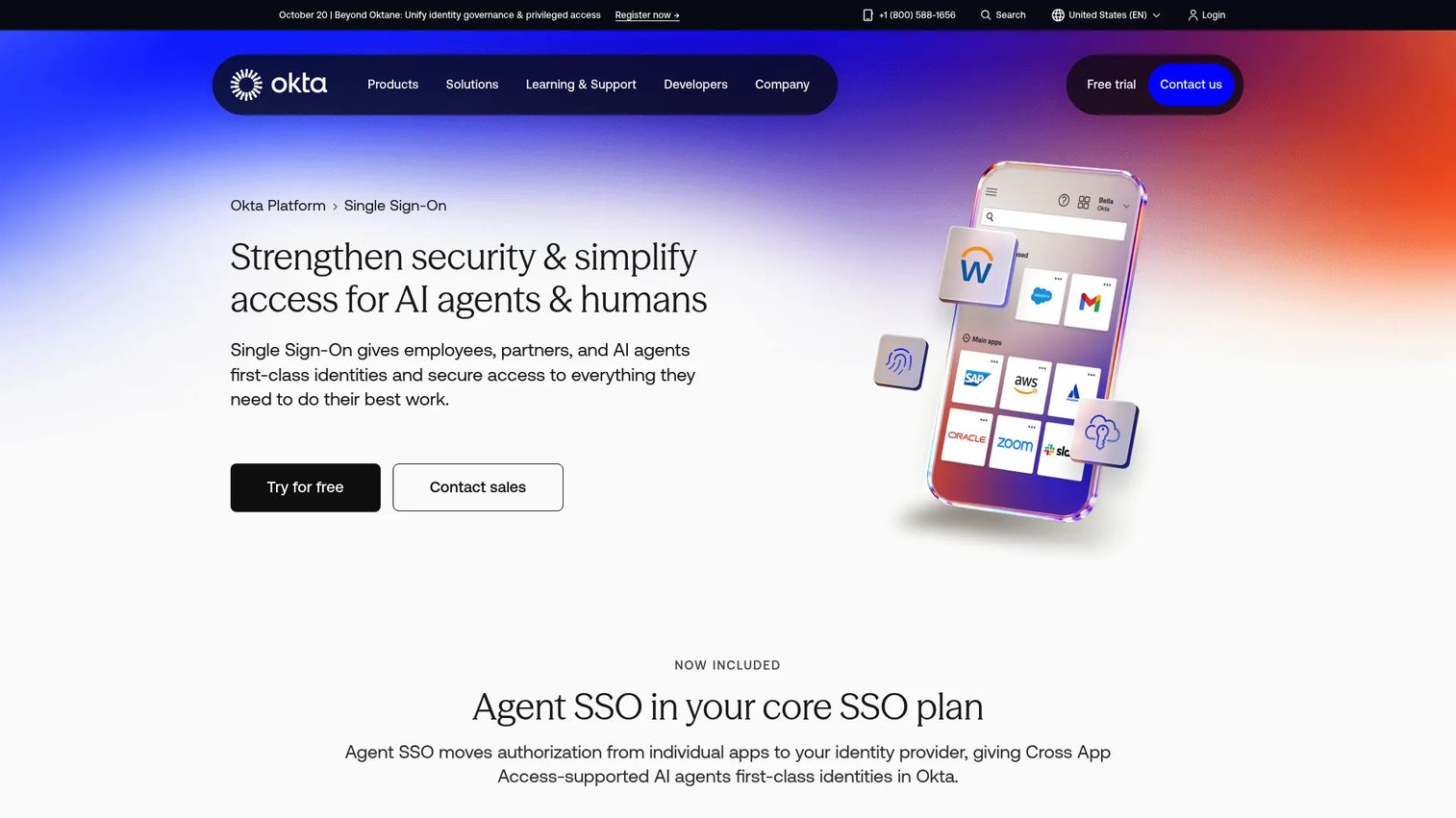
Single Sign-On provides a central access point where risk-based policies can be enforced consistently across every connected application. Okta SSO supports centralized app access for employees, partners, and AI agents, with session policies, MFA triggers, and app-level reporting. For identity teams, SSO is where the enforcement point lives. A risk score without an enforcement point is only a dashboard metric.
Best for: Organizations that need consistent risk controls applied across many SaaS and on-premises applications without per-app policy management.
Key features
- Centralized app access through one login portal
- Conditional access and MFA trigger policies
- Agent SSO with granular activity auditing
- App-level session policies and reporting
- Integration with modern SaaS and legacy systems
Why choose Single Sign-On: Choose SSO when users access many cloud applications. It gives identity teams one enforcement point instead of configuring authentication policy inside every individual app. Pair with adaptive authentication to make the SSO layer risk-aware. More context on account-based selling software covers how SSO fits into broader sales-team security stacks.
Single Sign-On pricing: Okta Starter starts at $6 per user per month (billed annually). Core Essentials is $14, and Essentials is $17 per user per month.
G2 rating: 4.5/5 (Okta)
9. SIEM
SIEM (Security Information and Event Management) is the monitoring layer where authentication risk events become visible to security operations. Splunk Enterprise Security ingests logs from identity systems, correlates events against threat intelligence, applies MITRE ATT&CK-aligned detections, and surfaces risk-based alerts for investigation. Without SIEM, authentication anomalies stay inside the IAM platform where security analysts cannot act on them. A risk signal without SIEM visibility weakens incident response.
Best for: Enterprise security operations teams that need authentication risk events integrated into investigation workflows, not siloed in an identity dashboard.
Key features
- Real-time log ingestion from identity, MFA, and directory systems
- Risk-based alerting and user and entity behavior analytics
- MITRE ATT&CK-aligned detection engineering
- Incident response workflows and case management
- Risk event dashboards and audit reporting
Why choose SIEM: Choose SIEM integration when identity risk must be visible to security operations, not only IAM administrators. Authentication anomalies that reach the SOC can be investigated alongside endpoint, network, and threat intelligence data. This also satisfies audit requirements for log retention and security event monitoring.
SIEM pricing: Splunk Enterprise Security uses custom pricing based on workload or ingest volume. Contact Splunk for a quote applicable to your environment.
G2 rating: 4.3/5 (Splunk Enterprise Security)
10. APIs
APIs are the integration layer that connects risk signals from identity platforms, fraud engines, device management systems, and custom applications into a unified authentication workflow. Postman is a widely used platform for designing, testing, documenting, and monitoring APIs. In risk-based authentication architecture, APIs matter because packaged integrations rarely cover every data source a security team trusts. Custom risk signals, proprietary fraud models, and nonstandard identity workflows all require API connectivity to reach the policy engine.
Best for: Teams with custom applications, proprietary fraud models, or identity environments that standard integrations do not cover.
Key features
- Multi-protocol API client for testing and design
- API documentation and mock servers
- Automated and performance testing workflows
- Security and governance controls for API management
- Monitoring for API performance and availability
Why choose APIs: Choose API-based integration when packaged connectors do not reach the systems that hold the risk signals your team trusts. Before committing, validate latency requirements and failure behavior. A risk signal that arrives after the authentication decision has been made provides no protection.
API (Postman) pricing: Postman offers a free plan for individuals. The Solo plan starts at $9 per month (billed annually). Team plans start at $19 per user per month. Enterprise pricing requires contacting sales.
G2 rating: 4.6/5 (Postman)
11. Google Workspace
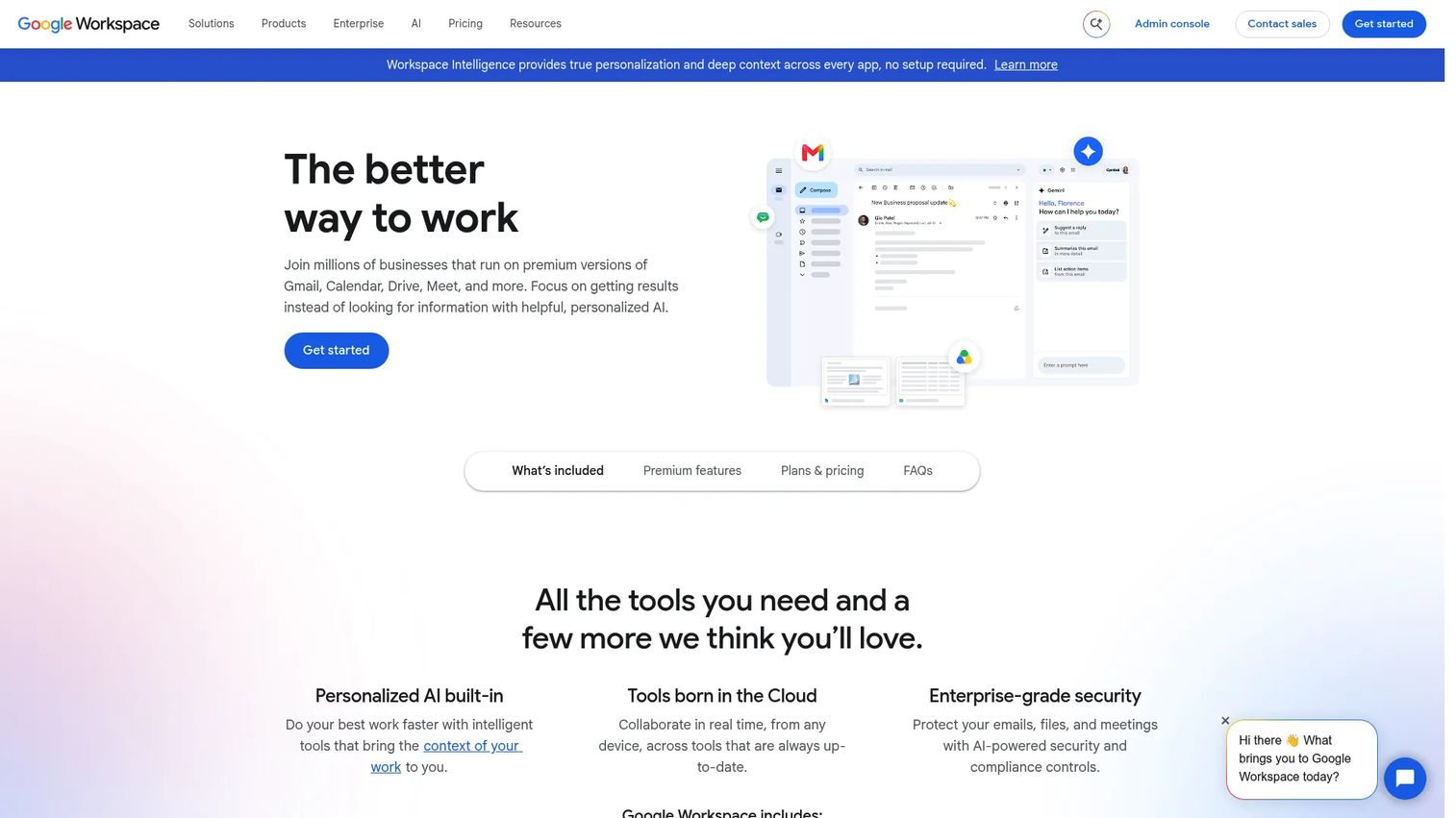
Google Workspace is a cloud productivity suite where risk-based access controls protect email, shared documents, collaboration, and administrative functions. The Admin Console provides context-aware access policies, device management, 2-step verification, and SSO configuration. For organizations where Gmail, Drive, and collaborative docs are primary work surfaces, Workspace administration is a significant risk surface that authentication policies need to cover.
Best for: Organizations protecting cloud productivity data, admin access, and cross-team collaboration from unusual login behavior and device risk.
Key features
- Admin access controls via Google Admin Console
- Context-aware access policies for device, location, and network
- Device policy enforcement and endpoint management
- 2-step verification and SSO configuration
- Audit logs for admin actions and access events
Why choose Google Workspace: Choose Google Workspace security controls when productivity data represents a primary risk surface. Contextual access policies allow admins to restrict access based on device status, IP range, and geographic location without requiring a separate identity platform.
Google Workspace pricing: The Starter plan is $7 per user per month. Standard is $14 per user per month. Plus is $22 per user per month. Enterprise pricing requires contacting Google.
12. Microsoft 365
Microsoft 365 is the productivity and collaboration suite where conditional access and identity protection capabilities turn the Microsoft identity stack into a risk-aware enforcement layer. Conditional access policies in Microsoft Entra ID evaluate user, device, location, and app signals to decide whether to allow, block, or require MFA for each session. For Microsoft-first organizations, M365 is where risk-based access architecture is most naturally enforced.
Best for: Microsoft-first organizations that want risk-based controls across Exchange, SharePoint, Teams, OneDrive, and admin workflows within their existing identity infrastructure.
Key features
- Conditional access policies via Microsoft Entra ID
- Identity Protection and sign-in risk detection
- Device compliance integration with Intune
- Admin role controls and privileged access management
- Audit logs and security reporting
Why choose Microsoft 365: Choose Microsoft 365 identity controls when the buyer runs Microsoft identity and productivity systems. Conditional access is tightly integrated, which reduces the architectural gap between identity and enforcement. For SEs, ask whether the buyer uses Business Basic, Standard, or Premium to confirm which Entra features are available.
Microsoft 365 pricing: Business Basic starts at $7.00 per user per month (billed annually). Business Standard is $12.50, Business Premium is $22.00, and Business Premium with Copilot is $32.00 per user per month.
G2 rating: 4.4/5 (Microsoft)
13. Salesforce
Salesforce is a high-value business application where customer data, revenue records, and admin workflows require strong access controls. CRM access is a frequent security review topic because bulk exports, admin changes, and opportunity records represent significant exposure. Salesforce login policies, session security settings, MFA enforcement, and audit tracking provide the controls that security reviewers check when CRM appears in scope.
Best for: Revenue teams protecting customer accounts, pipeline records, and administrative workflows from unauthorized access and bulk data exports.
Key features
- Login security policies and trusted IP ranges
- Session security controls and timeout management
- MFA enforcement across user roles
- Admin controls and permission set management
- Audit trail and field history tracking
Why choose Salesforce: Choose Salesforce security controls when CRM data exposure is a primary buyer concern during security review. The audit trail and permission management features support both internal governance and external compliance validation.
Salesforce pricing: A free suite is available. The Starter Suite begins at $25 per user per month. Pro Suite is $100, Enterprise is $175, and Unlimited is $350 per user per month (billed annually).
G2 rating: 4.4/5 (Salesforce Sales Cloud)
14. Slack
Slack is a collaboration platform where sensitive internal conversations, files, and third-party app integrations create a meaningful access risk surface. Enterprise Grid and Enterprise+ plans provide SSO support, MFA enforcement, session management, domain-level controls, and audit logs. For buyers where internal communications and connected apps are part of the risk scope, Slack's enterprise security features cover the critical access controls.
Best for: Teams protecting internal communications, shared files, and connected app workflows from unauthorized access and session hijacking.
Key features
- SSO support for centralized identity management
- MFA enforcement across the workspace
- Session management and timeout controls
- Enterprise audit logs and compliance exports
- DLP and data retention controls (Enterprise+)
Why choose Slack: Choose Slack enterprise security controls when collaboration data and third-party app integrations appear in security review. The Business+ and Enterprise+ plans add audit logging and advanced access controls that basic plans do not include. Confirm which plan tier the buyer runs before promising feature availability.
Slack pricing: A free plan is available. Pro is $7.25 per user per month (billed annually) or $8.75 billed monthly. Business+ is $15 per user per month (annually) or $18 monthly. Enterprise+ requires contacting sales.
G2 rating: 4.5/5 (Slack)
15. Zendesk

Zendesk is a customer support platform where PII, ticket histories, and customer records make agent access a meaningful risk surface. Role-based access, SSO integration, MFA support, and audit logs protect support operations from unauthorized data access and agent account compromise. For buyers where support teams handle sensitive customer information, Zendesk's access controls belong in the identity security review scope.
Best for: Support organizations protecting customer tickets, PII, agent accounts, and administrative settings from unauthorized access.
Key features
- Role-based access control for agents and admins
- SSO integration for centralized authentication
- MFA support across agent accounts
- Audit logs for agent actions and access events
- Admin controls and permission management
Why choose Zendesk: Choose Zendesk access controls when support data appears in the buyer's security review scope. Audit logs satisfy compliance requirements around customer data access, and role-based controls limit what agents can view or export.
Zendesk pricing: Support Team starts at $19 per agent per month (billed annually). Suite Team is $55 per agent per month. Suite Professional is $115 per agent per month (billed annually).
G2 rating: 4.3/5 (Zendesk for customer service)
16. Zoho
Zoho provides a broad suite of business applications covering CRM, finance, collaboration, HR, and IT management. Across the suite, Zoho supports MFA, SSO, admin controls, and application-level permission management. For mid-market buyers where multiple business workflows live inside Zoho apps, authentication controls applied at the Zoho account level have broad coverage across the application footprint.
Best for: Teams using Zoho apps as core business systems who need consistent MFA and access controls across CRM, finance, and collaboration tools.
Key features
- MFA support across Zoho accounts
- SSO integration for centralized login management
- Admin controls and role-based app permissions
- Security logs and audit reporting
- AI-assisted features via Zia Agents
Why choose Zoho: Choose Zoho security controls when many business workflows run inside Zoho apps and consistent access policy matters more than per-app configuration. The broad app coverage means one set of authentication controls reaches CRM, support, and finance simultaneously.
Zoho pricing: Zoho Books (representative plan) has a free tier. Paid plans start at $20 per organization per month for Standard. Professional is $50, Premium is $70, Elite is $150, and Ultimate is $275 per organization per month.
17. Freshdesk
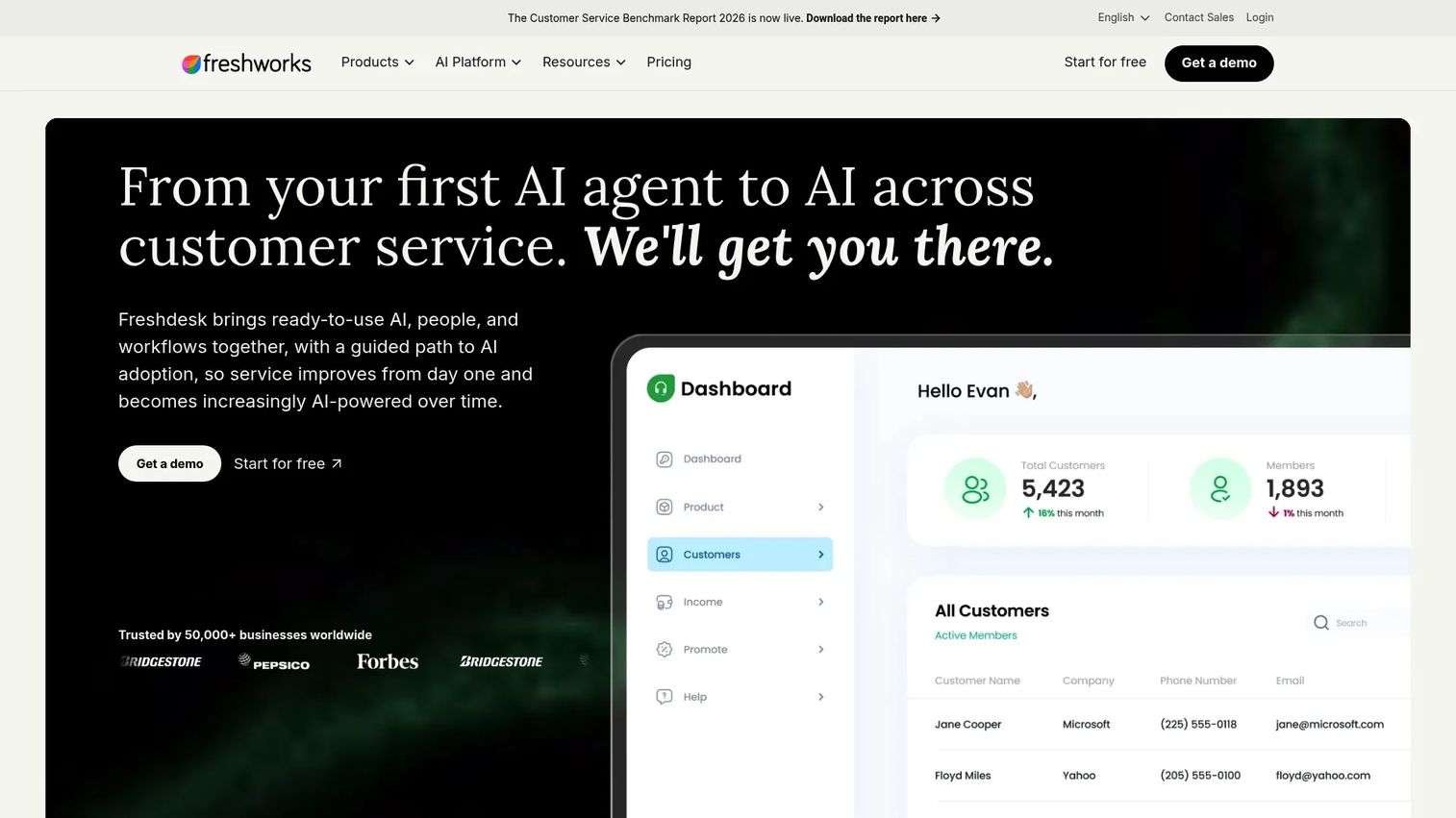
Freshdesk is support software from Freshworks with customer ticket data and agent access risk comparable to Zendesk. Role-based access, SSO, MFA, and audit controls protect support data and agent accounts. The Enterprise plan adds domain and IP controls, skill-based routing, sandbox access, and detailed audit logs for organizations with stricter security requirements.
Best for: Freshworks customers that need stronger support-desk access controls with audit logging and domain-level restrictions.
Key features
- Agent role and permission management
- SSO support for centralized authentication
- MFA support for agent accounts
- Audit controls and reporting
- Domain and IP access controls (Enterprise tier)
Why choose Freshdesk: Choose Freshdesk controls when support data and agent access need enterprise-grade review inside the Freshworks ecosystem. The Enterprise plan's domain and IP restrictions address access risk that lower tiers do not cover. Capterra reviewers rate it at 4.5/5.
Freshdesk pricing: Growth starts at $19 per agent per month (billed annually). Pro is $55 per agent per month. Enterprise is $89 per agent per month (billed annually).
18. Dropbox
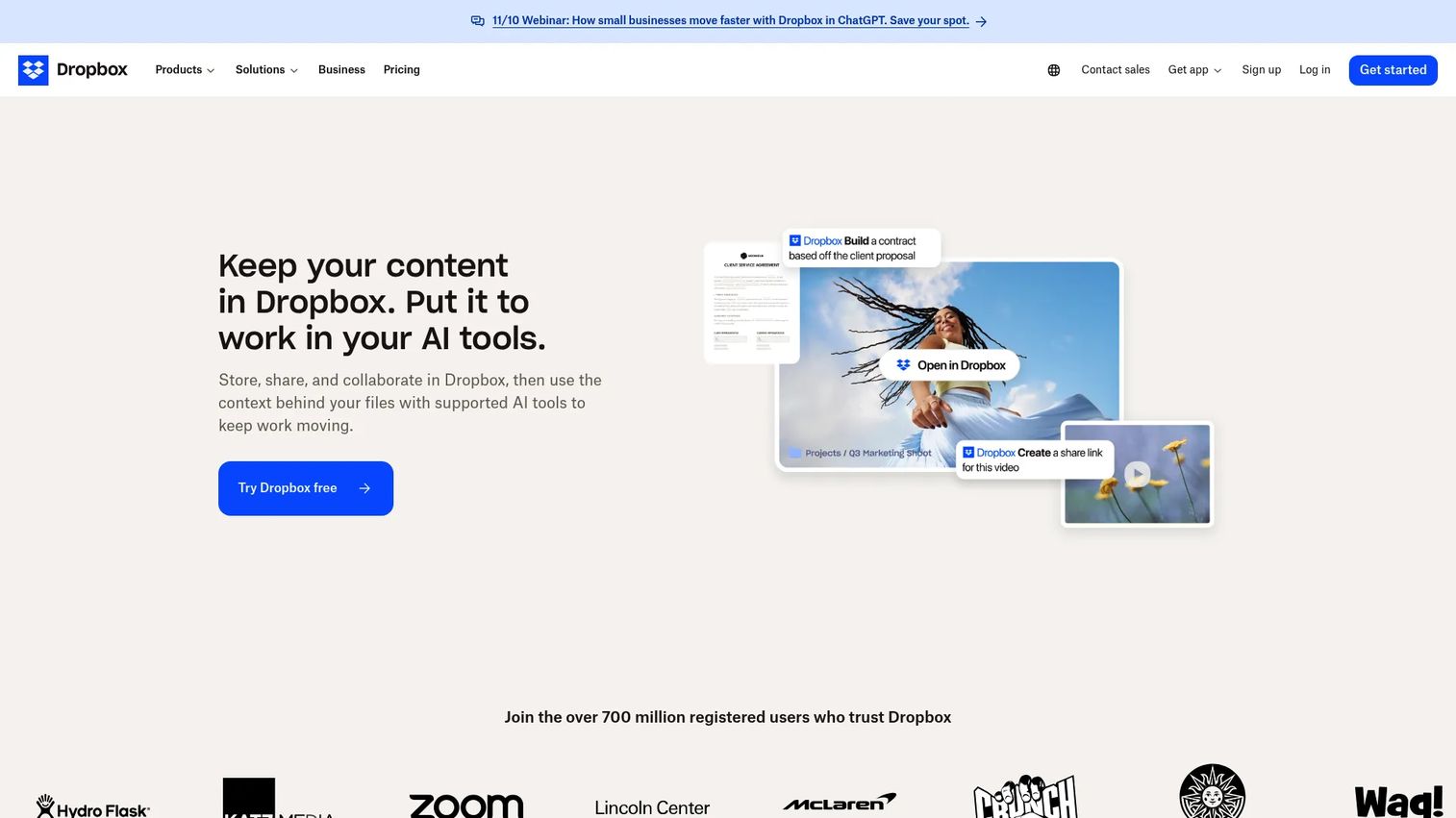
Dropbox is a file storage and collaboration platform where document access, external sharing, and administrative actions create risk exposure. Business and Advanced plans provide SSO integration, device trust controls, sharing permission management, and admin security settings. Activity logs track who accessed what and when, which matters for data leakage investigations and compliance audits.
Best for: Teams protecting shared files, external collaboration, and administrative file management from suspicious access and unauthorized sharing.
Key features
- SSO support for centralized access management
- Device controls and trusted device management
- External sharing controls and permission settings
- Admin security settings and access management
- Activity logs for file access and sharing events
Why choose Dropbox: Choose Dropbox security controls when file access and external sharing appear as risk surfaces in security review. The activity log provides the audit trail that compliance teams require. Ask whether the buyer uses Business or Advanced plans, as security features differ between tiers.
Dropbox pricing: A free Basic plan (2 GB) is available. Plus starts at $9.99 per month. Business Standard is $15 per user per month. Advanced is $24 per user per month. Enterprise pricing requires contacting sales.
G2 rating: 4.4/5 (Dropbox)
19. Thinkific
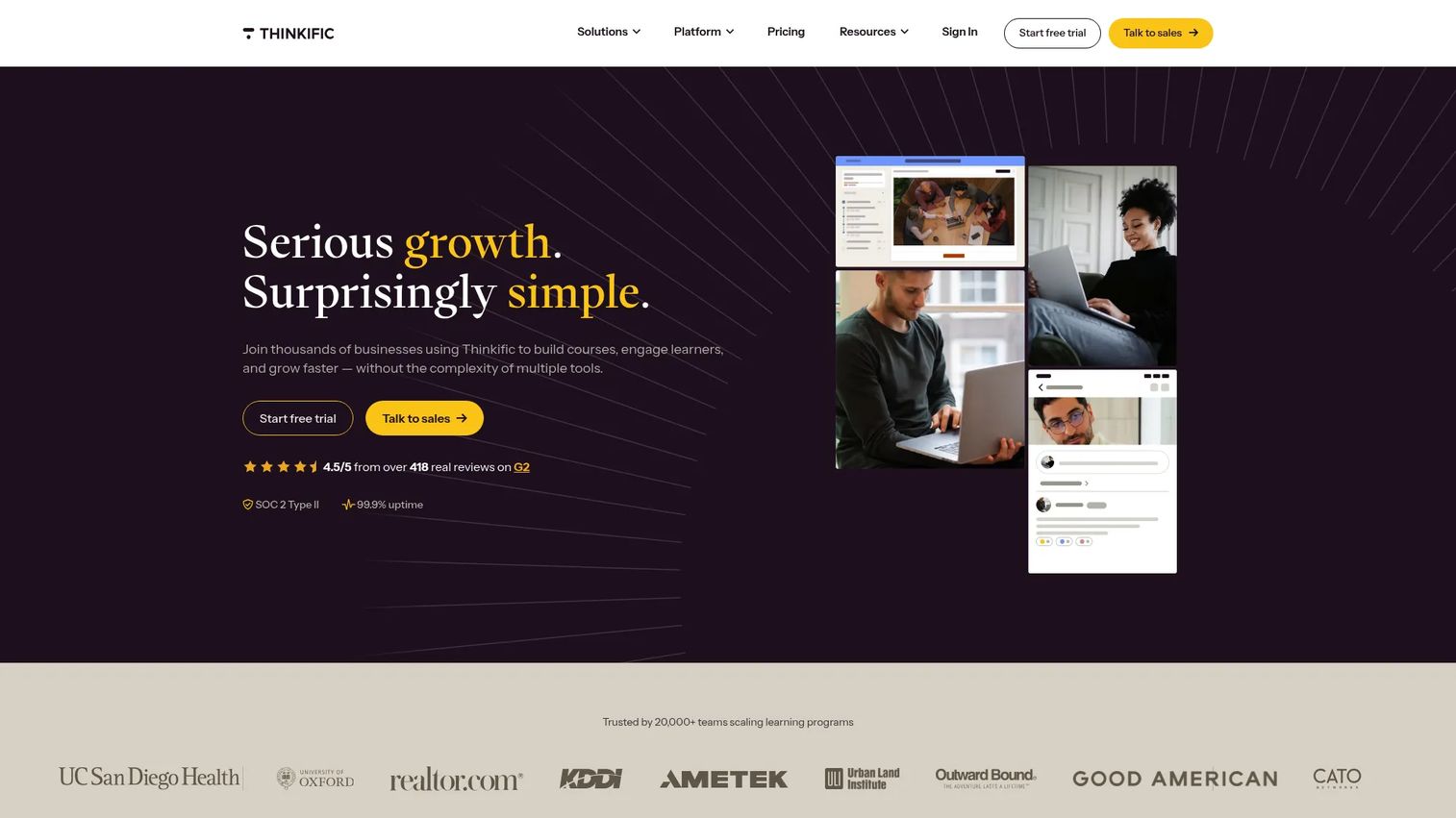
Thinkific is a learning management and commerce platform used for customer education, partner training, and internal onboarding. User roles, SSO support, admin permissions, and login security protect course access, learner records, and platform configuration. For buyers where customer or partner training portals are part of the access risk scope, Thinkific's controls deserve inclusion in identity review.
Best for: Teams protecting course access, learner records, and administrative settings in customer education or partner enablement portals.
Key features
- User role management across learners and admins
- SSO support for centralized authentication
- Account controls and admin permission settings
- Login security settings
- Commerce and enrollment access management
Why choose Thinkific: Choose Thinkific when training portals are part of customer or partner access, and when protecting learner data or admin configuration matters in the broader security review. The Plus plan covers enterprise-grade requirements; confirm with Thinkific sales for custom needs.
Thinkific pricing: Basic starts at €53 per month (billed monthly). Start is €107 per month. Grow is €213 per month. Plus pricing requires contacting sales. A 30-day free trial is available.
G2 rating: 4.5/5 (Thinkific)
20. Lifecycle Management
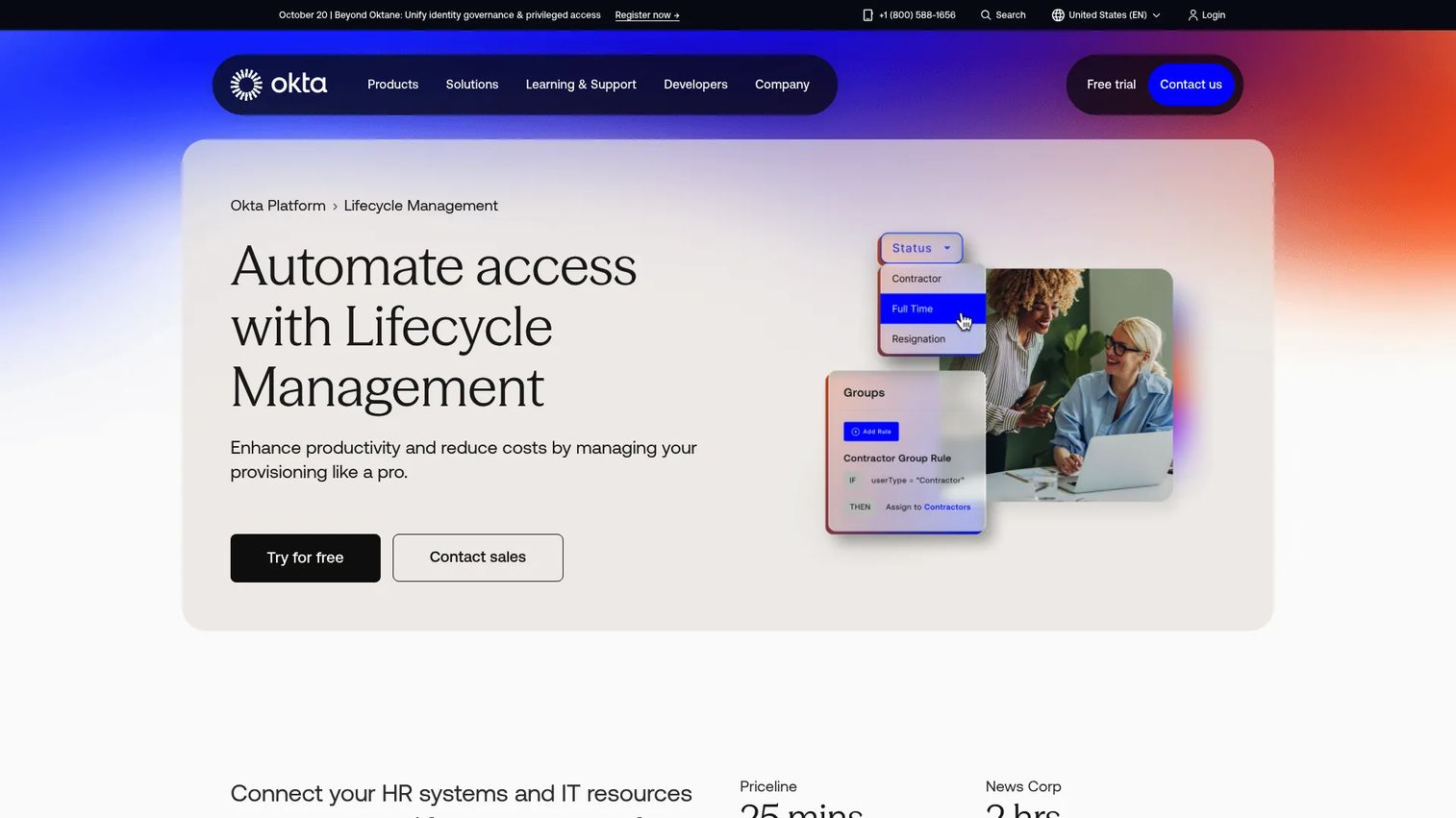
Lifecycle Management automates identity provisioning and deprovisioning as employees, contractors, and partners join, change roles, or leave. Okta Lifecycle Management handles joiner, mover, and leaver workflows across HR systems, directories, and SaaS applications. Stale accounts left active after an employee departure are a direct authentication risk. Without lifecycle automation, risk-based authentication protects active sessions but leaves ghost accounts open to compromise.
Best for: Organizations that need access to change automatically when workforce identity changes, preventing stale accounts from becoming authentication risk.
Key features
- Automated joiner, mover, and leaver workflows
- HR-system and directory identity imports
- Application provisioning and deprovisioning
- Access policies based on groups, dates, and inactivity
- Auditing and compliance reporting for access reviews
Why choose Lifecycle Management: Choose lifecycle management when account hygiene directly affects authentication risk. A risk-based system that challenges active sessions but never revokes departed accounts has a gap that attackers can exploit. Lifecycle automation closes it.
Lifecycle Management pricing: Included in Okta Essentials at $17 per user per month (billed annually). Available as an add-on on the Starter plan at $6 per user per month. Professional and Enterprise pricing requires contacting Okta.
G2 rating: 4.5/5 (Okta overall)
21. Phishing-Resistant MFA
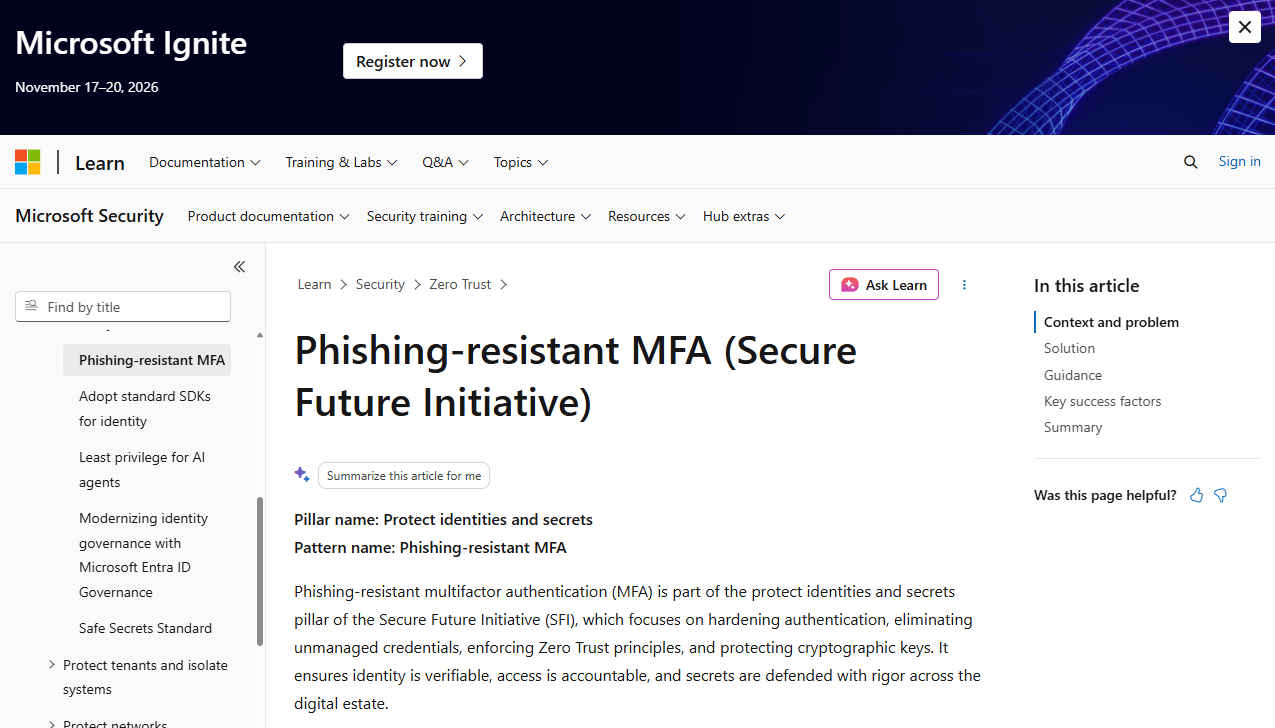
Phishing-Resistant MFA is the strongest verification method available for high-risk sessions and privileged access. CISA's guidance covers FIDO/WebAuthn using roaming and platform authenticators, PKI-based methods including smart cards (PIV and CAC), and the specific threats these methods defeat: Phishing, push bombing, SS7 exploitation, and SIM swapping. Standard OTPs and push notifications can be intercepted by real-time phishing proxies. Phishing-resistant methods bind the authentication to the specific site and device, removing that attack path entirely.
Best for: High-risk users, privileged administrators, and workflows where credential theft through phishing would cause the most damage.
Key features
- FIDO2 and WebAuthn authentication using roaming or platform authenticators
- PKI-based MFA including PIV and CAC smart cards
- Passkey support with hardware-binding
- Replay resistance built into the protocol
- Guidance on defeating phishing, push bombing, and SIM swapping
Why choose Phishing-Resistant MFA: Use phishing-resistant MFA when privileged access and sensitive workflows face credential phishing risk. Standard MFA stops credential stuffing but not real-time proxies. FIDO2 and PKI methods do. CISA guidance provides an implementation framework; the specific product depends on the authenticator and identity platform in use.
Phishing-Resistant MFA pricing: CISA guidance is free. Authenticator and platform costs depend on the hardware vendor, identity provider, and deployment model.
Considerations when choosing risk based authentication software
Risk signals you can trust
Ask which signals are available in the buyer's environment before designing a policy. Device fingerprinting, IP reputation, geolocation, login velocity, and session state are common. User behavior analytics require historical data to baseline. Start with the signals that already exist in the identity stack, then add new data sources as the architecture matures.
Policy design and risk thresholds
Low-risk sessions should pass through without friction. Medium-risk sessions should step up to MFA. High-risk sessions should face restriction, blocking, or forced reauthentication. False positives generate support tickets; false negatives allow breaches. Begin in monitoring-only mode to observe how policies would behave before enforcing them. Tune thresholds based on observed outcomes, not assumptions.
Integration with the identity stack
Risk-based authentication fails when the risk decision cannot reach the systems that enforce access. Confirm that IAM, MFA, SSO, Active Directory, SIEM, and relevant cloud apps can exchange signals and enforce policy. A risk score sitting in an isolated platform without an enforcement path is a reporting tool, not a security control. For context on application security testing software that complements identity controls, that guide covers adjacent security validation tools.
User experience and support impact
Authentication friction should rise only when risk rises. Verify that low-risk users on known devices face no additional prompts. Confirm that step-up flows are clear and accessible so users do not get locked out unnecessarily. Recovery flows, exception handling, and help desk escalation paths need to be defined before rollout. Challenge fatigue from poorly tuned thresholds drives support volume and adoption risk.
Privacy, audit, and compliance readiness
Risk-based authentication systems collect behavioral and contextual data. Understand what data is retained, how long it is stored, and how it is protected. Audit logs need to satisfy regulatory review requirements without exposing raw behavioral profiles. Transparency to users about what is monitored supports compliance posture. Do not claim that any software makes your organization compliant with a specific regulation; that determination requires legal and compliance review specific to your environment.
Conclusion
Risk-based authentication is not a single feature. It is a set of identity, MFA, analytics, and policy controls working together across the full identity stack. The best architecture depends on which risk signals are available, which applications need protection, and where policy enforcement actually happens.
For presales teams and Sales Engineers, the practical value of this guide is in discovery. Before a security review, map the buyer's identity stack: Where identities live, which apps are in scope, what counts as a high-risk action, and which systems can receive and enforce a risk decision. A signal without enforcement is a dashboard. MFA without risk logic creates friction everywhere. A risk architecture without SIEM connectivity limits what SecOps can investigate.
Build your discovery checklist from the 21 layers above. Validate IAM, MFA, SSO, SIEM, and app integrations before making architecture promises. Confirm that lifecycle management covers deprovisioning, and that phishing-resistant MFA is in place for privileged access. That conversation positions you as the SE who understands the buyer's environment, not just the vendor's feature list.
For presales teams evaluating broader AI cybersecurity solutions and AI security posture management tools, those guides cover adjacent categories that frequently appear alongside authentication controls in enterprise security reviews.
FAQs
Risk based authentication software evaluates contextual signals during login or sensitive actions, assigns a risk level, and applies an authentication response that matches that level. Depending on the risk score, the system can allow the session, request MFA, require step-up verification, restrict access, block the request, or reauthenticate the user. The core difference from static MFA is that the challenge requirement changes based on context rather than applying the same prompt to every session.
They overlap significantly but are not identical. Risk-based authentication focuses on scoring contextual signals to determine session risk. Adaptive authentication uses that score, or other contextual inputs, to change the login experience dynamically. Most enterprise platforms combine both: A risk scoring engine feeds an adaptive policy engine that decides whether to allow, step up, or block. The terms are often used interchangeably in vendor marketing, so ask specifically how each vendor implements risk evaluation and adaptive response.
MFA is a verification method: It asks for additional proof of identity. Risk-based authentication decides when and how that additional proof is required. Risk-based MFA reduces unnecessary prompts for low-risk sessions while applying strong verification to high-risk ones. Without risk logic, MFA challenges every session equally, which creates friction for normal users and does not provide proportional protection where it matters most.
Common signals include device fingerprint, IP address, geolocation, time of access, network type, login velocity, failed attempt patterns, session state, and application sensitivity. More advanced implementations add user behavior analytics, threat intelligence feeds, and external fraud scores. Signal quality matters more than signal count. A few reliable, high-confidence signals produce better risk scores than many noisy, unreliable ones.
Yes. Continuous authentication evaluates session risk beyond the initial login event. High-value post-login actions such as admin changes, privilege elevation, bulk data exports, and PII access can trigger step-up authentication or reauthentication requirements. Session changes, unusual navigation patterns, and inactivity timeouts can also prompt reauthentication. This is particularly relevant for Zero Trust architectures where identity is verified continuously, not assumed valid after initial authentication.
It does when configured well. Low-risk users on known devices in expected locations experience fewer prompts compared to static MFA. High-risk sessions receive appropriate verification before access is granted. Poor threshold configuration produces the opposite: Excessive false positives frustrate normal users and increase support volume, while false negatives allow risky sessions through unchallenged. Start in monitoring mode, observe outcomes, and tune thresholds before enforcing.
Begin with monitoring to observe how policies would behave against real traffic without enforcing challenges. Map existing risk signals and identify gaps. Define what low-risk, medium-risk, and high-risk sessions look like in your environment. Test policy impact against a sample population before broad enforcement. Tune thresholds based on false positive and false negative rates from monitoring. Enforce policies gradually, starting with higher-risk user populations and expanding as confidence in thresholds grows.
Ask where identities live (on-premises Active Directory, cloud IAM, or both), which applications are in scope for risk controls, which signals the buyer's current systems already emit, and what actions require step-up authentication. Confirm how authentication logs reach the SIEM, how exceptions and account lockouts are handled, and whether lifecycle management covers deprovisioning. These questions surface integration gaps early, before architecture commitments are made during technical validation or RFP response.