A new hire starts Monday. Their manager filed the ticket Friday afternoon. By Tuesday, they still can't get into the CRM, the ticketing tool, or the shared drive.
Meanwhile, three people who left last quarter still have active accounts in four SaaS apps nobody thought to check.
That gap, between how fast access should be granted and how slowly it actually gets revoked, is where risk lives. Manual onboarding wastes time. Manual offboarding leaves orphaned accounts, and orphaned accounts fail audits.
The market has responded. The global user provisioning market was valued at USD 5.4 billion in 2024 and is projected to reach USD 10.7 billion by 2030 at an 11.6% CAGR, according to Strategic Market Research (2024). Buyers are spending because the alternative, hand-keying access across dozens of systems, does not scale past a few dozen employees.
This guide compares the best user provisioning software for 2026. The focus is workflow fit, integration depth, and lifecycle coverage, not feature hype. If you evaluate tools for a living, this is written for how you actually buy.
What's inside
This guide is built for IT, security, identity governance, and presales teams evaluating user provisioning tools that automate access across the employee lifecycle. Every tool was assessed against the same criteria:
- Integration depth: HRIS, Active Directory, Azure AD, SCIM, and API coverage
- Lifecycle coverage: joiner, mover, and leaver automation, not just onboarding
- Governance: approval workflows, access reviews, and audit-ready reporting
- Scalability: fit across SMB to enterprise, hybrid, and legacy app stacks
You get a side-by-side comparison table, ten tool breakdowns with verified pricing, and a buyer's checklist you can apply to any vendor.
TL;DR
- Best for Microsoft-heavy environments: Microsoft Entra ID, native lifecycle and conditional access
- Best for broad identity orchestration: Okta, deep app connectivity across mixed stacks
- Best for HR-led lifecycle automation: Rippling, HR-to-IT workflows in one system
- Best for smaller IT teams: JumpCloud, directory plus device control without extra moving parts
- Best for enterprise identity governance: SailPoint and Saviynt, access reviews and certification at scale
- Best for SaaS-heavy stacks: BetterCloud and Zluri, discovery and automation across cloud apps
- Best for Active Directory shops: ManageEngine ADManager Plus, delegated admin and AD workflows
What user provisioning software is
User provisioning software automates the creation, modification, and removal of user accounts and access rights across your applications and systems, driven by an authoritative source like an HRIS or directory.
It sits inside the broader identity and access management (IAM) space but solves a narrower job. IAM covers authentication, single sign-on (SSO), multi-factor authentication (MFA), and privileged access management (PAM). Provisioning software handles the access lifecycle itself: who gets what, when, and for how long.
Core capabilities include:
- Provisioning: assign accounts and permissions when someone joins or changes roles
- Deprovisioning: revoke access automatically when someone leaves or moves
- Access synchronization: keep entitlements aligned with the source of truth as roles change
- Access reviews: periodic certification that people still need what they have
- Approval workflows: manager confirmation and self-service access requests with an audit trail
The distinction matters at buying time. SSO and MFA decide whether someone can log in. Provisioning decides whether the account should exist at all, and what it can touch. Confuse the two and you buy authentication when what you needed was lifecycle management.
Automated user provisioning software ties all of this to the joiner-mover-leaver (JML) model, so access follows the employee record instead of a manual ticket queue. That is the difference between least privilege as a policy and least privilege as something you can prove in an audit.
When to use user provisioning software
Provisioning software earns its place when manual access work starts breaking under volume, role complexity, or audit pressure. Three scenarios show up most often.
Automate onboarding across HR and IT
Joiner workflows break when access depends on someone remembering to file tickets. A new sales rep needs the CRM, the dialer, the enablement portal, and a shared drive on day one. When HR is the source of truth, HRIS integration lets provisioning software read the new hire record and grant role-based access automatically. No ticket, no waiting, no rep sitting idle on their first morning.
Fix offboarding and role change risk
Mover and leaver workflows are where permission creep and orphaned accounts appear. Someone moves from support to engineering and keeps both access sets. Someone leaves and their SaaS logins stay live for weeks. Automated deprovisioning closes those gaps the moment the source record changes. This is the single strongest argument for access provisioning software: offboarding risk is invisible until an audit or a breach makes it visible.
Handle hybrid apps and legacy systems
SCIM provisioning covers modern cloud apps cleanly, but many environments still run on-prem directories, homegrown tools, and apps with no SCIM endpoint. Hybrid provisioning matters here. The best account provisioning software reaches beyond SCIM through connectors, APIs, and Active Directory provisioning to cover disconnected systems. If half your stack is legacy, SCIM-only coverage leaves the riskiest apps unmanaged.
Comparison table
The list below is sorted by relevance to provisioning buyers, from Microsoft-native and orchestration-first platforms through enterprise governance and directory-heavy tools. Scan the "Best for" column first to match a tool to your environment shape, then check integration depth in the breakdowns. Pricing and G2 ratings reflect verified values at publish time.
| # | Product | Best for | Key differentiator | Pricing | G2 rating |
|---|---|---|---|---|---|
| 1 | Microsoft Entra ID | Microsoft-native environments | Native lifecycle plus conditional access | From $6.00 user/mo (P1), free edition available | 4.5/5 |
| 2 | Okta | Broad identity orchestration | Deep app connectivity across mixed stacks | From $6 user/mo | 4.5/5 |
| 3 | Rippling | HR-led lifecycle automation | HR, payroll, IT in one system | From $8 user/mo + $40 base | 4.8/5 |
| 4 | JumpCloud | Smaller IT teams | Directory plus device management | From $3.00 user/mo | Not listed |
| 5 | SailPoint | Enterprise identity governance | Certification and access reviews at scale | Custom | 4.5/5 |
| 6 | Saviynt | Governance across human and non-human identities | GRC and access certification | Custom | 4.4/5 |
| 7 | BetterCloud | SaaS operations | No-code SaaS automation and spend control | Custom, free basic tier | 4.4/5 |
| 8 | Zluri | SaaS discovery and governance | App visibility plus access automation | Custom | 4.6/5 |
| 9 | CoreView | Microsoft 365 governance | M365 delegation and drift detection | Request pricing | 4.6/5 |
| 10 | ManageEngine ADManager Plus | Active Directory shops | Delegated AD admin and workflows | Free edition; custom paid | 4.5/5 |
Best user provisioning software for 2026
1. Microsoft Entra ID
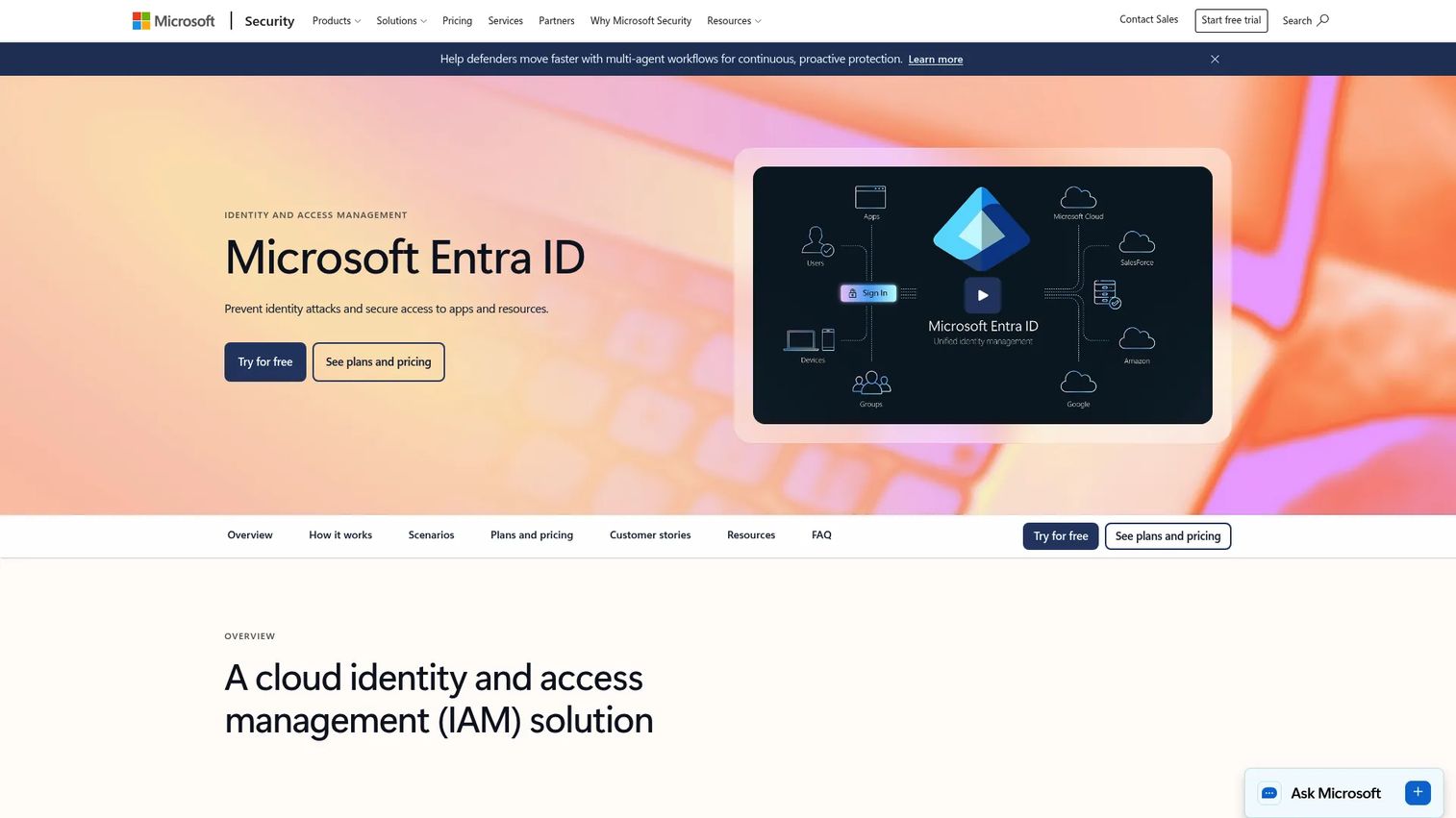
Microsoft Entra ID is Microsoft's cloud identity and access management platform, and the default provisioning layer for organizations already standardized on Microsoft 365 and Azure. It handles user and group management, directory sync, SSO, and SCIM-based app provisioning, with lifecycle automation, entitlement management, and access reviews available in the higher tier.
Best for: Enterprises running on Microsoft who want provisioning, conditional access, and governance in one identity plane.
Key strengths
- Native lifecycle automation across Microsoft 365 and Azure
- Conditional access, MFA, and passwordless sign-in
- SCIM app provisioning plus a large app gallery
- Entitlement management and access reviews in P2
- Free edition for user, group, and directory sync basics
Why choose it: If your stack already lives in Microsoft, Entra ID removes a whole integration layer. Provisioning, authentication, and governance run in the same console your admins already use. Teams outside the Microsoft ecosystem may find its non-Microsoft app coverage less turnkey than orchestration-first platforms.
Pricing: A free edition covers user and group management, directory sync, and SSO basics. Microsoft Entra ID P1 starts at $6.00 per user per month, and P2 at $9.00 per user per month, both paid annually.
2. Okta

Okta is an identity and access management platform built for mixed, multi-vendor environments. Its lifecycle management ties provisioning to an HRIS or directory source and pushes access across thousands of pre-built app integrations, which makes it a common choice when no single vendor dominates the stack.
Best for: Organizations running diverse app portfolios that need broad SCIM and API connectivity from one control point.
Key strengths
- Large integration network for SCIM and API provisioning
- Lifecycle management driven by HRIS or directory source
- SSO and MFA across workforce and customer identity
- Workflows for approval, deprovisioning, and role changes
- Vendor-neutral fit for heterogeneous stacks
Why choose it: Okta earns its keep when your apps span many vendors and you want one place to orchestrate access. The breadth of its integration catalog is the differentiator. Smaller teams with a Microsoft-only footprint may find more overlap than they need.
Pricing: Workforce identity suites start at $6 per user per month billed annually, with Core Essentials at $14 and Essentials at $17 per user per month. Professional and Enterprise tiers use custom pricing.
3. Rippling
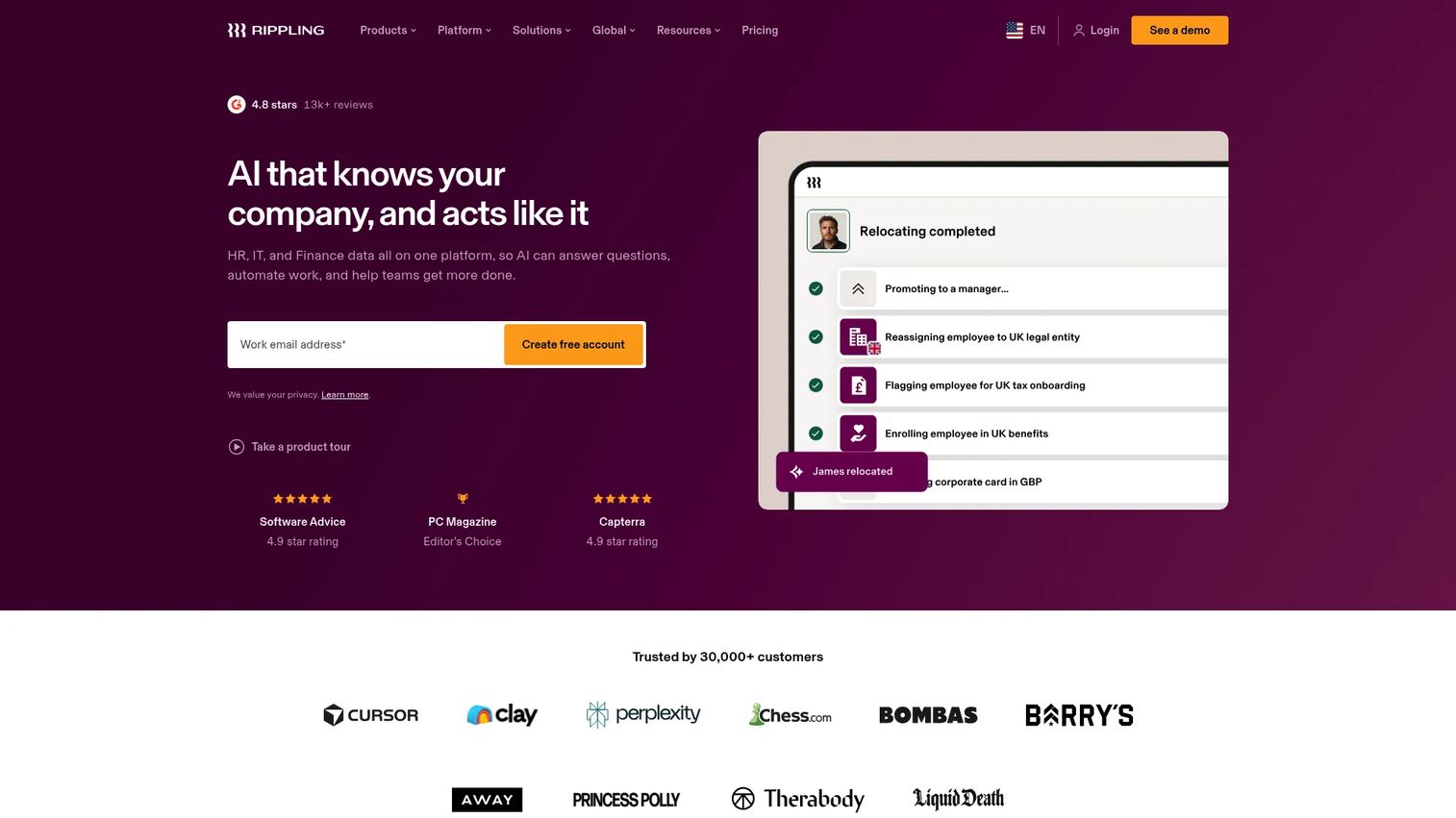
Rippling starts from the employee record and works outward. Because HR, payroll, and IT live in one system, the HRIS is the source of truth by default, and provisioning fires the moment someone is hired, changes roles, or is terminated. That tight HR-to-IT coupling is its main draw.
Best for: Companies that want employee lifecycle, device management, and app provisioning managed from a single HR system.
Key strengths
- HR record as the native provisioning trigger
- App and device provisioning in one workflow
- Role-based access tied to the employee profile
- Automated onboarding and offboarding sequences
- Unified HR, payroll, and IT administration
Why choose it: Rippling fits teams that would rather run provisioning off HR than stitch an HRIS integration to a separate identity tool. The trade-off is scope: it is a workforce platform first, so pure identity governance shops may want a dedicated IGA layer alongside it.
Pricing: Small-business pricing starts at $8 per user per month plus a $40 monthly base fee. Most products are billed per employee per month, and larger deployments use a custom quote.
4. JumpCloud
JumpCloud is a cloud directory platform that combines identity, access, and device management in one console. For smaller IT teams running mixed operating systems, it consolidates the directory, SSO, MFA, and endpoint control that would otherwise need several tools, which keeps the number of moving parts low.
Best for: Lean IT teams that want directory, provisioning, and device management without assembling a multi-vendor stack.
Key strengths
- Cloud directory as the core identity source
- SSO and MFA across apps and devices
- Device management and MDM for mixed OS fleets
- Conditional access and zero-trust controls
- Password management in one platform
Why choose it: JumpCloud suits teams that value broad control from a single directory over deep enterprise governance features. It covers a lot of ground for its footprint. Organizations needing formal access certification programs may pair it with a dedicated governance tool.
Pricing: À la carte pricing starts at $3.00 per user per month billed annually for Cloud Directory, SSO, or MFA, and $9 per user per month for device management. Platform bundles use contact-sales pricing, and a 30-day free trial is available.
5. SailPoint
SailPoint is an enterprise identity security platform built for governance at scale. Where lighter tools automate onboarding, SailPoint focuses on the governance layer: certification campaigns, access reviews, policy enforcement, and AI-driven insight into who has access to what across human, machine, and AI identities.
Best for: Large, compliance-heavy enterprises that need identity governance and certification across thousands of identities.
Key strengths
- Identity Security Cloud for centralized governance
- Access certification and review campaigns
- AI-powered access insights and recommendations
- Policy enforcement and separation-of-duties controls
- Governance across human and non-human identities
Why choose it: SailPoint is the pick when audit readiness and access reviews are the whole point, not an afterthought. Its depth in identity governance and administration (IGA) is the differentiator. Smaller teams without a formal compliance program may find it more platform than they need.
Pricing: SailPoint does not publish public pricing. Its suites (Standard, Business, and Business Plus) are quoted through sales based on scale and modules.
6. Saviynt
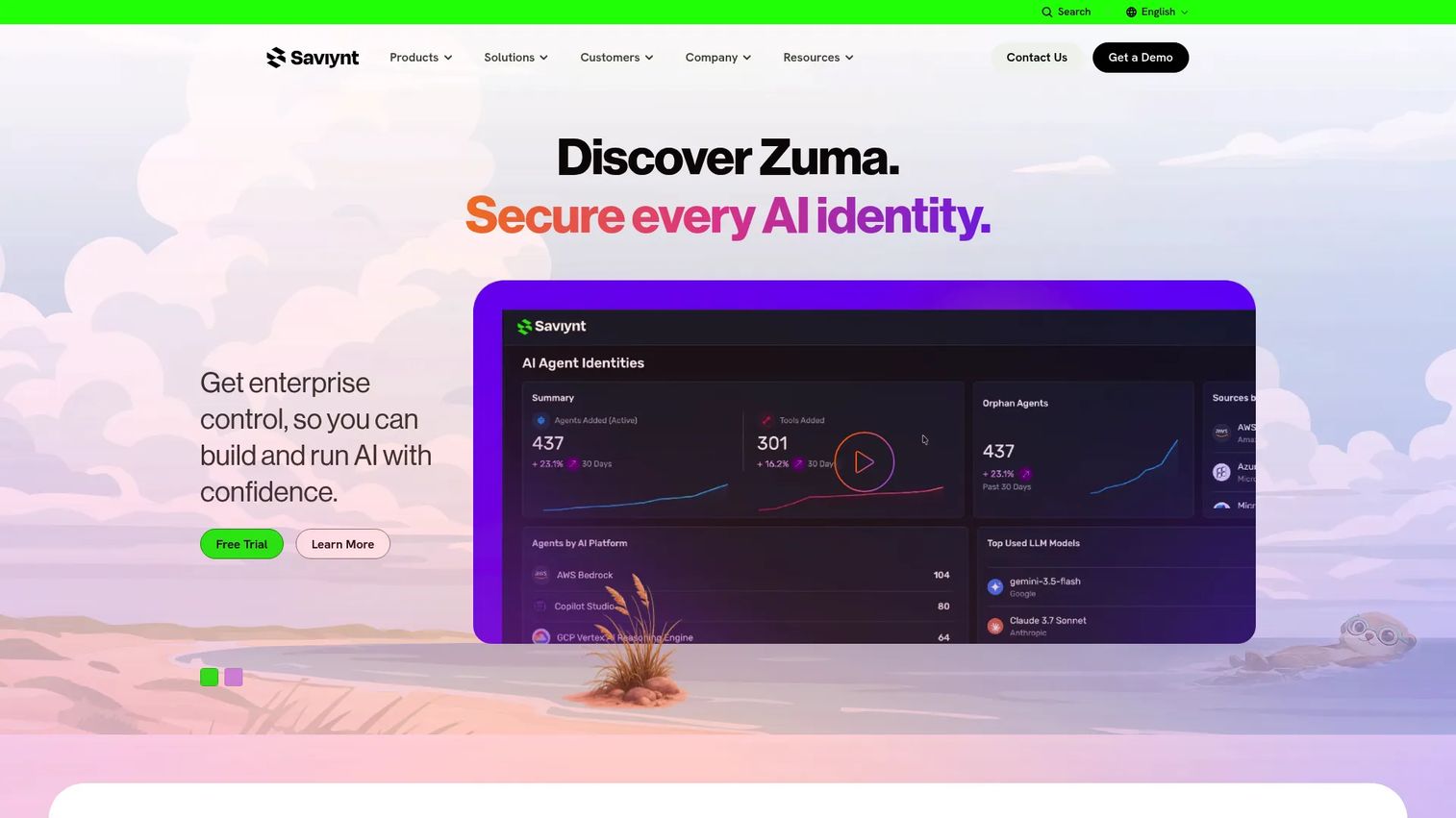
Saviynt is an identity security platform spanning governance, privileged access, application access governance, and non-human identity management. It targets complex, regulated environments where access certification and separation-of-duties enforcement have to hold up across many systems and identity types at once.
Best for: Mid-market and enterprise organizations governing access across human and non-human identities in regulated settings.
Key strengths
- Identity governance and administration in one platform
- Privileged access management alongside IGA
- Non-human identity governance for service and machine accounts
- Access certification and risk-based reviews
- Cross-application access governance
Why choose it: Saviynt fits organizations that need governance, risk, and privileged access under one roof rather than as separate tools. Its coverage of non-human identities is a growing differentiator. Teams looking only to automate joiner-mover-leaver may not need its full governance surface.
Pricing: Saviynt describes Essentials, Pro, and Premium tiers without public numeric pricing. Its Zuma Insights component can be started for free, and full deployments are quoted through sales.
7. BetterCloud
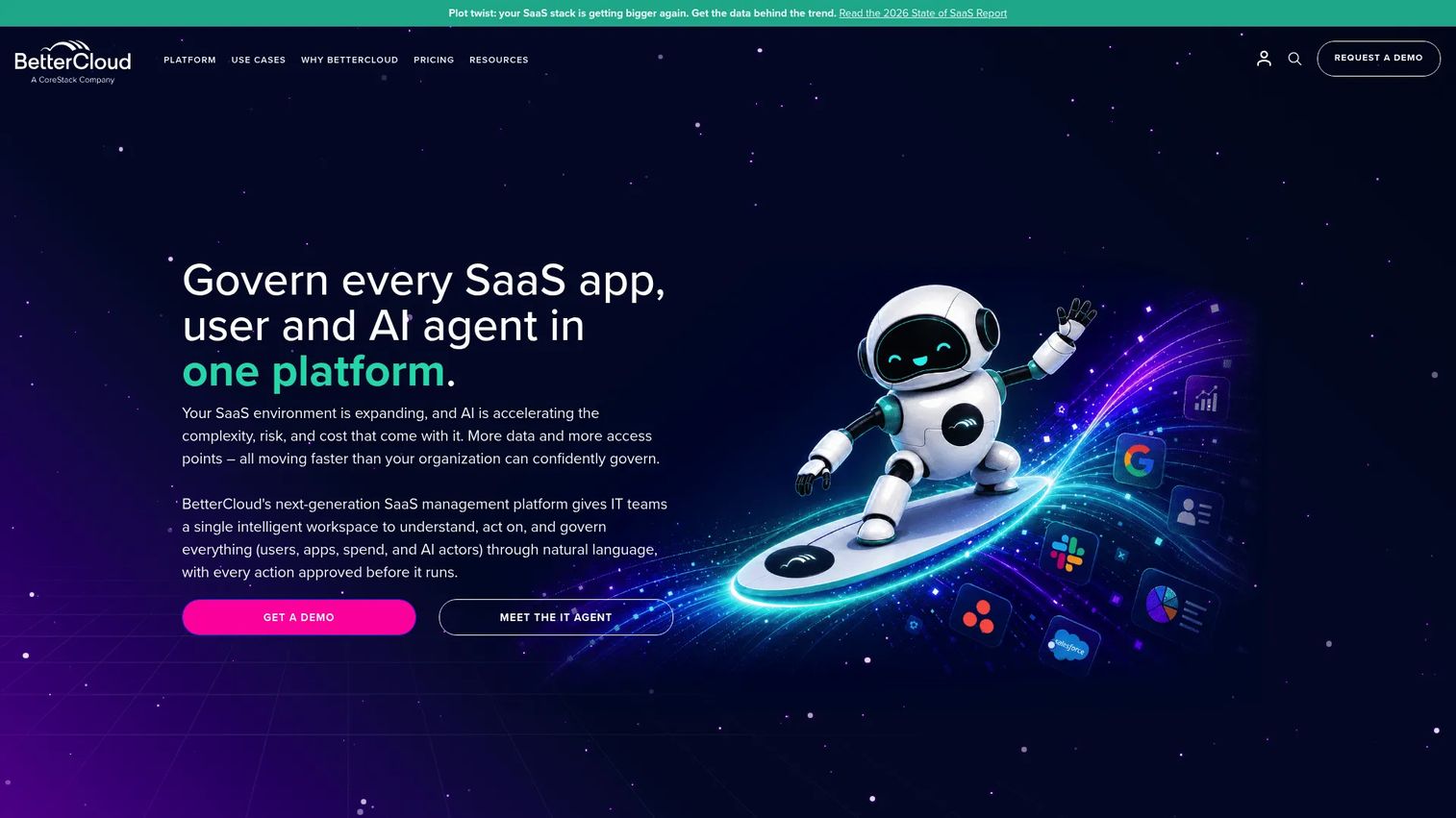
BetterCloud is a SaaS management platform that lets IT automate user operations, govern cloud apps, and control SaaS spend. Its no-code workflow builder handles onboarding and offboarding sequences across connected SaaS apps, which makes it a fit for app-heavy companies where most access lives in the cloud.
Best for: IT teams managing a large SaaS portfolio who want automated onboarding, offboarding, and license governance.
Key strengths
- No-code onboarding and offboarding workflows
- SaaS access governance across connected apps
- License reclamation and spend optimization
- File and data governance for cloud workspaces
- Admin automation for repetitive user operations
Why choose it: BetterCloud is strong when the problem is SaaS sprawl rather than directory management. Its automation and spend controls target that directly. Organizations centered on on-prem or Active Directory may lean toward a directory-first tool instead.
Pricing: BetterCloud uses quote-based pricing for its modules, with volume and term discounts. A Spend Optimization Basic package is available free, and select modules offer free trials.
8. Zluri
Zluri is an identity governance and administration platform focused on discovering, governing, and securing access across a company's full app landscape. It combines SaaS discovery with access requests, automated provisioning, and access reviews, which helps teams find the shadow apps that manual provisioning never touches.
Best for: Mid-market and enterprise IT and security teams that need app visibility alongside access governance.
Key strengths
- Identity visibility and app discovery
- Access requests with automated provisioning
- Access reviews and scheduled deprovisioning
- Governance across discovered SaaS apps
- Intelligence on usage and entitlement risk
Why choose it: Zluri fits teams whose first problem is not knowing what apps exist, let alone who has access. Its discovery-plus-governance combination addresses both. Shops with a fully mapped, directory-managed stack may value discovery less.
Pricing: Zluri does not display public pricing on its site. Plans are arranged through a demo and sales conversation based on app count and scope.
9. CoreView
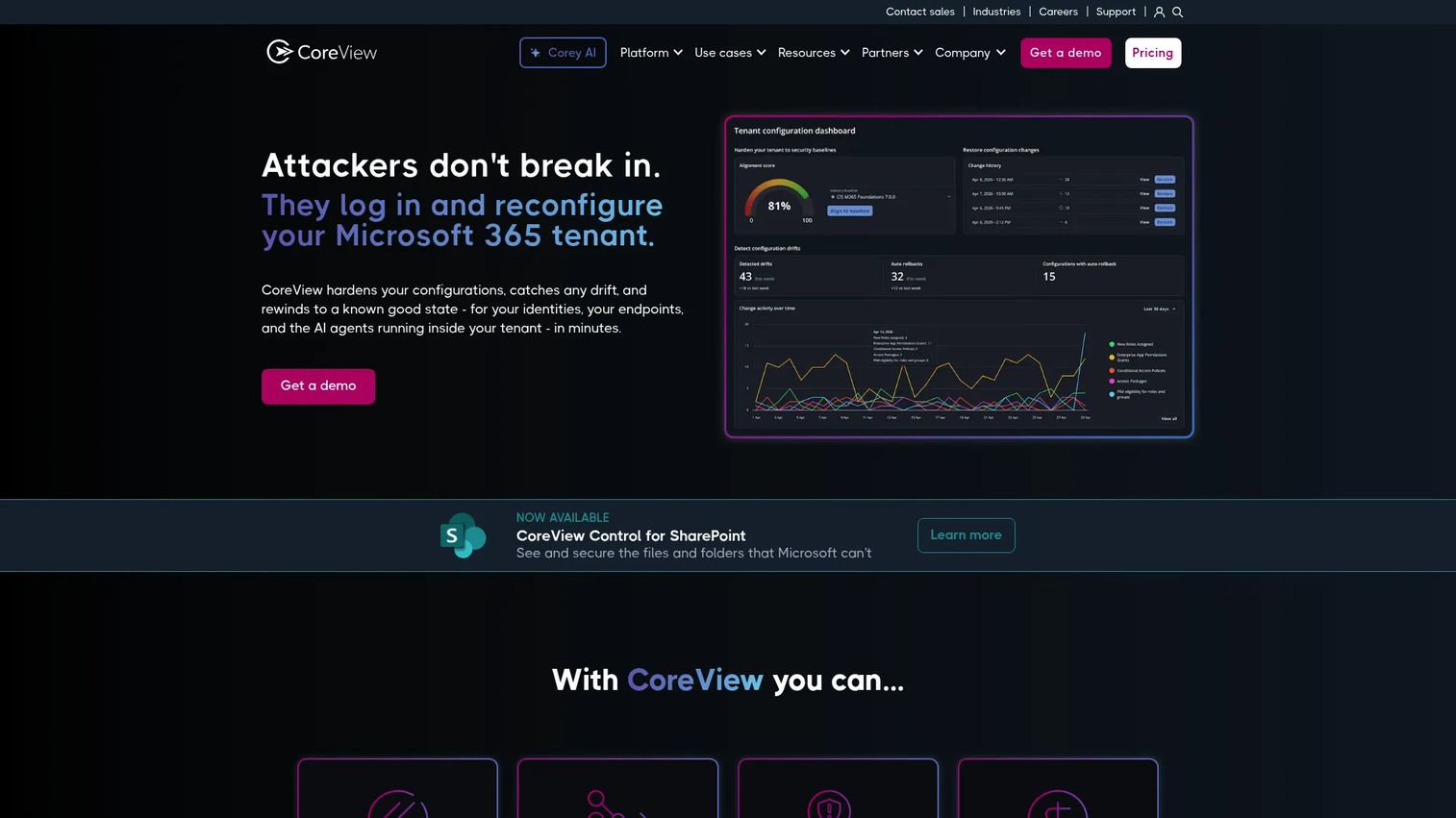
CoreView is a Microsoft 365 management and resilience platform for organizations deep in the Microsoft ecosystem. It layers governance, delegated administration, and configuration control on top of Entra ID and M365, with drift detection and change management that native tooling does not fully cover.
Best for: IT and security teams managing large, complex Microsoft 365 tenants that need delegation and governance beyond the admin center.
Key strengths
- Governance center with 130+ out-of-the-box reports
- Delegated administration for M365 operations
- Configuration backup, restore, and drift detection
- Task automation for tenant management
- Hybrid management across Microsoft 365
Why choose it: CoreView is the pick when your Microsoft 365 tenant has outgrown the native admin center and you need granular delegation and governance. Its M365 depth is the differentiator. It is purpose-built for Microsoft, so mixed-vendor shops will look elsewhere for cross-app provisioning.
Pricing: CoreView does not publish numeric pricing. Its plans, including Tenant Resilience, Tenant Management, CoreView ONE, and ONE Enterprise, are quoted on request.
10. ManageEngine ADManager Plus
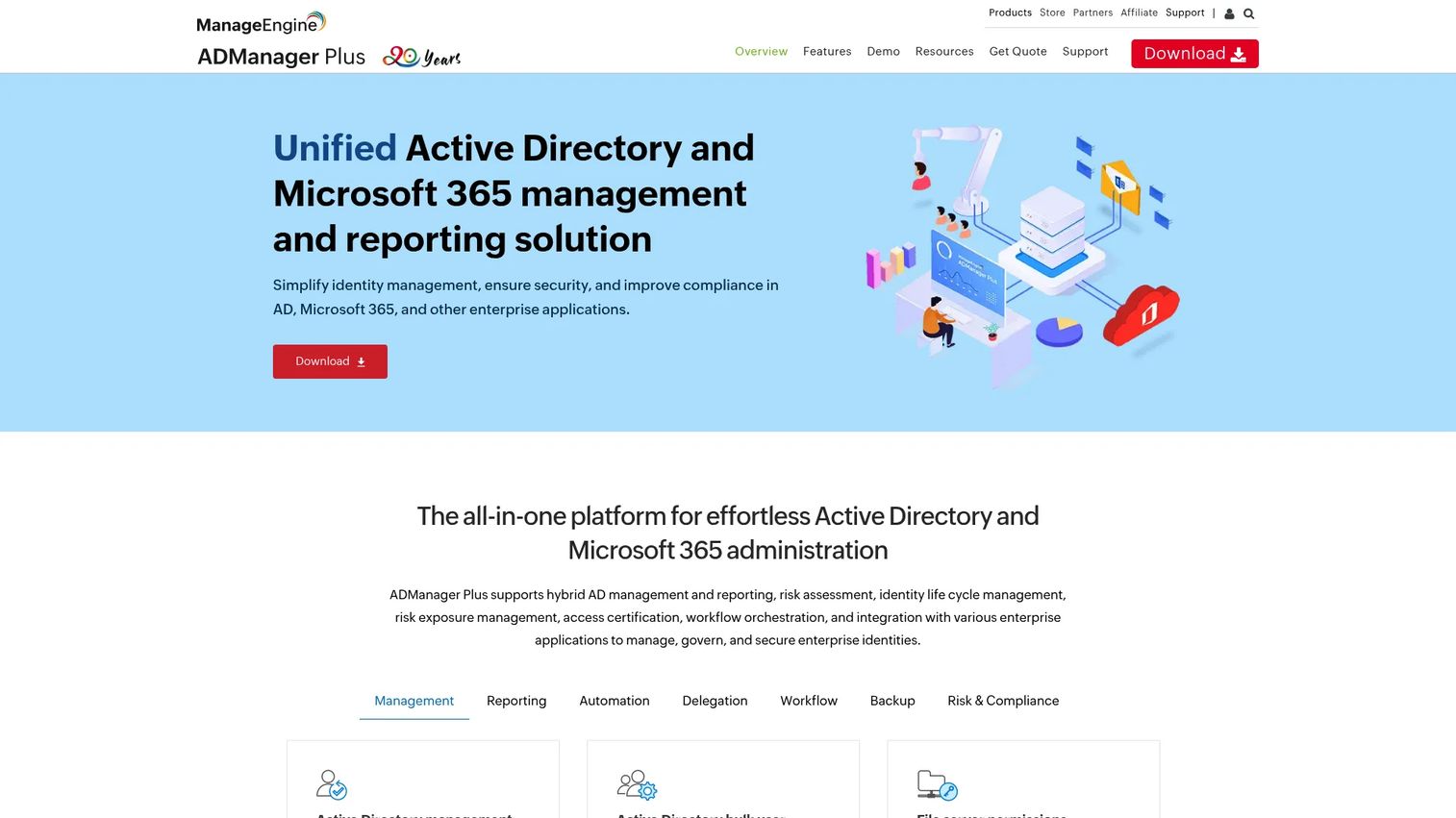
ManageEngine ADManager Plus is a web-based Active Directory management and reporting tool with delegation, workflow automation, and access certification. For directory-heavy environments, it turns bulk AD tasks, provisioning, and reporting into templated workflows that help desk staff can run without full domain admin rights.
Best for: IT teams running on-prem or hybrid Active Directory that need delegated administration and AD reporting.
Key strengths
- Active Directory management and bulk operations
- Delegated administration without full admin rights
- Workflow automation for AD provisioning
- Access certification and risk exposure reporting
- Prebuilt reports for audit and compliance
Why choose it: ADManager Plus fits organizations whose center of gravity is Active Directory and who need to safely hand routine tasks to help desk teams. Its delegation model is the differentiator. Cloud-first, SaaS-heavy stacks may prefer a directory-agnostic tool.
Pricing: A Free Edition covers up to 100 objects in a single domain for life, and a 30-day Evaluation Edition unlocks Professional features. Standard and Professional editions are priced by domain count and help desk technicians through a custom quote.
Considerations
Once you have a shortlist, evaluate every tool against the same checklist. These are the criteria that separate a clean deployment from a stalled one.
Source of truth and integration depth
Decide what drives access before you buy. If HR owns the truth, confirm the tool has a real HRIS integration, not just a CSV import. If a directory owns it, check Active Directory, Azure AD, SCIM, and API coverage. The depth of these connections determines whether provisioning is automatic or still manual behind the scenes.
Lifecycle coverage
Test for all three stages of joiner-mover-leaver, not just onboarding. Many tools grant access well and revoke it poorly. Ask how role changes propagate and how fast deprovisioning fires when the source record changes. Leaver coverage is where orphaned accounts and audit findings come from.
Delegated access and approvals
Look at how the tool handles manager confirmation, self-service access requests, and delegated administration. Approval workflows should produce an audit trail, not just an email. Delegation matters for scale: help desk staff should run routine tasks without holding excessive privilege.
Audit readiness and reporting
Confirm the tool generates evidence you can hand an auditor. That means access review logs, certification records, and exportable compliance reports. If proving least privilege takes a manual data pull, the tool is not carrying its weight on audit readiness.
Hybrid and legacy app support
Confirm coverage for the systems SCIM does not reach: on-prem apps, homegrown tools, and non-SCIM SaaS. Hybrid provisioning through connectors and APIs is what keeps your riskiest applications inside the governance model instead of outside it.
Conclusion
The right user provisioning tool depends on the shape of your stack and your governance maturity.
If you run on Microsoft, Microsoft Entra ID and CoreView keep provisioning and governance in one plane. For mixed, multi-vendor stacks, Okta and JumpCloud lead on integration breadth, with JumpCloud tuned for leaner IT teams. If HR should drive access, Rippling runs provisioning straight off the employee record. For compliance-heavy enterprises that live and die by access reviews, SailPoint and Saviynt bring the deepest identity governance. And when SaaS sprawl is the real problem, BetterCloud and Zluri surface and govern the apps manual processes miss, while ManageEngine ADManager Plus anchors directory-heavy AD environments.
Start by naming your source of truth and mapping your legacy apps. That single decision narrows this list faster than any feature comparison. Then shortlist two or three tools and pressure-test them against the leaver workflow, because that is where provisioning software proves whether it closes risk or just moves it around.
FAQs
Provisioning creates accounts and grants access when someone joins or changes roles. Deprovisioning revokes that access when they leave or move. Both are halves of the same lifecycle, but deprovisioning is where most risk hides, because orphaned accounts survive quietly until an audit or a breach exposes them.
IAM is the broad category covering authentication, SSO, MFA, and privileged access. User provisioning is the lifecycle slice inside it: managing which accounts exist and what they can access. SSO decides if someone can log in. Provisioning decides whether the account should exist at all and what permissions it carries.
At minimum, your source of truth (an HRIS or directory) and every app that holds sensitive access. Strong tools connect to Active Directory, Azure AD, SCIM-enabled SaaS, and custom apps through APIs. The integration depth, not the count, is what determines whether provisioning is truly automated or still manual behind a nice interface.
Yes. Most enterprise provisioning tools connect to both. Microsoft Entra ID and CoreView are Microsoft-native, while Okta, JumpCloud, and ManageEngine ADManager Plus offer strong Active Directory and Azure AD support. Confirm whether the tool syncs bidirectionally and how it handles hybrid setups with both on-prem AD and cloud identity.
Yes, and this is often the strongest reason to buy it. When the source record changes to terminated, automated deprovisioning revokes access across connected apps within minutes instead of days. That closes the offboarding window where former employees keep live logins, which is a common audit finding and a real security exposure.
SCIM (System for Cross-domain Identity Management) is a standard protocol for exchanging user identity data between systems. It lets provisioning software create, update, and disable accounts in SCIM-enabled apps automatically. SCIM handles modern cloud apps cleanly, but legacy and non-SCIM systems still need connectors or API-based provisioning to stay covered.
Access reviews are periodic checks that confirm people still need the access they hold. Governance-focused tools like SailPoint and Saviynt run certification campaigns where managers approve or revoke entitlements on a schedule. Reviews turn provisioning from a one-time grant into an ongoing control, which is what auditors expect for least privilege.
Yes, though coverage varies. SCIM handles cloud apps, but hybrid provisioning for on-prem directories, homegrown tools, and non-SCIM SaaS depends on connectors and API support. If a large share of your stack is legacy, prioritize tools with proven connector libraries and Active Directory provisioning, because SCIM-only coverage will leave your riskiest apps unmanaged.