You open Monday with eleven tabs. Two dashboards disagree on yesterday's spend. A client wants a report by noon, and Performance Max ate 40% of the budget while you were asleep. So you spend the morning reconciling numbers instead of moving them.
That is the real cost of a messy PPC stack. Not the subscription line items, but the hours you lose to reconciliation, manual reporting, and reacting to budget swings after they happen. And the pressure keeps climbing. Global PPC advertising spend is projected to reach $306 billion in 2026, growing 11% year over year and accounting for 65% of total digital ad spend, according to DigitalApplied (2026). More money flowing through paid search means tighter scrutiny on every dollar you manage.
The category that solves this is broad. Some tools automate bid and budget changes. Some turn raw account data into client-ready reports. Some connect every ad source into one clean data layer your CFO will actually trust. Picking the right one starts with knowing which job you are actually hiring it to do.
This guide skips the giant catalog. Below are eight PPC management tools worth shortlisting in 2026, organized so you can match a tool to your specific pain instead of guessing. If you are also evaluating adjacent stacks, our roundups of the best marketing automation software tools and marketing resource management platforms pair well with this one.
What's inside
This guide is for PPC managers, growth marketers, agency operators, and in-house paid media leads building a shortlist before demos or trials. We picked tools across four jobs: automation and management, multi-source reporting, data and attribution, and ecommerce steering. Selection leaned on four criteria that actually matter in daily work: control over campaigns, visibility into performance, reliability of the data, and how the tool scales as accounts and clients grow. Pricing and ratings reflect each vendor's own published information where available.
TL;DR
- Best overall for automation and control: Optmyzr, for teams that want rules, alerts, and optimizations across Search, Shopping, and Performance Max.
- Best for AI-assisted Google Ads workflows: PPC.io, for operators who want agents handling repetitive account work.
- Best for multi-source agency reporting: NinjaCat, for teams pulling many accounts and data sources into one place.
- Best for systematic testing and account health: Adalysis, for search-heavy accounts that need audits and ad testing.
- Best for polished, shareable client reports: Whatagraph, for marketers who need stakeholder-friendly visuals fast.
- Best for clean cross-source data: Funnel.io, for teams that care about the data plumbing under their reports.
- Best for agency client dashboards: AgencyAnalytics, for white-label reporting at scale.
- Best for flexible, low-cost dashboards: Looker Studio, for teams willing to build their own reporting on Google data.
What is PPC software?
PPC software is any tool that helps marketers create, manage, automate, optimize, or report on pay-per-click advertising across platforms like Google Ads, Microsoft Ads, Shopping, and Performance Max. The category is wide, and most buyers get tripped up because they treat it as one thing when it is really five overlapping jobs.
Here is the clean split:
- PPC reporting tools turn raw account data into dashboards and client-ready reports. Think NinjaCat, Whatagraph, AgencyAnalytics, and Looker Studio.
- PPC automation tools apply rules, alerts, and scripts to change bids, budgets, and ads without manual work. Optmyzr and PPC.io lead here.
- PPC management tools give you a single control surface for monitoring and acting across many accounts.
- PPC optimization tools focus on testing, audits, and account health, like Adalysis.
- Ecommerce-focused PPC software adds feed inputs and profitability-based steering for Shopping and Performance Max.
Most teams end up combining two or three of these. The trick is knowing which job is your bottleneck before you buy.
Whatever combination you land on, expect these capabilities from a serious PPC management software stack:
- Campaign monitoring and alerts
- Rule-based automation and scripts
- Dashboards and recurring client reporting
- Search, Shopping, and Performance Max coverage
- Multi-channel integrations across ad platforms
- Budget pacing and spend controls
- Attribution and conversion tracking
The global PPC software market is forecast to grow from $25.18 billion in 2026 to $41.24 billion by 2030 at a 13.1% CAGR, according to The Business Research Company (2024). That growth is fueled by exactly this shift toward automated, data-driven tooling.
When to use PPC software
Not every team needs a separate PPC layer on day one. Here is how to tell when it earns its place.
When reporting is taking too much time
If you spend more than a few hours a week building reports by hand, a reporting platform pays for itself fast. PPC reporting software pulls data automatically, refreshes dashboards in real time, and turns recurring client communication into a scheduled job instead of a Friday scramble. The win is not just speed. It is getting those hours back to actually optimize campaigns. For agencies running ten-plus accounts, stakeholder-ready reporting is the difference between retention and churn.
When campaigns need tighter control
Manual budget shifts and bid checks do not scale past a handful of accounts. PPC automation tools handle pacing, fire alerts when spend spikes, and apply rules so a runaway Performance Max campaign gets caught at 9 a.m. instead of after lunch. When you are managing real budget across many campaigns, automation is how you stay ahead of problems instead of cleaning them up.
When ecommerce or Performance Max complexity is rising
Feed-heavy accounts change the math. Once you are steering Shopping and Performance Max against margin, stock, and profitability signals, generic management is not enough. You need tools that ingest product data and optimize toward profit, not just clicks or conversions. This is where ecommerce PPC software and deeper optimization layers separate from the pack.
Comparison table
Read this table top to bottom by job. The list is sorted by relevance to the broad "best PPC software" search, so automation and management tools sit up top, with reporting, data, and dashboard tools following. Pricing reflects each vendor's published entry point; "Custom" means pricing is quote-based.
| # | Product | Intent | Key differentiation | Pricing | G2 rating |
|---|---|---|---|---|---|
| 1 | Optmyzr | Automation + management | Rules, alerts, and optimizations across Search, Shopping, PMax | From $209/mo | 4.7/5 |
| 2 | PPC.io | AI Google Ads workflows | AI agents with persistent account memory | From $59/mo | Not listed |
| 3 | NinjaCat | Multi-source reporting | Unified marketing data cloud + AI agents | Custom | 4.2/5 |
| 4 | Adalysis | Testing + account health | 100+ audit checks and automated ad testing | Spend-based | Not listed |
| 5 | Whatagraph | Visual reporting | White-label cross-channel reports | From €249/mo | 4.5/5 |
| 6 | Funnel.io | Data + attribution | 600+ connectors and data harmonization | From $300/mo | 4.5/5 |
| 7 | AgencyAnalytics | Agency reporting | White-label client dashboards | From $20/client/mo | 4.7/5 |
| 8 | Looker Studio | Custom dashboards | Free, flexible Google-native reporting | Free | 4.4/5 |
The 8 best PPC software for 2026
1. Optmyzr
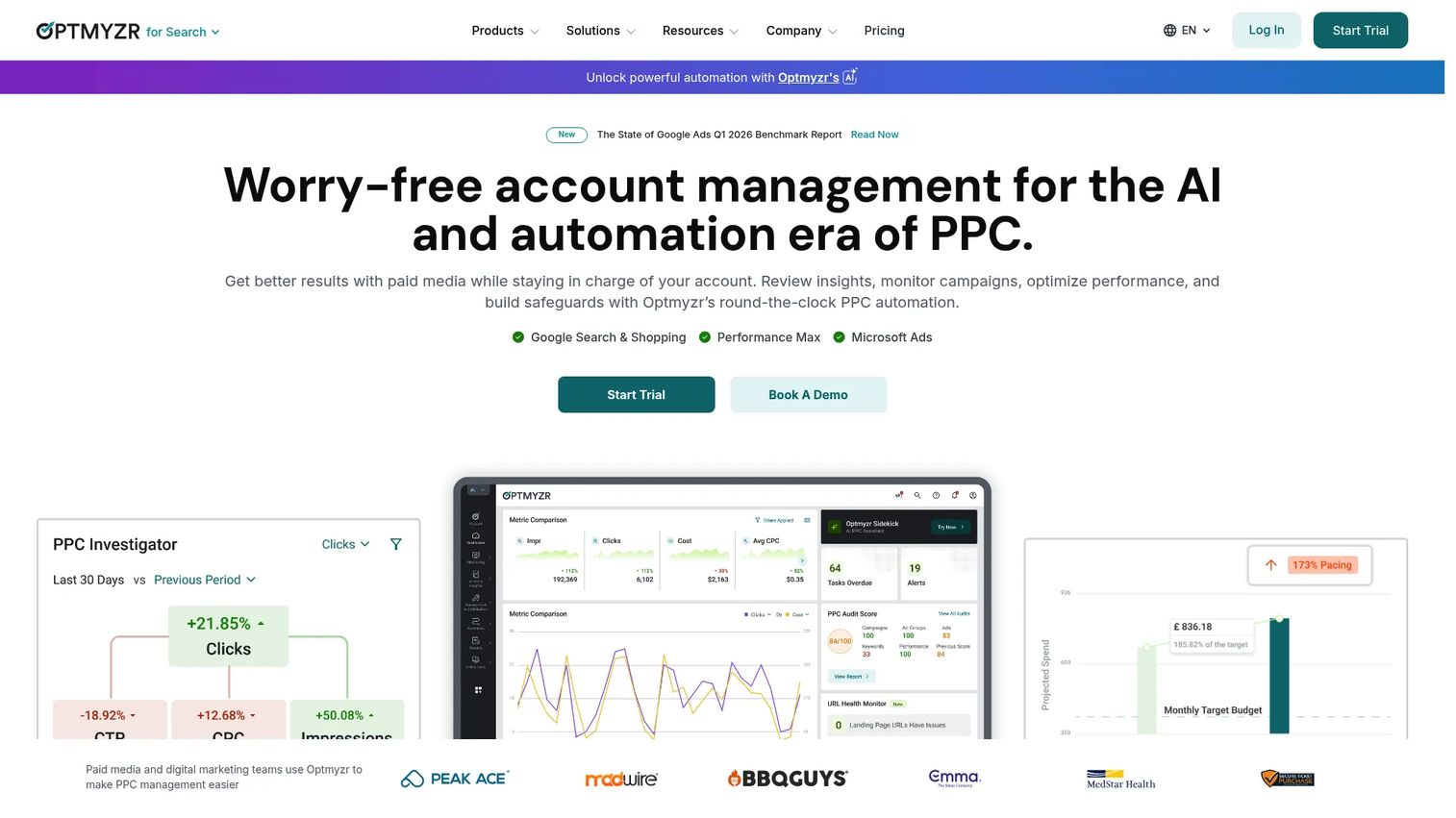
Optmyzr is the strongest all-around PPC management software for teams that want real control without writing scripts from scratch. It combines keyword, search query, and ad optimizations with rule-based automation, alerts, and cross-platform reporting in one place. If your bottleneck is "I need to manage more accounts without hiring," this is the first tool to look at.
Best for: Agencies and in-house paid media teams managing PPC optimization and reporting at scale.
Key strengths
- Optimization suite: Keyword, search query, and ad optimizations surface the changes that move performance, so you act on signal instead of scrolling reports.
- AI Sidekick: Built-in analysis and workflow guidance helps you decide what to do next across Search, Shopping, and Performance Max.
- Automated reporting: Cross-platform dashboards and scheduled reports cut the manual reporting grind down to a setup step.
Why choose Optmyzr: It sits at the intersection of automation and management, which is rare. Most tools pick one. Optmyzr gives you rules and alerts for control plus reporting for visibility, so a single platform covers the two jobs that eat most of a PPC manager's week. Teams managing meaningful spend across many accounts get the most out of it.
Optmyzr pricing: Three plans: Essentials at $209 per month, Premium at $272 per month, and Enterprise with custom pricing. Billing is monthly or annual, with annual prepaid discounted 30% versus monthly. There is a 14-day free trial and no free tier.
2. PPC.io
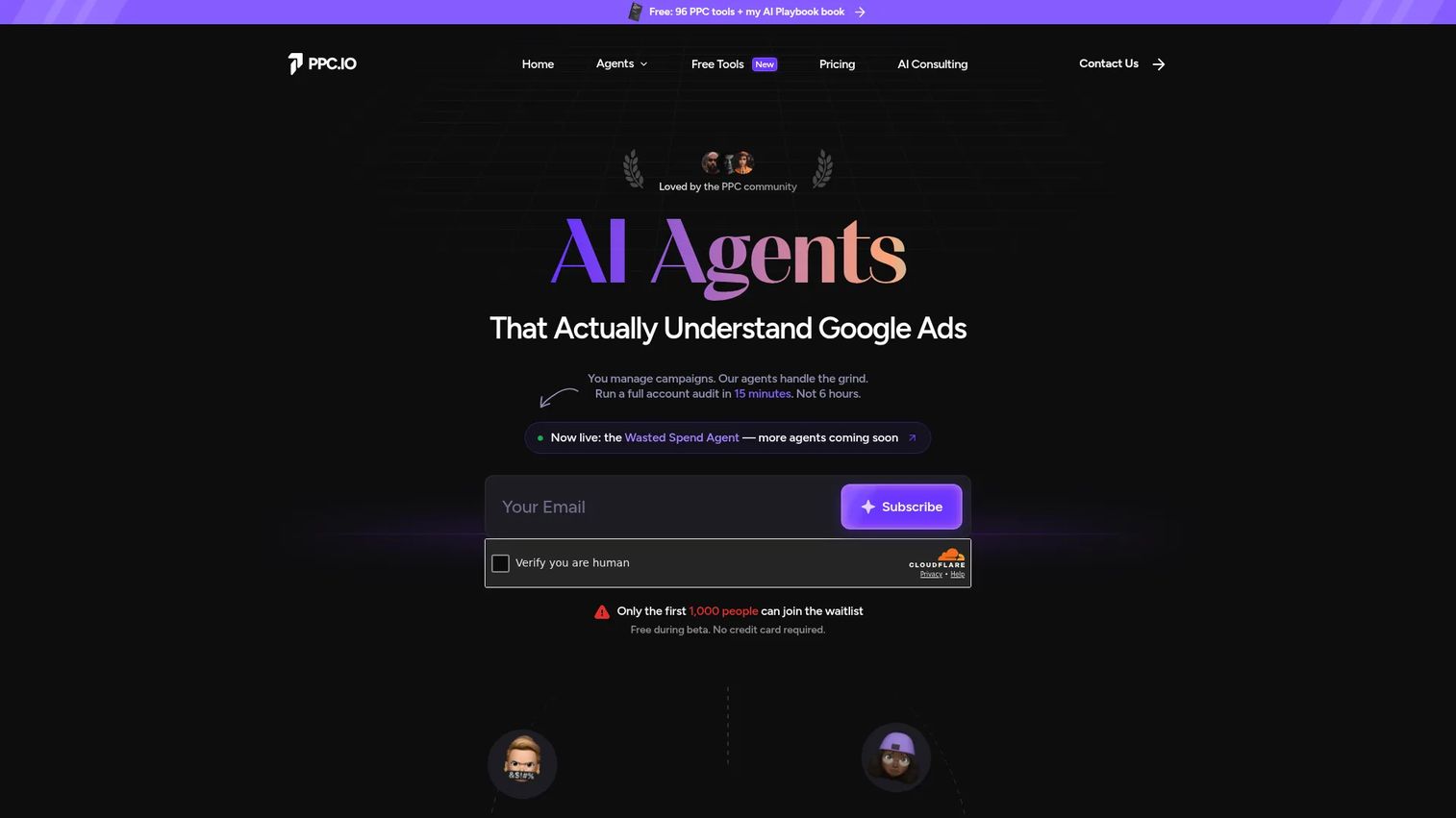
PPC.io takes a different angle on PPC automation: AI agents that run Google Ads workflows for you. Instead of configuring rules manually, you hand off repetitive account work to agents that retain context across sessions. It is built for operators who live in Google Ads and want to spend less time on the rote parts.
Best for: PPC agencies and operators managing Google Ads accounts who want AI assistance on repetitive workflows.
Key strengths
- AI agents: Agents handle PPC workflows end to end, so routine optimization and analysis tasks stop consuming your day.
- Account Memory: Persistent context means the tool remembers your accounts and decisions instead of starting cold every session.
- MCC support: Multi-account support with read-only OAuth lets agencies connect client accounts safely.
Why choose PPC.io: Choose it when your pain is repetitive Google Ads workflow rather than broad cross-platform reporting. It is more focused than a full management suite, and that focus is the point: AI-assisted execution on the platform where most PPC budget still lives. Operators who want a workflow assistant over a dashboard will feel at home.
PPC.io pricing: Starter is $59 per month, Agency is $179 per month, and Agency Pro is $399 per month, all billed monthly. One-time credit top-up packs run from $19 for 100 credits to $99 for 750. The public beta is free during beta.
3. NinjaCat
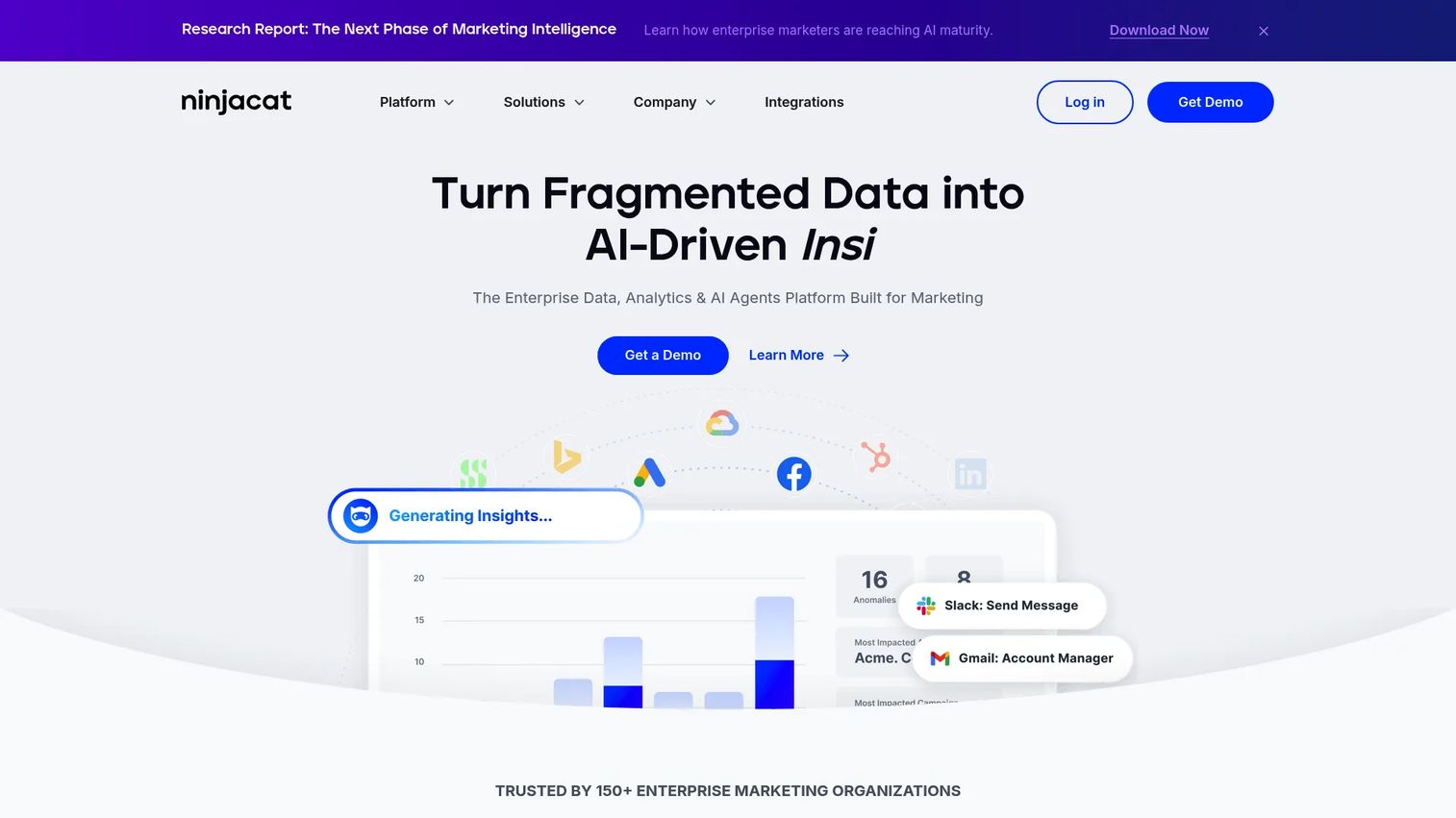
NinjaCat is built for teams that need many data sources in one place. It is an enterprise data, analytics, and AI agents platform that unifies marketing data, automates reporting, and surfaces insights across accounts. For agencies juggling dozens of clients and channels, it solves the "where does this number come from" problem at the source.
Best for: Enterprise marketing teams that need unified data, reporting automation, and AI-driven insights.
Key strengths
- Unified data cloud: Pulls every marketing data source into one layer, so your Google Ads reporting and multi-channel reporting share a single source of truth.
- AI agents: Workflow automation and insight generation reduce the manual assembly behind every report.
- Automated reporting: Scheduled dashboards and reports keep stakeholders updated without hands-on work each cycle.
Why choose NinjaCat: It shines when reporting chaos is the bottleneck and you have the account volume to justify an enterprise platform. The data cloud foundation means reporting stays consistent as you add sources, which is exactly what breaks in lighter tools at scale. Best fit for larger agencies and in-house teams with real data complexity.
NinjaCat pricing: NinjaCat does not publish public pricing. Plans cover Reporting, Data Management, and Call Tracking, all quoted per year through a demo or sales conversation.
4. Adalysis
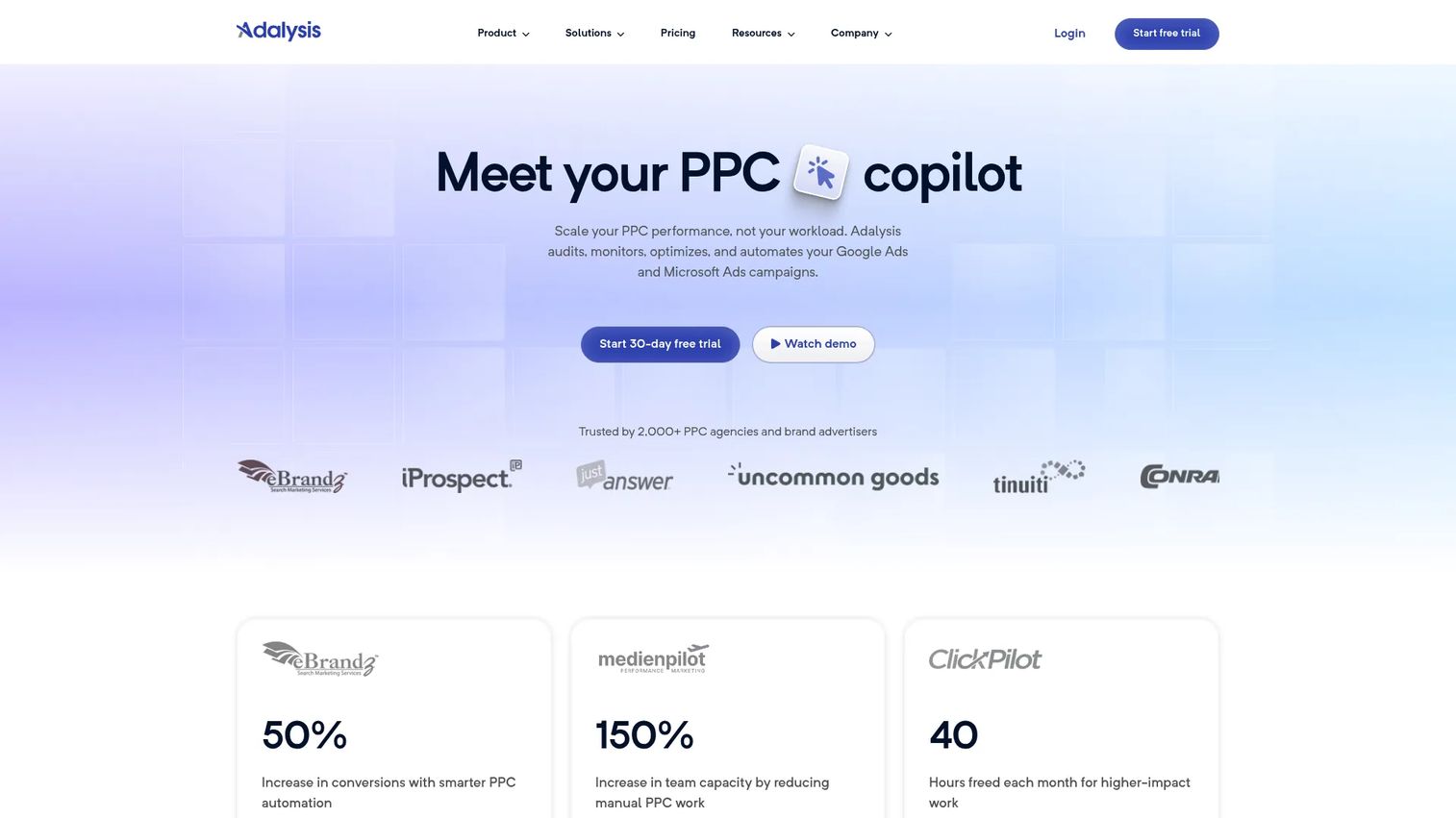
Adalysis is a PPC optimization tool focused on testing and account health rather than reporting or broad management. It runs automated audits, ad testing, and alerts across Google Ads and Microsoft Ads. If your accounts are search-heavy and you want systematic, ongoing optimization instead of one-off cleanups, this is the specialist pick.
Best for: Teams running Google Ads and Microsoft Ads campaigns that want automated PPC audits and ad testing.
Key strengths
- 100+ audit checks: Continuous account audits catch issues across structure, settings, and performance before they cost you.
- Automated ad testing: Systematic A/B testing keeps your best ads running and surfaces winners without manual tracking.
- Budget tracking and alerts: Pacing alerts flag spend problems early, so budgets stay on plan.
Why choose Adalysis: Pick it when ad testing and account health are your priority and you want a tool that specializes there rather than spreading across reporting and management. It is more focused than a broad suite, which is a strength for search-heavy advertisers who care about rigorous, repeatable optimization.
Adalysis pricing: Adalysis uses a single plan priced on maximum monthly ad spend, with monthly, six-month (10% off), and annual (15% off) billing options. Exact figures are shown on the pricing page based on your spend tier.
5. Whatagraph
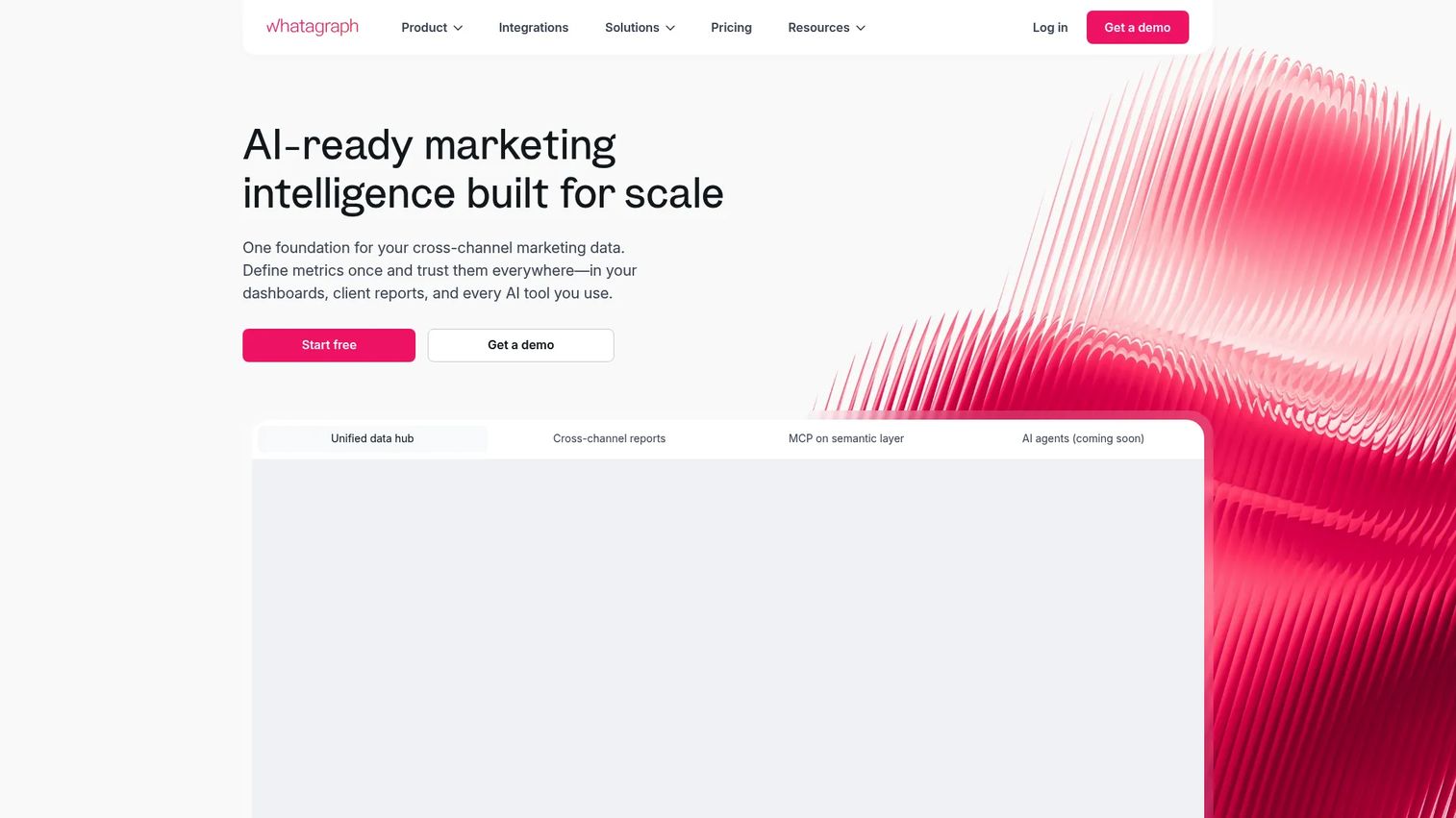
Whatagraph is the pick when you need polished, shareable reports without building them from scratch. It is a marketing intelligence platform for cross-channel reporting, dashboards, and AI-assisted insights, with strong white-label options. Marketers who get judged on how their reports look, not just what they say, lean on it.
Best for: Agencies and in-house marketing teams needing automated, visually polished multi-channel reporting.
Key strengths
- Unified data hub: Cross-channel reports pull your ad platforms together, so Google Ads reporting sits alongside everything else in one view.
- Custom metrics: Build the metrics and dimensions your clients care about instead of accepting platform defaults.
- White-label reports: Branded client folders and linked reports make stakeholder updates look like they came from your team.
Why choose Whatagraph: Choose it when stakeholder-friendly visuals and recurring client reports are the job. It is a better fit than a deep automation platform when your output is the report itself and presentation matters as much as the data behind it.
Whatagraph pricing: Four plans: Free (5 source credits), Go at €249 per month (€199 per month billed annually), Max at €699 per month billed annually, and Prime with custom pricing. The Free tier makes it easy to test before committing.
6. Funnel.io
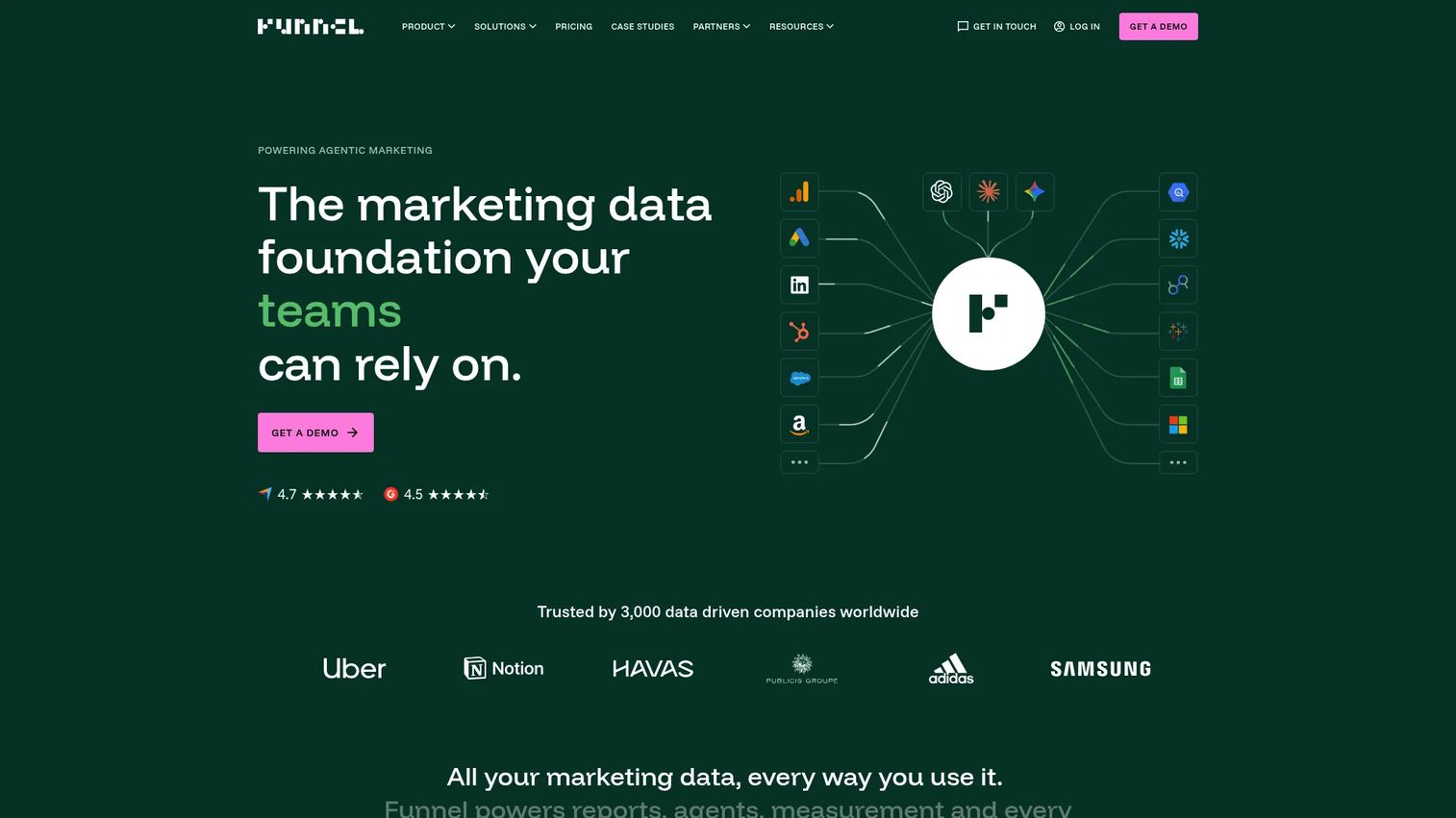
Funnel.io is the data foundation under everything else. It is a marketing intelligence platform for collecting, organizing, measuring, and reporting marketing data, with 600+ connectors. Teams choose it when they care more about clean, normalized data than dashboards alone, because attribution your CFO trusts starts with data plumbing that does not leak.
Best for: Mid-market and enterprise teams needing centralized marketing data and reporting.
Key strengths
- 600+ connectors: Pull every ad source and channel into one place, closing the gaps that break multi-channel reporting and attribution.
- Data Hub: Collection and harmonization turn messy cross-source data into a clean, query-ready layer.
- Measurement and reporting: Built-in reporting sits on top of the normalized data, or you pipe it downstream to your warehouse.
Why choose Funnel.io: Buyers pick it when the problem is data quality, not presentation. If your reports disagree because each tool pulls numbers differently, a connector and harmonization layer fixes the root cause. It pairs well with a dashboard tool on top for the visual layer.
Funnel.io pricing: Starter starts from $300 per month, Business from $600 per month, both billed annually, and Enterprise is custom. Pricing also scales with flexpoint capacity based on your data volume.
7. AgencyAnalytics
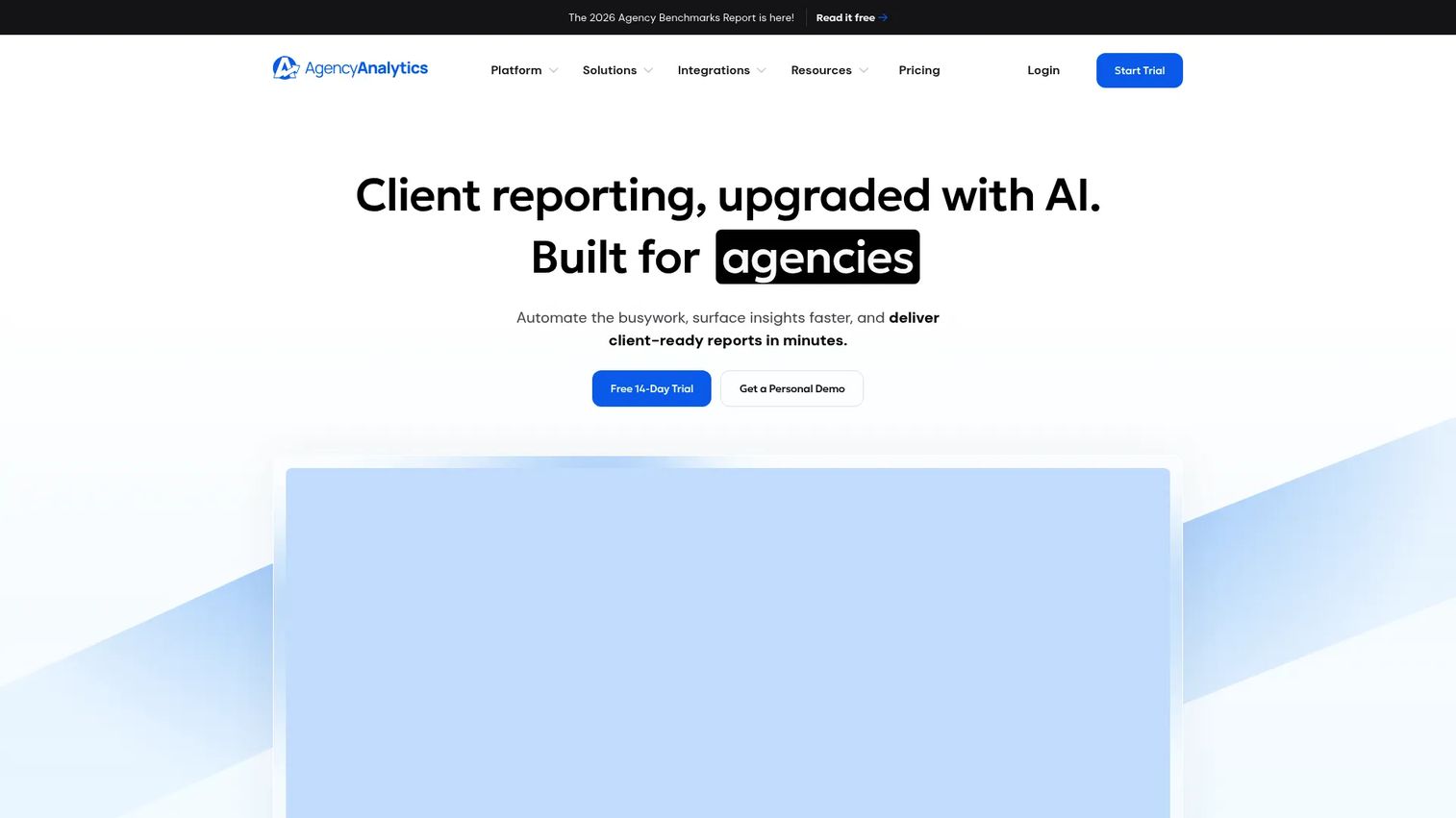
AgencyAnalytics is purpose-built for agencies that live on client reporting. It delivers automated, white-label reports and client dashboards, with 85+ integrations and a client portal. If recurring reports and client communication are your daily reality, the per-client pricing model fits the agency math cleanly.
Best for: Marketing agencies that need white-labeled reporting and client dashboards.
Key strengths
- Automated client reporting: Scheduled, recurring reports run themselves, so client communication stops being a manual weekly task.
- White-label branding: Reports and the client portal carry your brand, not the vendor's.
- Roll-up dashboards: 85+ integrations plus roll-up reports give clients and your team one place to see performance.
Why choose AgencyAnalytics: It is the agency reporting software built around how agencies actually price and operate. The $20-per-client model scales with your book of business instead of forcing a flat enterprise commitment, which is friendlier for growing agencies. AI insights add analysis on top of the reporting.
AgencyAnalytics pricing: Core is $20 per client per month billed annually. Enterprise is custom and starts at 25 clients. Add-ons include a Rank Tracker at $41.67 per month per 500 keywords. There is a 14-day free trial and no free tier.
8. Looker Studio
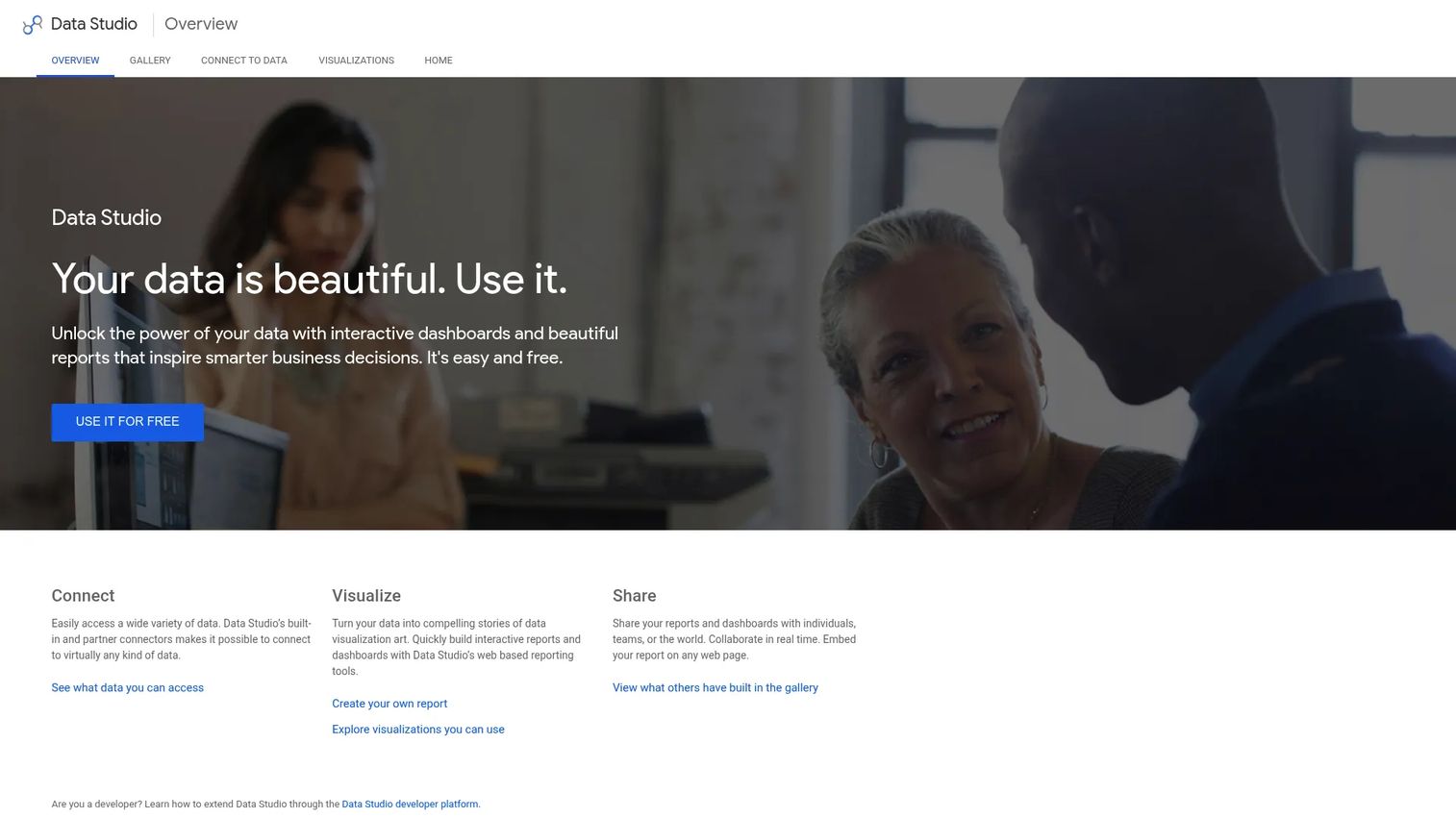
Looker Studio is the flexible, free option for teams willing to build and maintain their own reporting. It is Google's web-based dashboard tool for connecting, visualizing, and sharing data, with broad connector support and tight integration with Google data sources. When budget is tight and you want full control over your dashboards, it is hard to beat free.
Best for: Teams that need simple, shareable dashboarding on Google data and other sources.
Key strengths
- Broad connectors: Built-in and partner connectors pull Google Ads, Analytics, and many other sources into custom reports.
- Interactive reports: Build dashboards exactly how you want them, with the flexibility to match any stakeholder request.
- Collaboration: Real-time collaboration and embeddable reports make sharing as easy as a Google Doc.
Why choose Looker Studio: Choose it when cost efficiency and customization matter more than a turnkey setup. It rewards teams that want to build their own reporting and own the result, and it integrates natively with the Google stack most PPC teams already use. The core product is free, which makes it the default starting point for budget-conscious teams.
Looker Studio pricing: Core Looker Studio is free. Looker Studio Pro is a paid Google Cloud subscription for teams that need enterprise management features; the public Pro figure is not listed.
What to look for in PPC software
Before you commit, run any shortlisted tool through these five criteria. They map directly to where PPC stacks succeed or stall.
Control
Can the tool actually change things, or just show them? Automation and management platforms let you act on bids, budgets, and ads. Reporting tools surface insight but leave the action to you. Decide whether your pain is doing or knowing before you buy.
Visibility
Look for real-time dashboards, alerting, and reporting that match how your stakeholders consume data. The best PPC reporting platform for your team is the one your clients and leadership actually open and trust.
Reliability
Data integrity is non-negotiable. If two tools disagree on spend, the whole stack loses credibility. Tools with strong connector and harmonization layers, or a unified data foundation, keep numbers consistent as you scale.
Scalability
A tool that works for five accounts can buckle at fifty. Check how pricing, performance, and data handling hold up as accounts, clients, and channels grow. Per-client and per-spend models scale differently than flat tiers.
Integrations and pricing
Confirm coverage for Google Ads, Microsoft Ads, Shopping, and Performance Max, plus any channels you report on. Then match the pricing model to your structure: agencies often prefer per-client, while in-house teams may want flat tiers. The right google ads management software fits both your workflow and your budget math.
Conclusion
There is no single best PPC software, only the best fit for your bottleneck. If you need to act on campaigns, automation and management tools like Optmyzr and PPC.io lead. If your pain is reporting, NinjaCat, Whatagraph, and AgencyAnalytics handle multi-source and client-facing output, while Looker Studio gives you free flexibility. If the root problem is messy data, Funnel.io fixes the plumbing before it ever hits a dashboard. And if search-account health is the job, Adalysis specializes there.
Start by naming your real constraint: insight, action, or both. Then shortlist two or three tools, run their trials against your actual accounts, and let your own data decide. The fastest way to cut tool sprawl is to buy for the job you have today, not the one you might have someday. For broader stack decisions, our guides to marketing automation and event management software can round out the evaluation.
FAQs
PPC software is the broad category that covers reporting, management, optimization, and automation. PPC automation tools are a subset focused specifically on rules, alerts, scripts, and workflow control that change bids, budgets, and ads without manual effort. Every automation tool is PPC software, but not every PPC software automates.
Agencies usually need white-label reporting, recurring client reports, and multi-account dashboards. AgencyAnalytics fits the per-client agency model well, Whatagraph delivers polished branded reports, and NinjaCat handles heavy multi-source data at enterprise scale. The right pick depends on client count and how much data complexity you manage.
Performance Max management benefits most from tools that ingest ecommerce and feed data and steer toward profitability, not just clicks. Optmyzr offers Performance Max coverage inside its optimization and automation suite, which suits feed-heavy and Shopping-heavy accounts that need ongoing steering.
It depends on what you value. Whatagraph and AgencyAnalytics deliver polished, client-ready dashboards out of the box. Funnel.io is a connector and data platform that feeds clean data downstream. Looker Studio is a flexible build-your-own dashboard option. Visual reporting suites win on speed; connector platforms win on data integrity.
Native Google Ads tools are enough for single-account, lower-complexity advertisers. A separate layer becomes useful once you manage multiple accounts, report to clients or leadership, run cross-channel campaigns, or need automation and pacing that the native interface does not streamline. The trigger is usually time lost to manual work.
Evaluate control (can it act on campaigns), visibility (dashboards and alerts), reliability (consistent data), and scalability (does it hold up as accounts grow). Then check integrations across Google Ads, Microsoft Ads, Shopping, and Performance Max, and confirm the pricing model fits your structure. Those five factors separate tools that stick from tools that get abandoned.
For small teams, lighter tools often make sense. A free option like Looker Studio or an entry-tier reporting platform can cover the basics without overhead. The deciding factor is operational drag: once manual reporting or budget firefighting eats real hours each week, dedicated paid search software pays for itself. The SME segment of the PPC software market was $8.63 billion in 2024 and is projected to reach $27.56 billion by 2035, according to Market Research Future (2025), so smaller advertisers are adopting these tools fast.
Name your pain first. If you struggle to see and communicate performance, you need a reporting tool. If you struggle to act on it fast enough, you need an automation tool. Many teams eventually run both, but buying for your current bottleneck avoids paying for capabilities you will not use yet.